Скачать
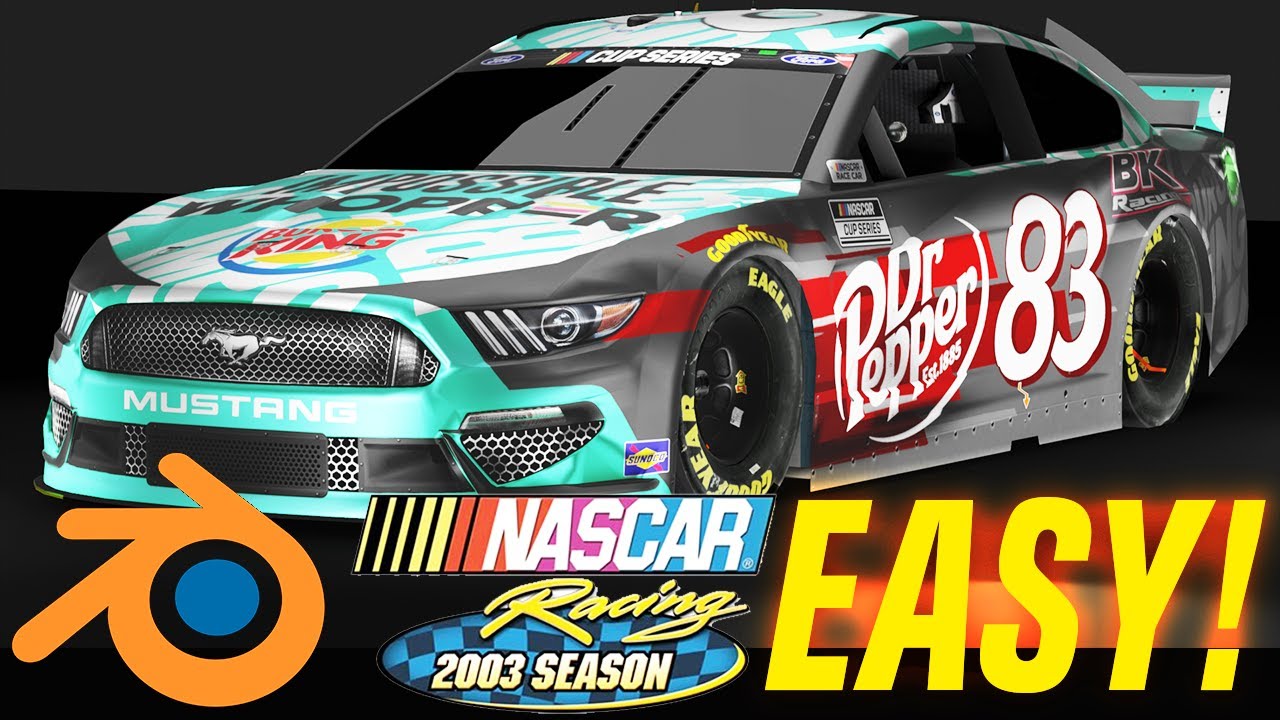
Tutorial: High Quality NR2003 Renders! (Blender)
Автор: George Austria
Загружено: 2020-07-08
Просмотров: 11866
Описание:
This is a tutorial showing you the basics of how to render your paint schemes. The video's a little lengthy, but only because I go over many different scenarios. Once you learn all the steps it's quite fast.
Basic steps: Convert the carviewer 3d model to .obj files if not already provided. Make sure the .obj is in the same folder as the rest of the carviewer assets. Import the .obj into blender. Enable backface culling for all the materials. Adjust the parameters for the shaders to your liking, add lights, and hit F12 to render. Save your image.
Не удается загрузить Youtube-плеер. Проверьте блокировку Youtube в вашей сети.
Повторяем попытку...
Повторяем попытку...
Доступные форматы для скачивания:
Скачать видео
-
Информация по загрузке:




![Basic Car Animation in Blender [Quick & Easy!]](https://image.4k-video.ru/id-video/0KFIs5qip-g)