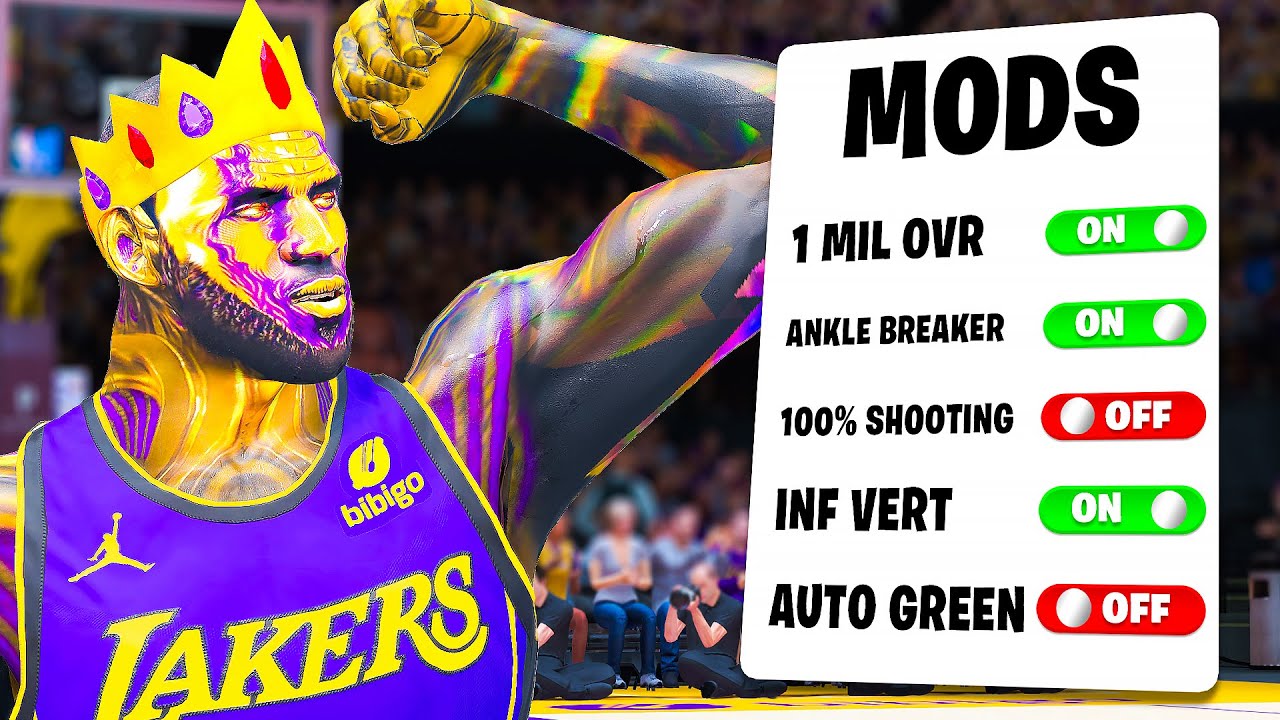
HOW TO APPLY MODS ON YOUR NBA 2K23 STEAMDECK
Автор: Chizs Gaming
Загружено: 2023-10-10
Просмотров: 770
Описание:
Here's a simple way on how to start modding your NBA 2K23 on your Steamdeck.
Install Mod folders/files
Change interface from 2K23 to 2K24
Add Mods (Cyberface)
Download from this site instead to fix team selection for Kobe Theme:
(Download, extract then copy to your NBA2K23 folder)
https://www.mediafire.com/file/h1flmb...
UPDATE FOR MODS TO WORK!
THIS IS A MUST!
Download Protontricks from Discover
Open Protontricks (close/ignore - Select the app NBA 2K23 - Select the default wine prefix - run winecfg)
GO TO LIBRARIES. On New override for library, type in "dinput8" or
Click the dropdown and select dinput8. Click Add. Then Apply and OK.
Click cancel on the popups then try to open the game. Mods should work now.
IF YOU CAN'T SEE YOUR GAME ON YOUR PROTONTRICKS:
(Probably your game is saved on your SD Card)
Download Flatseal from Discover
Look for Protontricks
Scroll down till you see Filesystem
Go to other files then click the folder with a plus icon
A tab will appear, enter: "/run/media/mmcblk0p1"
Reopen Protontricks then read THIS IS A MUST!
Join my Discord Server for more assistance!
/ discord
Comment down below for questions and I'll try to assist you!
Happy gaming!
Повторяем попытку...

Доступные форматы для скачивания:
Скачать видео
-
Информация по загрузке: