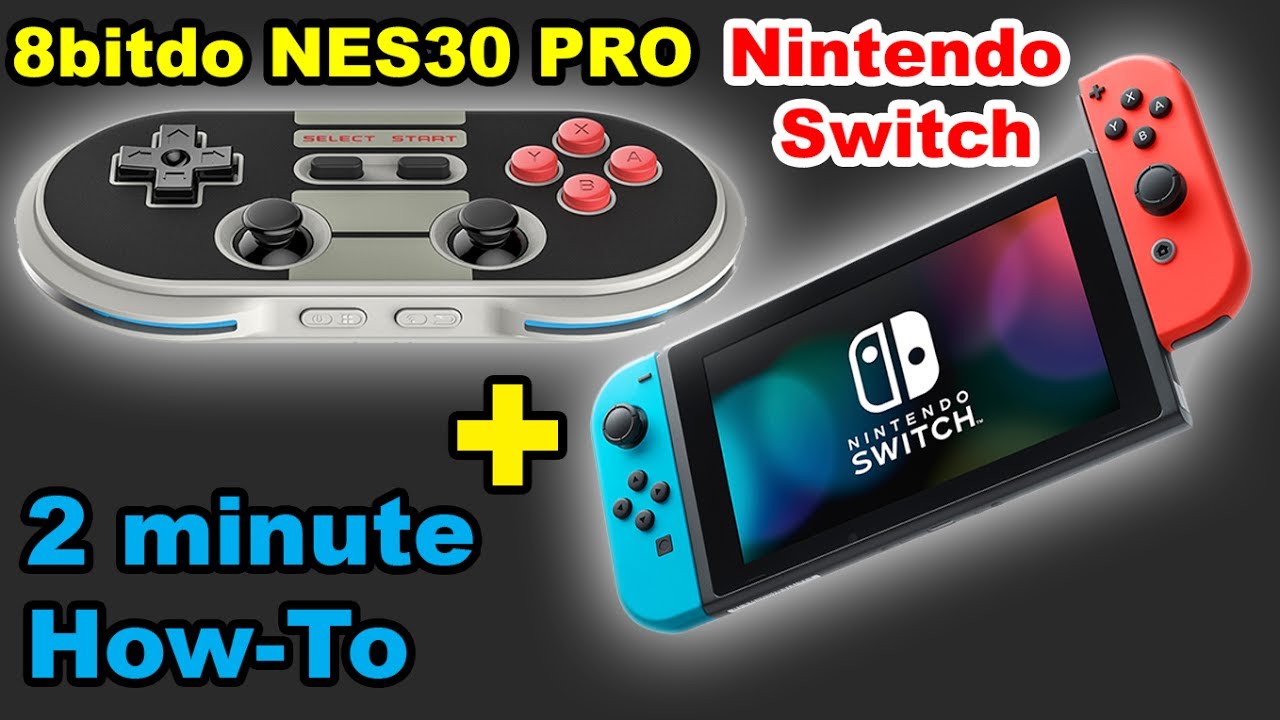
✅ 8bitdo NES30 Pro / FC30 Pro Nintendo Switch Pair
Автор: kenVersus
Загружено: 2017-06-06
Просмотров: 50336
Описание:
This 2 minute how to guide will run though the steps to pair your 8bitdo FC30 Pro / NES30 Pro controllers with your Nintendo Switch.
8bitdo FC30 Pro
http://www.gearbest.com/video-game/pp...
http://bit.ly/bgfc30pro
8bitdo NES30 Pro
http://www.gearbest.com/video-game/pp...
8bitdo SNES30
http://www.gearbest.com/video-game/pp...
http://bit.ly/bgsnes30
8bitdo SFC30
http://www.gearbest.com/video-game/pp...
http://bit.ly/bgsfc30
8bitdo NES30
http://bit.ly/bgnes30
http://www.gearbest.com/video-game/pp...
8bitdo FC30
http://www.gearbest.com/video-game/pp...
http://bit.ly/bg8bitdofc30
==FIRMWARE UPDATE INSTRUCTIONS FOR WINDOWS AND MAC==
1. Download the firmware files first from support.8bitdo.com
2. Unzip the file, open it and run [8Bitdo_Update.exe] or [8Bitdo_Update.app]
3. Press and hold POWER + PAIR to put the gamepad upgrading mode, yellow lights will flash on your controller if you have successfully entered [Firmware Upgrade Mode]
4. Plug the Micro USB cable into your 8Bitdo Controller then connect it to your PC or Mac
5. Click [USB Upgrade] in the [8Bitdo_Update] app, search for [NES30pro+FC30pro_Firmware_V4.00.dat] in the pop-up window and run it
6. Un-plug your 8Bitdo Controller when the update process is done, then restart it before using.
Повторяем попытку...
Доступные форматы для скачивания:
Скачать видео
-
Информация по загрузке: