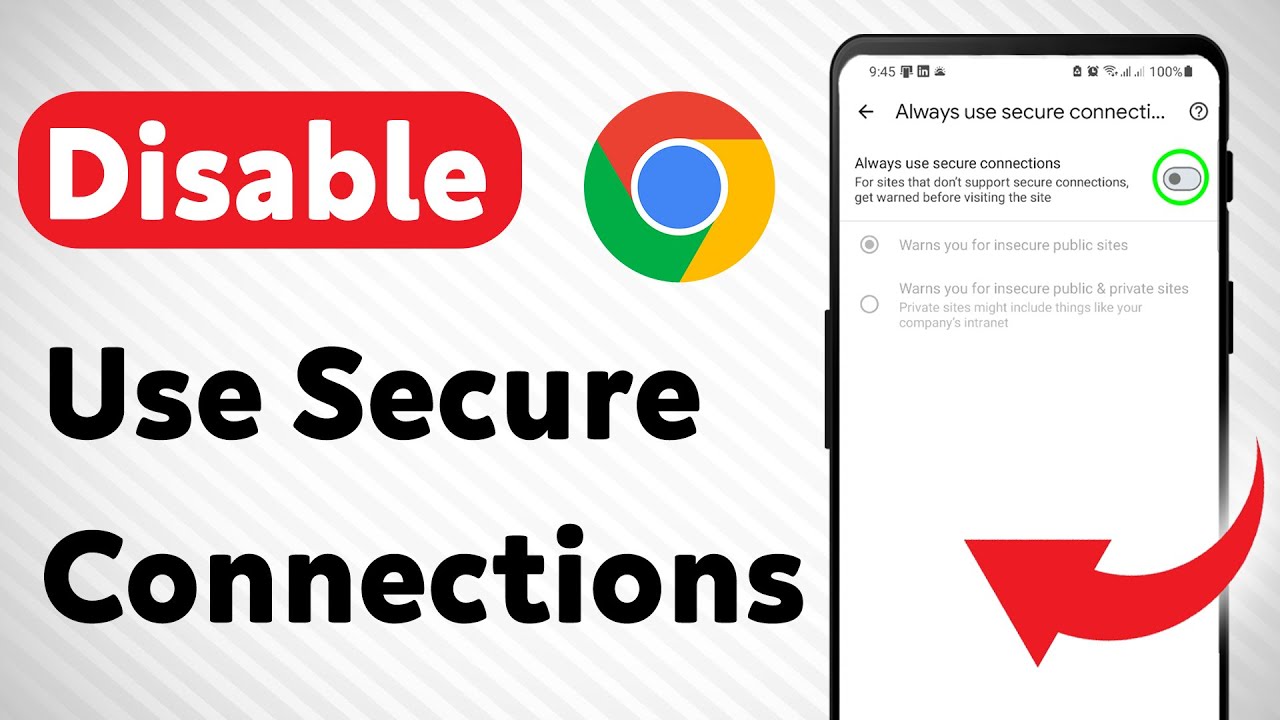
How to Disable Use Secure Connections in Chrome (Updated)
Автор: Smart Fixer
Загружено: 2025-05-19
Просмотров: 382
Описание:
Learn how to disable "Always Use Secure Connections" in Chrome with this updated step-by-step guide. Turning off secure connections can help you access sites that don't support HTTPS or troubleshoot browsing issues.
Follow these steps to disable the feature in Chrome:
1. Open the Chrome app and tap the three dots (⋮), then select Settings.
2. Scroll down and tap Privacy and security.
3. Scroll down and toggle off Always use secure connections.-
===================
Chapters:
--------------
00:00 Intro
00:12 Soultion
01:05 Outro
===================
For advertiser contact us via email : [email protected]
Повторяем попытку...
Доступные форматы для скачивания:
Скачать видео
-
Информация по загрузке:






![„Beztroska” – kazanie pasyjne [1/6] – ks. prof. Krzysztof Pawlina. Wielki Post 2026](https://imager.clipsaver.ru/MUOWimPVOd0/max.jpg)