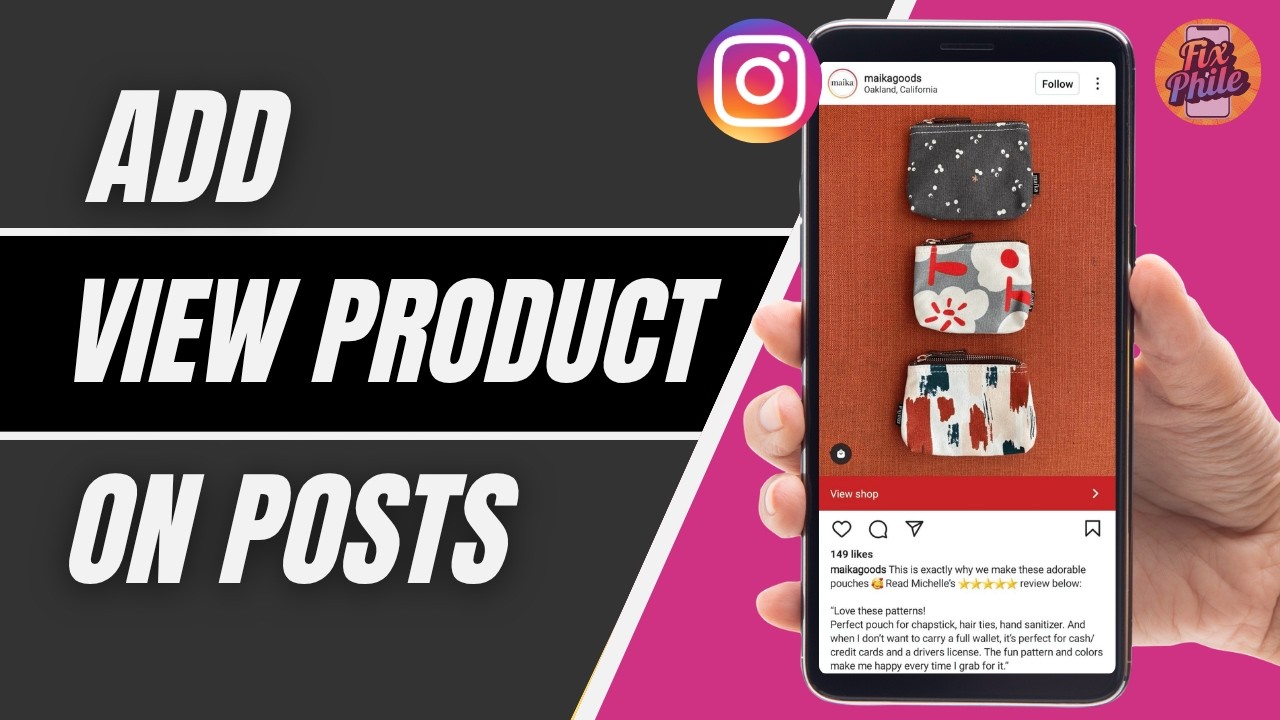
How To Add “View Product” on Instagram Posts (2026)
Автор: Fixphile
Загружено: 2026-04-12
Просмотров: 159
Описание:
How To Add “View Product” on Instagram Posts (2026)
Want to turn your Instagram posts into shoppable content with a “View Product” option? Follow this simple guide.
Timestamps:
0:00 – Introduction
0:10 – Enable Instagram Shopping & Add Product Tag
Step-by-Step Guide:
Open the Instagram app on your mobile device.
Log in to your account.
Make sure your account is set to a Professional (Business or Creator) account.
Go to your profile and tap the three-line menu (☰).
Tap Settings & Privacy.
Select Business tools & controls (or Creator tools).
Tap Shopping and set up your Instagram Shop if not already enabled.
Once approved, go back and create a new post.
Upload your photo or video.
On the caption screen, tap Tag Products.
Select the product from your catalog.
Share the post.
That’s it! Your post will now show a “View Product” button that lets users explore and shop directly.
Note: Instagram Shopping must be approved and available in your region to use this feature.
If this guide helped, don’t forget to like the video and subscribe for more Instagram tips and tricks!
Повторяем попытку...
Доступные форматы для скачивания:
Скачать видео
-
Информация по загрузке: