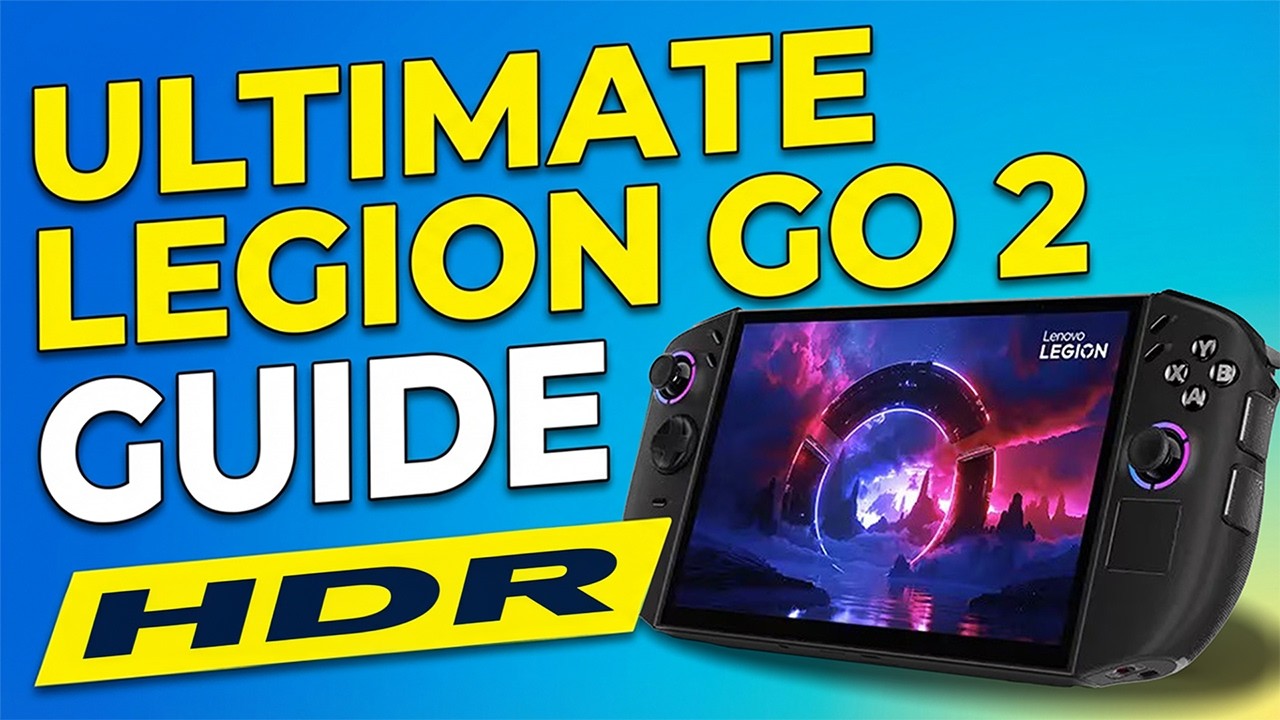
How to Calibrate your Legion Go 2 HDR Screen
Автор: DarkDragonAn Gaming
Загружено: 2026-02-16
Просмотров: 180
Описание:
Want your Legion Go 2 to look its best? In this video, I walk you through calibrating HDR on the Legion Go 2 so games and videos pop with accurate colors and the right brightness—without overblown highlights or crushed shadows.
What I cover:
Quick HDR basics for the Legion Go 2
Step-by-step calibration: brightness, contrast, color temperature, and HDR tone mapping
Using built-in settings vs external test patterns and tools
How to save profiles and revert if something looks off
How to Create or Map a shortcut for the HDR ON and OFF
Quick tips: Calibrate in a dim room, give your eyes 10–15 minutes to adjust, and keep screenshots before/after for comparison. If you’re unsure, back up settings or take notes so you can undo changes.
Don’t forget to like and subscribe for more Legion Go 2 tweaks.
Additionally, subscribe to my YouTube channel to stay updated on all my Twitch / Kick streams and shorts as I upload them, and please follow me on my other social media platforms listed below.
►Twitch - / darkdragonan
►Kick - https://www.kick.com/darkdragonan
►TikTok - / darkdragonan
►Instagram - / darkdragonan
►Twitter - https://x.com/DarkDragonAnGG
►Facebook - / 61573273103724
Timecodes
0:00 – Intro
00:22 – Getting the Legion Go 2 ready for Calibration
03:18 – Calibrating HDR
04:48 – Final Tweaks on setting
06:14 – Adding an HDR ON and OFF Shortcut
08:00 – Outro
#legiongo2 #lenovo #tipsandtricks
Повторяем попытку...
Доступные форматы для скачивания:
Скачать видео
-
Информация по загрузке: