Putting your College ID on Your iPhone or Watch (and Android)!
Автор: Central Michigan University
Загружено: 2022-05-02
Просмотров: 17458
Описание:
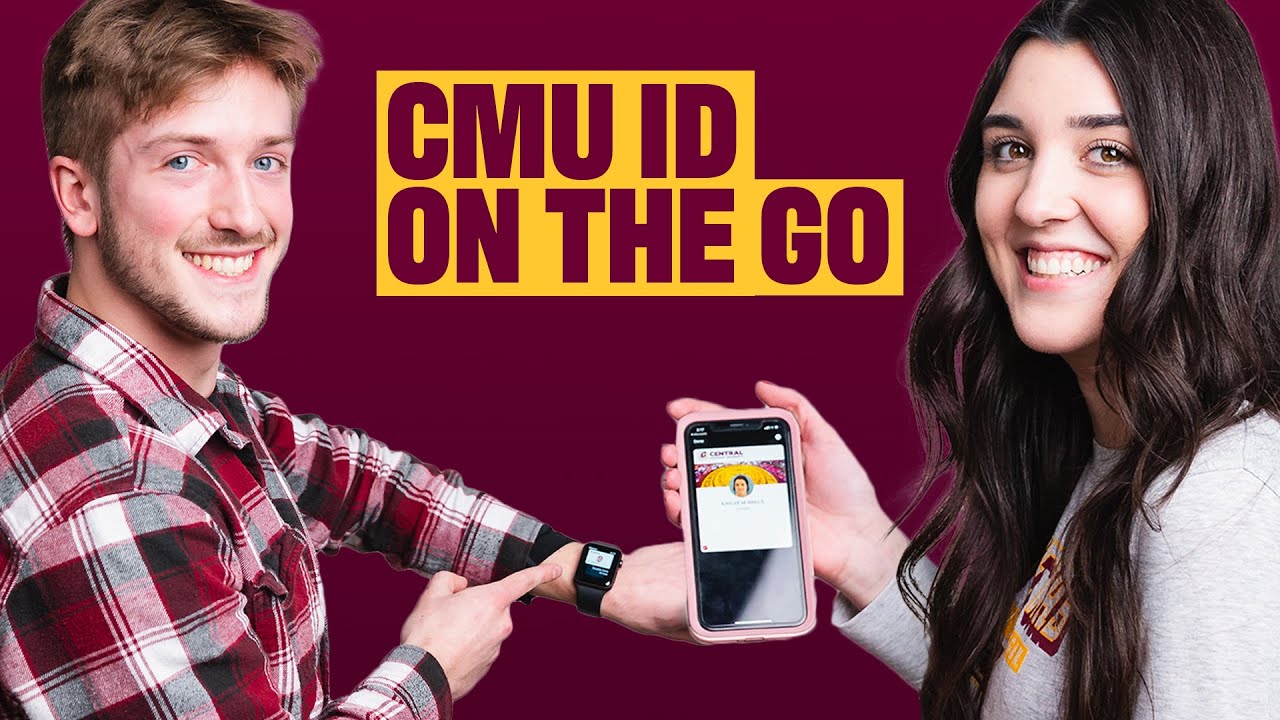
Using your Central ID just got easier because of CMU Mobile ID! By loading your Central ID into your Apple Wallet on your iPhone and/or Apple Watch, your Central ID will go where ever your phone goes.
Simply upload the new transact eEccounts app and login with your Central Global ID and password.
You can enter facilities and use of your meal plan at the Residential Restaurants or Flex Dollars at any of the on-campus retail locations.
Just scan and go! If your iphone is out of reach, don’t worry, your apple watch has you covered.
Should you choose to use the Central Mobile ID, your physical Central ID card will be permanently disabled.
For more information or system requirements, visit https://bit.ly/4kZucHZ
Apply https://bit.ly/3UF9fYf
Visit https://bit.ly/45cHY4i
Central Mobile ID https://bit.ly/3H82ScK
Central Card Office https://bit.ly/45g3oO5
Повторяем попытку...
Доступные форматы для скачивания:
Скачать видео
-
Информация по загрузке: