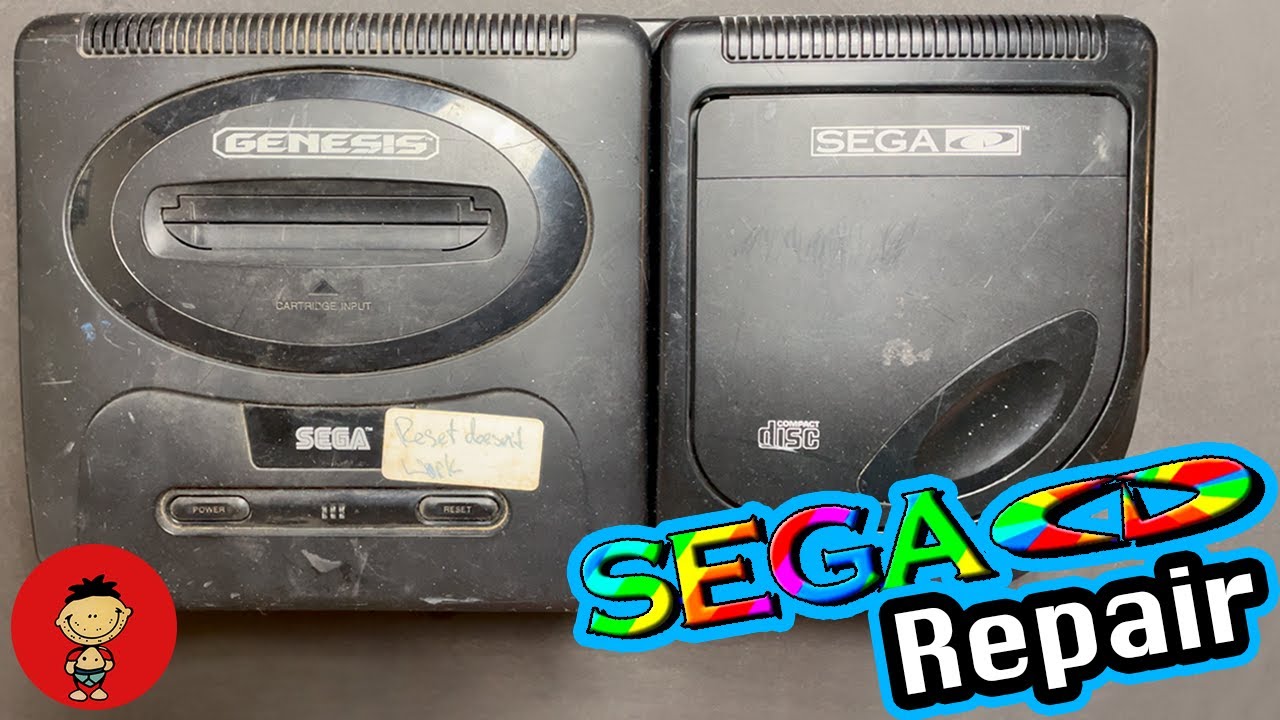
How to Format Sega CD Model 2 Memory – Fix Internal RAM Error on Sonic CD
Автор: The Old School Game Vault
Загружено: 2017-01-16
Просмотров: 14169
Описание:
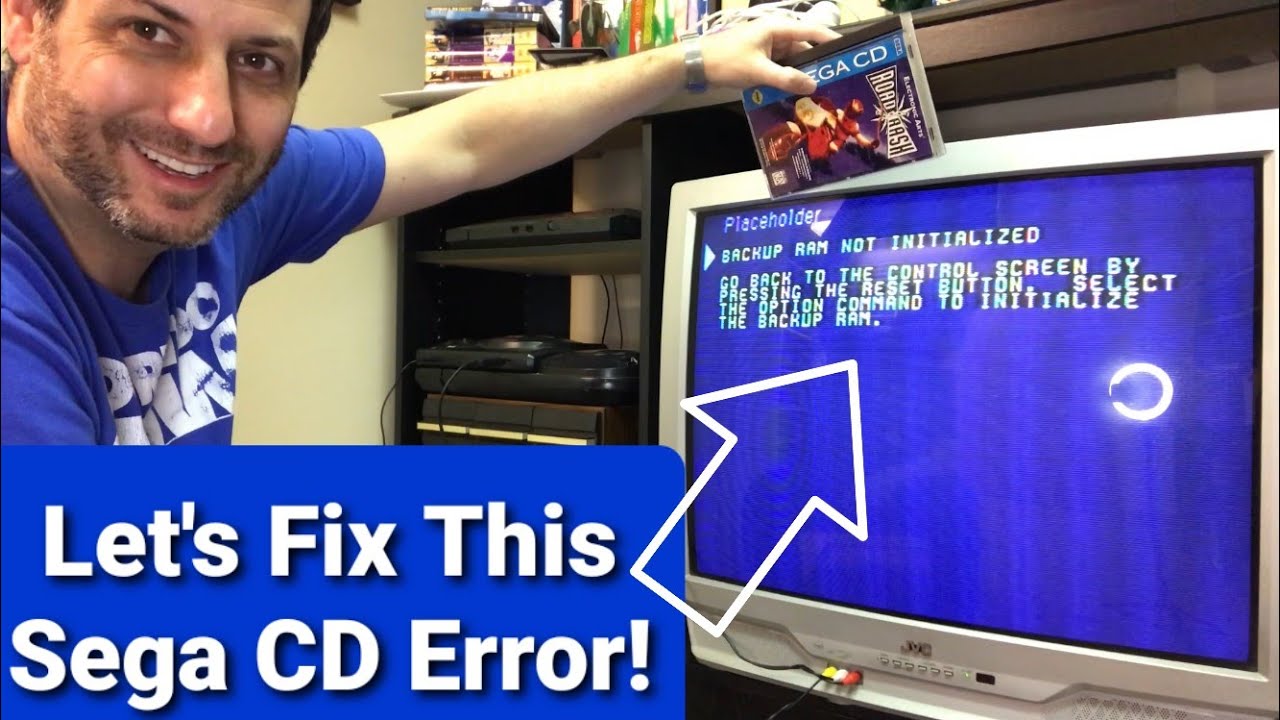
If your Sega CD Model 2 is showing a “Memory Full” or “RAM Error” message when trying to play Sonic CD or other Sega CD games — this quick tutorial will show you how to format the internal RAM step by step.
In this video, I’ll demonstrate exactly how to clear and reformat the Sega CD Model 2’s internal backup memory so you can save your games again without errors. You’ll see the proper button sequence, on-screen menu navigation, and tips for verifying that the system memory has been successfully reset.
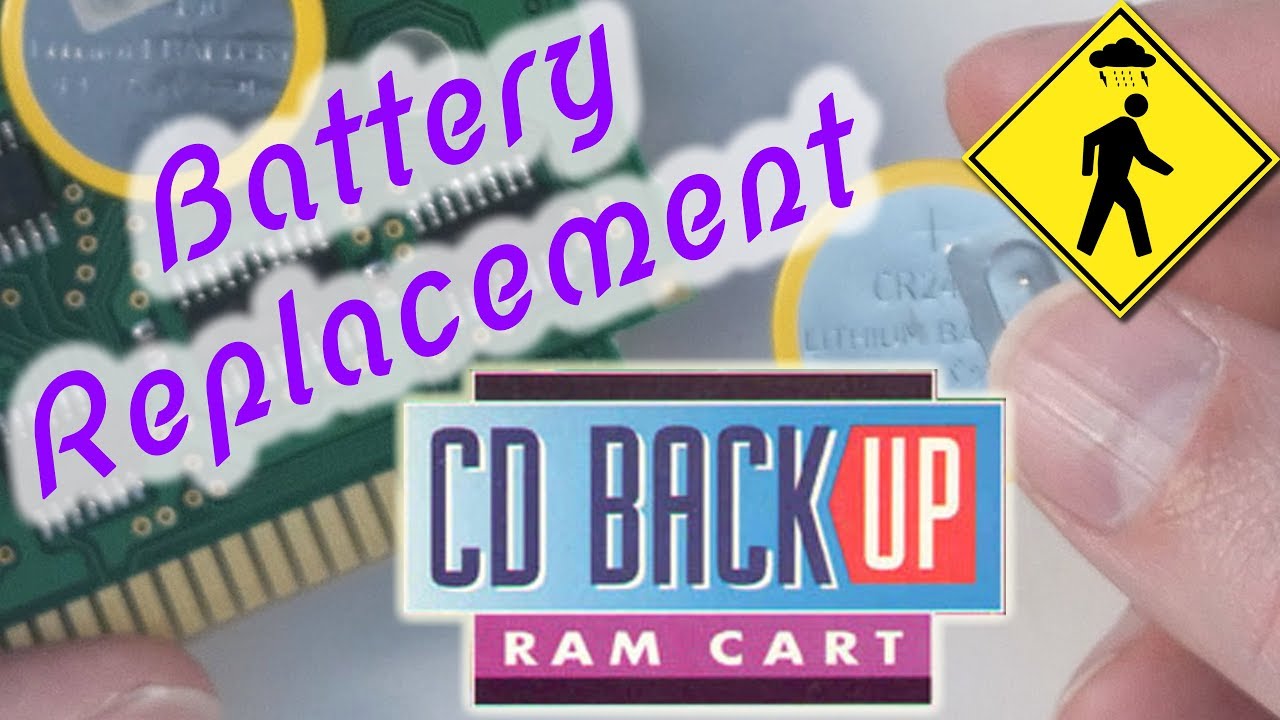
The Sega CD’s internal memory is prone to corruption after years of battery degradation or storage, so learning this simple fix can save you from unnecessary frustration — and possibly a replacement battery or RAM cart.
📺 RELATED Other Awesome How to Style Video's
How to Replace Game Boy Save Battery - • How to Replace Pokémon Game Boy Battery – ...
Fix Lines on Virtual Boy Console - • How to Fix / Repair Nintendo Virtual Boy C...
How to Format Sega CD Model 2 - • How to Format Sega CD Model 2 Memory – Fix...
How to Reflow PS2 with Yellow Light of Death - • Fix PS3 Yellow Light of Death (YLOD) - Com...
Nintendo NES 72-Pin Connector Replacement - • Nintendo NES 72-Pin Connector Replacement ...
📦 Buy & Sell Retro Games:
Visit The Old School Game Vault — trusted since 2007 for buying and selling retro video games and consoles.
👉 https://theoldschoolgamevault.com
📲 Connect with Us & Read the full How to Guide Here: https://theoldschoolgamevault.com/blo...
#TheOldSchoolGameVault #SegaCD #RetroGaming #SonicCD #SegaCDModel2 #SegaRepair #GameVault
Повторяем попытку...

Доступные форматы для скачивания:
Скачать видео
-
Информация по загрузке:


![Sonic CD LOST BITS | Unused Content, Prototypes & Debug Mode [TetraBitGaming]](https://imager.clipsaver.ru/oCSYYt_5Hdw/max.jpg)






![Эффект Джанибекова [Veritasium]](https://imager.clipsaver.ru/N9HlQ-XVnFk/max.jpg)