Woodpeckr / Woodpecker by Woodman’s / Wims Studio // Powerful Midi Sequencer App / Plugin
Автор: Gavinski’s Tutorials
Загружено: 2025-10-30
Просмотров: 2549
Описание:
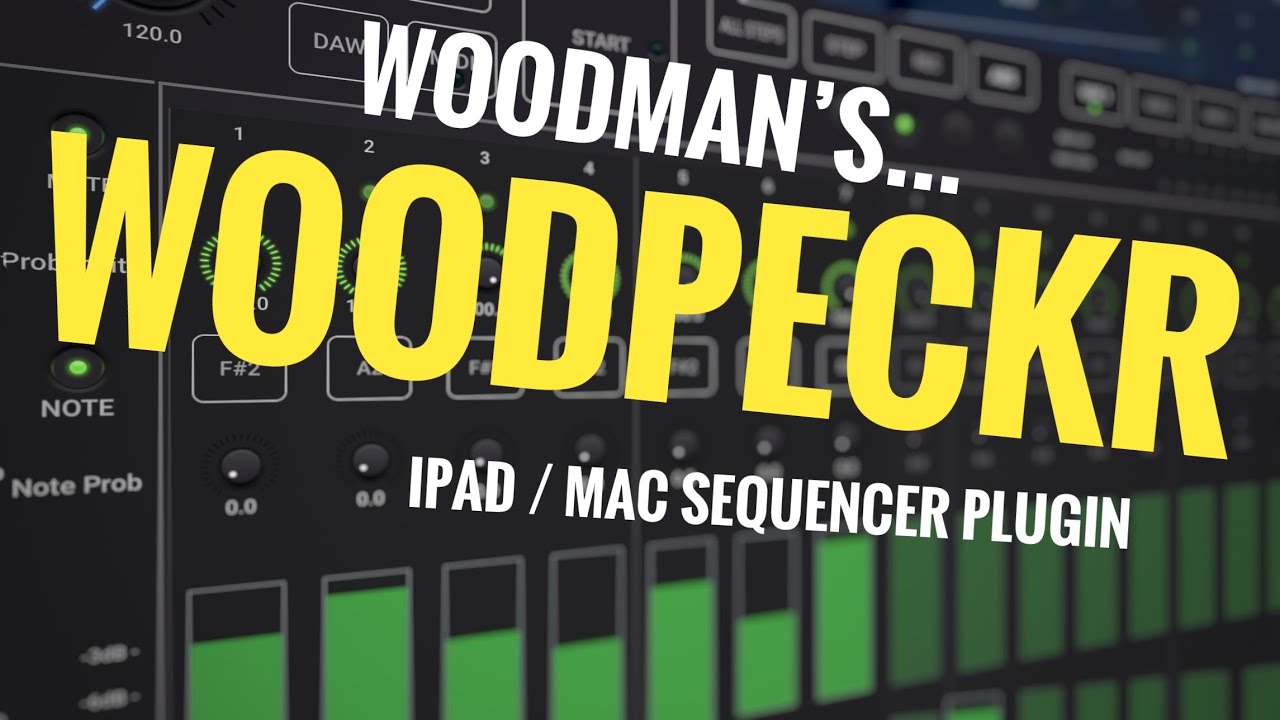
This is my walkthrough and review of Woodpecker sequencer by Wim’s Studio / Woodman’s Immaculate…for Mac and iPad. Note that this is spelled Woodpeckr on the iOS AppStore, it's spelled Woodpeckrr on the Mac Store, in the app itself it's spelled Woodpecker.
Woodpeckr is an incredibly powerful midi sequencer, with up to 4 sequencers running simultaneously and 4 variation sequences for each sequence, with v2 midi features. This video explains the most important controls in detail and will be a good way for you to see whether Woodpecker will likely fit your workflow and skill level when it comes to sequencers. It has some features I haven’t seen much in other midi sequencers I’ve used. But it also requires a workflow that might not fit everyone. More info from the Appstore blurb can be read below. Enjoy the video, I hope you find it useful! Gav
Note, this is priced at 30% off for 2 weeks after launch.
🟡 Woodpeckr for iPad:
https://apps.apple.com/app/woodpeckr/...
🟣 Woodpeckr for Mac:
https://apps.apple.com/us/app/woodpec...
🟧 Gavinski’s Patreon:
/ gavinski
WoodPecker is a midi V2 and V1 sequencer with 4 independent layers (sequencers).
Each sequencer has up to 64 steps and 4 variations (resulting in max 256 steps).
The app can be used stand-alone (device midi input and output) or as a plugin in a DAW.
Plugin type : AUv3 and stand-alone app.
Each sequencer can set its own midi channel and hence 4 different instruments can be addressed simultaneously.
Each sequencer can set its own number of steps and step duration.
Each sequencer has 4 Variations (which can have different values for all step params).
Variations can be selected manually or from any step.
Sequencers can be started manually, by DAW transport, by Midi RT Play, by keyboard note input and when inserted as audio effect by audio input triggering.
BPM can be set manually, by tapping, by the DAW or by the Midi RT clock. WoodPecker can also send the Midi Clock and Midi RT play start/stop messages.
Midi V2 mode sends UMP messages given higher precision.
Resync mode restarts at step 1 after a number of bars (compensate for the random or odd timings).
Midi can be sent to the DAW and/or directly to the OS (allowing a plugin to address external instruments).
Stand-alone app support Midi over BlueTooth.
Each Step has :
"On" or "Skip" probability.
Velocity value.
Random note probability.
Random note range which can be limited to a scale.
Ratcheting (repetition of same note in the step). 9 ratcheting patterns (triplet, 4-sixteenths, 2-eights, etc).
Ratcheting probability.
Delta step time setting (different duration...)
Can send 4 Midi (CC, PC, Pressure, Pitch, V2 RPN, ...) or meta commands (start/stop other sequencer, set variation).
Presets can be stored in iCloud Drive (makes them available on all your devices).
Video Timestamps
00:00 Woodpeckr Woodpecker Midi sequencer intro, preset demos, and basic overview
08:25 Building up a basic sequence, main page sequencer controls
20:20 Sending modulation sequences
24:03 Main page top controls (except Skip, Mute, Rec and Step controls, covered later) and Settings controls
33:20 Advanced Settings
38:50 More about Step Time Delta and Keep Step Time setting
39:55 Ramdomizing within scales and some thoughts about limitations of scale quantise in this app
42:36 Skip and Mute
43:27 My Woodpeckr Woodpecker review, what I like, what I'd like to see added, All Steps button
47:44 Step button to progress sequence manually
49:29 Record notes in from a keyboard, why I'd like grid entry
Повторяем попытку...
Доступные форматы для скачивания:
Скачать видео
-
Информация по загрузке: