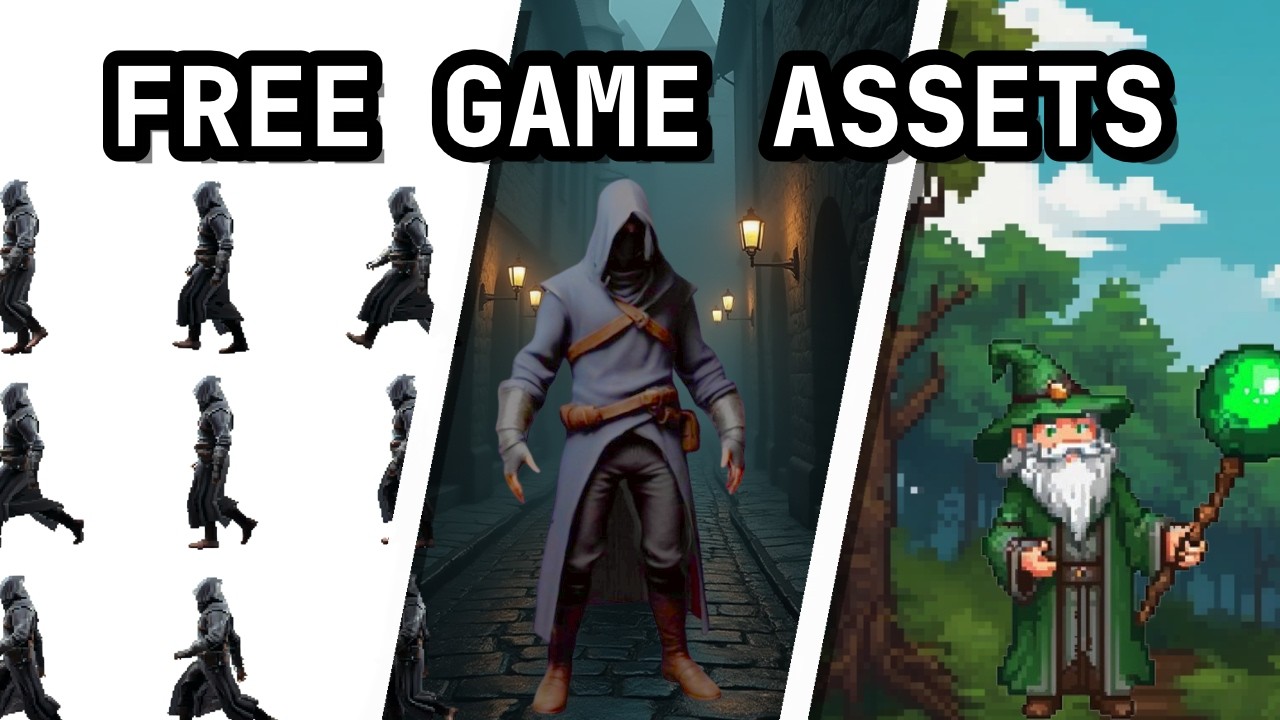
Guide on how to generate pixel sprites for DFU with AI
Автор: The Azano Clan
Загружено: 2025-01-18
Просмотров: 270
Описание:
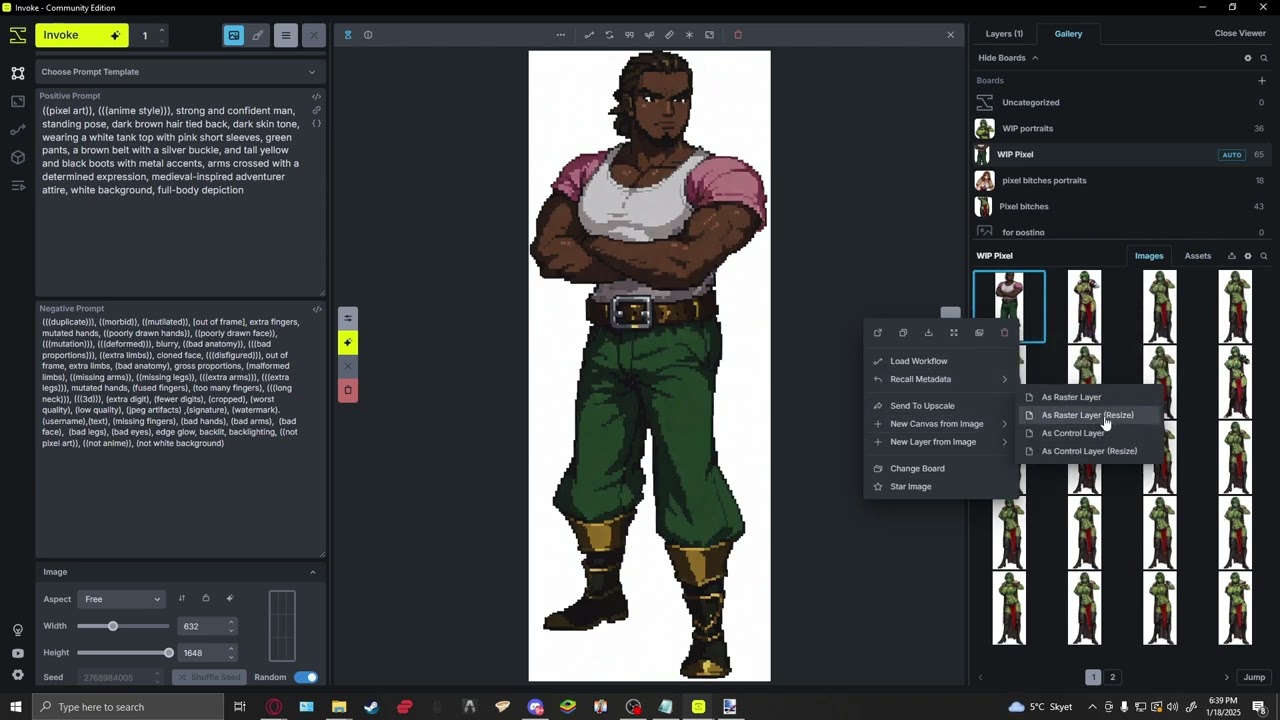
This is a guide that will show you how we generate pixelated anime sprites for our mod for Daggefall Unity.
Resources:
Invoke - https://www.invoke.com/downloads
paint.net - https://www.getpaint.net
Aiease - https://www.aiease.ai/app/remove-bg
pixnite - https://civitai.com/models/634143/pixnite-xl
ChatGPT - https://chatgpt.com
Alias - https://forums.getpaint.net/topic/9959-ali...
the alias should be put in - paint.net/effects/alias
DIY prompt basics:
For sprite generation:
(((pixel art))), (((anime style))), medieval-inspired design, white background, full-body depiction
For portrait generation:
((pixel art)), (((anime style))), close-up portrait of -------, medieval-inspired design, white background, (((looking at viewer)))
chatGPT instructions:
Daggerfall Conversion Project Documentation
#### Purpose:
This project aims to convert and enhance sprites and other visual assets from Daggerfall Unity into anime-style pixel art, following specific instructions and stylistic preferences.
---
Guidelines and Preferences
#### General Instructions:
1. **Anime Style Emphasis**: All sprites must prioritize an anime aesthetic.
2. **Pixel Art**: Ensure the final output adheres to pixel art standards.
3. **White Background**: All sprites must have a completely white, undetailed background.
4. **Character Details**: Prompts for characters must include:
Social/economic status (e.g., noble, peasant, merchant).
Clothing style and colors.
Physical traits: skin tone, hair color, eye color, proportions, etc.
Accessories, expressions, and pose details.
5. **Portraits**: Cropped character images should be identified as portraits with an explicit emphasis on the character “looking at the viewer.” Non-portraits should describe full-body poses or actions.
#### Prompt Structure:
Use *tags* in parentheses for key details, focusing on concise and descriptive phrases.
Avoid overly long sentences; emphasize keywords.
Ensure prompts reflect consistency with examples provided earlier in this project.
Incorporate “medieval clothing” and “anime style” into all prompts.
---
Workflow
#### Prompt Creation:
1. Analyze the provided reference image or filename.
2. Generate a detailed prompt adhering to the guidelines above.
3. Ensure descriptions cover all essential visual and contextual details.
#### Examples of Prompts:
1. **Cropped Portrait of a Boy Holding a Helmet**:
```
((pixel art)), (((anime style))), young boy, holding a metal helmet, blonde hair, blue eyes, calm expression, medieval clothing, teal tunic, black undershirt, brown leather belt, neutral white background, (((looking at viewer)))
```
2. **Full-Body Elf Holding a Staff**:
```
(((pixel art))), (((anime style))), (((elf))), girl, holding a staff, kind expression, long white hair tied back, pointed ears, elf ears, draping black and grey robes, golden trim, dignified, fantasy style, medieval clothing, white background, (((looking at viewer)))
Повторяем попытку...
Доступные форматы для скачивания:
Скачать видео
-
Информация по загрузке: