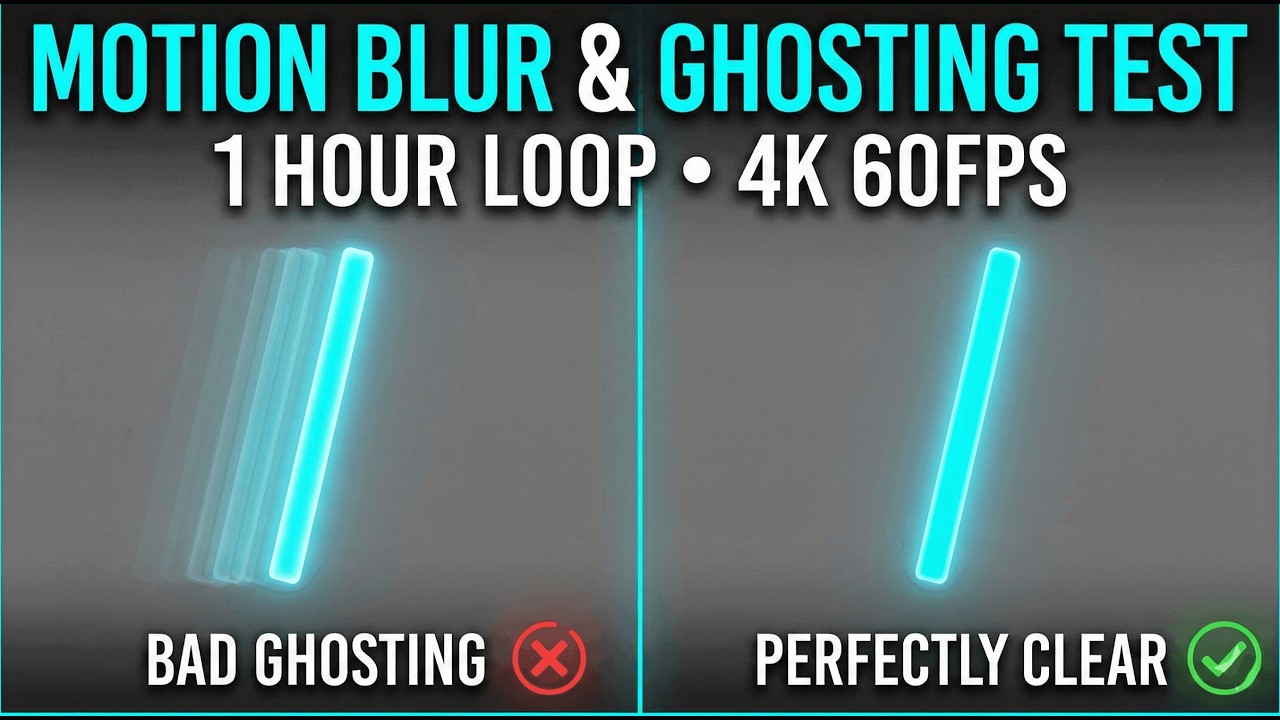
Motion Blur & Ghosting Test 🛸 (1 Hour) | Is Your Monitor Too Slow? | 4K 60FPS
Автор: ScreenFix Lab
Загружено: 2026-02-03
Просмотров: 3
Описание:
This 1-hour Motion Blur & Ghosting Test helps you check your monitor’s pixel response time, overdrive settings, and motion clarity.
If moving objects leave a trail, shadow, or blur behind them, your screen may suffer from ghosting or slow pixel response.
🛸 WHAT IS GHOSTING?
Ghosting happens when pixels can’t change colors fast enough. Fast-moving objects leave a visible “ghost trail” behind them — especially on VA and budget IPS panels.
🎮 HOW TO USE THIS TEST:
1. Set your monitor to its highest Refresh Rate (Hz).
2. Watch the moving GREEN BAR.
3. Open your monitor’s menu → Overdrive / Response Time.
4. Try Normal, Fast, or Extreme modes.
5. Choose the setting with the cleanest motion (no trail, no bright halo).
⚙️ TECH SPECS:
• Resolution: 4K UHD (3840x2160)
• Frame Rate: 60 FPS (Locked)
• Motion Object: High-contrast green bar
• Speed: 960 pixels per second
• Background: 50% neutral gray (standard GTG test)
Perfect for testing Gaming Monitors (IPS, VA, TN, OLED) and TVs.
#GhostingTest #MotionBlur #GamingMonitor #ResponseTime #ScreenTest #4K #ScreenFixLab
Повторяем попытку...
Доступные форматы для скачивания:
Скачать видео
-
Информация по загрузке: