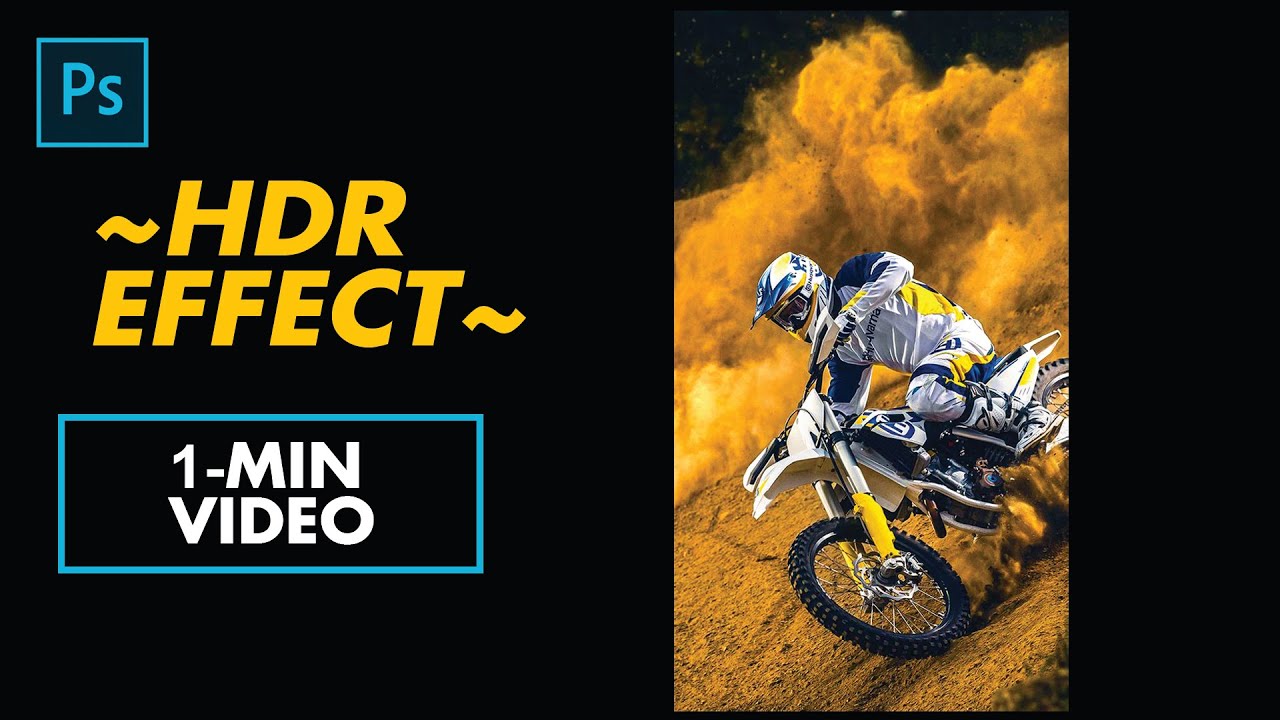
How to create HDR Effect in 1 minute ~ nept tutorial
Автор: Never Ends psd tutorials
Загружено: 2020-11-19
Просмотров: 531
Описание:
Hello everyone! here in this video I show you How to Create HDR Effect in 1 minute in Photoshop ~ nept tutorial
Download Adobe Photoshop :https://www.adobe.com/products/photos...
---
#HDREFFECT
Step 1 : Choose the image which you want to do
Step 2 : & Click Ctrl J
Step 3 : Click the "DUPLICATE IMAGE" and convert as smart object
Step 4 : Double click the "THUMBNAIL" of smart object & Hit ok
Step 5 : New canvas will open
Step 6 : Go to Image and Adjustments and Click HDR Toning and Hit ok
Step 7 : Click the preset and click saturated and Press Ok
Step 8 : Go to fill or adjustment layer and Click Curves as like dark
Step 9 : and Click Ctrl S
Step 10 : and Go to previous canvas Psd
Step 11 : Click mask as White and Click brush
Step 12 : Brush It were did you want
That's all
Повторяем попытку...
Доступные форматы для скачивания:
Скачать видео
-
Информация по загрузке:





![Введение в интерфейс Adobe After Effects. Эпизод 2/48 [Adobe After Effects для начинающих]](https://image.4k-video.ru/id-video/O6KRRQm6meY)
![GOSPODARKA WOJENNA ROSJI - CZY PUTIN JUŻ PRODUKUJE CZOŁGI ZAMIAST LODÓWEK [BOJKE]](https://image.4k-video.ru/id-video/g2t5npoRfBA)
