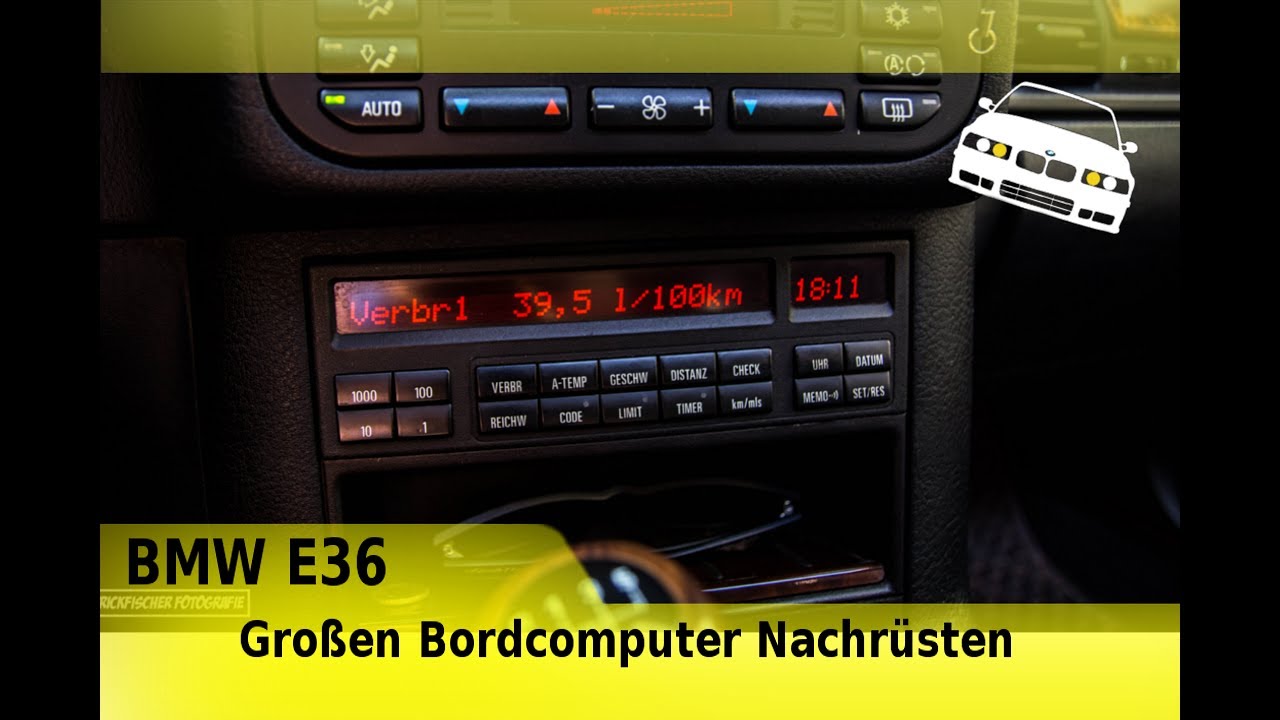
BMW E36 large on-board computer retrofitting
Автор: Fischers Garage
Загружено: 2017-07-23
Просмотров: 43627
Описание:
Short description:
ATTENTION.. IMPORTANT‼️ INFO
Read more here..👇🏻
----------------------------------------------------------------------------------------------------------
►Material: E36 on-board computer with wiring harness
►Tools: BGS http://amzn.to/2vNudGM
►Screwdriver http://amzn.to/2updOsS
►Unpin tool http://amzn.to/2vxR5uD
--------------------------------------------------------------------------------------------
► Facebook group: The PatricksBMWkanal Community
/ 1712295259093430
--------------------------------------------------------------------------------------------
►Music: Audio Library – No Copyright Music
[No Copyright Music] Rock Angel - Joakim Karud.
• Видео
-----------------------------------------------------------------------------------------
3. Wiring the BC
Disconnect the battery before starting!!
Overview of the terminals:
X1070 = black terminal for on-board computer = black terminal for small BC (already installed, except for analog clock)
X1071 = white terminal for on-board computer (= the one you retrofit with the above-mentioned parts!)
X17 = large blue terminal for instrument cluster
X16 = large white terminal for instrument cluster
X32 = turn signal lever connector (footwell)
Power supply:
First, the power supply:
1. Pin 18 of X1070 is connected to pin 8 of X1071. This is the
continuous voltage. Pin 18 of X1070 remains unconnected afterward!
2. Pin 17 of the X1070 is connected to pin 13 of the X1071. This is the ground. Pin 17 of the X1070 remains free afterward!
3. Pin 9 of the X1070 must be taken from pin 23 of the X16; simply tap it from the existing cable on the cluster.
So much for the power supply...
4. Pin 12 of the X1070 is the temperature sensor.
5. Pin 11 and pin 10 of the X1070 are the gong.
6. Pin 4 of the X1071 on pin 10 of the X32 is intended for the BC indicator lever.
7. Connect the cable from pin 21 of the X16 (take a tap from the cluster) and connect it to pin 6 of the X1071.
8. Pin 10 of the X17 (take a tap from the cluster) and connect it to pin 9 of the X1071.
Now connect the vehicle diagnostics:
9. Pin 7 X1071 is connected to pin 11 on connector X16 (behind the speedometer) and connected here.
10. Pin 5 X1071 is connected to pin 12 on connector X16 (behind the speedometer) and connected here.
The on-board computer should now be running!!!
Additional information about connecting the gong:
Since I was asked earlier, here is the connection for the gong.
Connector designations:
X518 4-pin connector on the gong
X522 3-pin connector on the gong
X1070 Black connector on the BC
X17 Blue connector on the instrument cluster
The two cables from the black connector of the BC X1070 are connected here.
Pin 11 white/rt X1070 Pin 2 X518
Pin 10 ws/bl X1070 Pin 3 x518
--------------------------------------------------------------------------------------------------------------
► FACEBOOK: / patricks-bmwkanal-
744157775677138/
► TWITTER: / patrickbmwkanal
► INSTERGRAM: / patricksbmwkanal
► SYNDIKAT:http://www.bmw-
syndikat.de/bmwsyndikatforum/pop_profile.asp?
mode=display&id=188285
► BMW Club Oberfranken
e.V. https://www.facebook.com/bmwcluboberf...
-----------------------------------------------------------------------------------------------------------
If you want to see more, you can subscribe now and stay up to date.
----------------------------------------------------------------------------------------------------------
Повторяем попытку...
Доступные форматы для скачивания:
Скачать видео
-
Информация по загрузке: