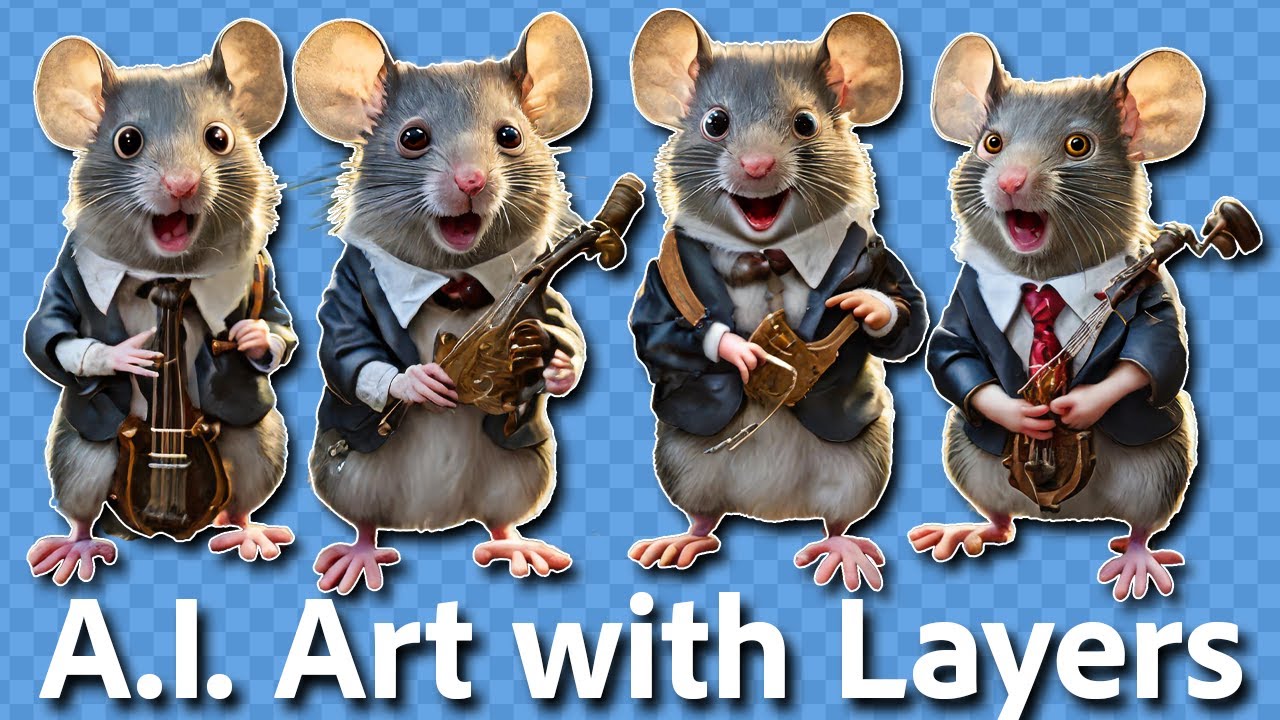
Separating AI Images onto Layers Using Photoshop!
Автор: dekeNow
Загружено: 2024-02-13
Просмотров: 9016
Описание:
Wouldn’t it be great if Firefly or Midjourney or some other A.I.-creation tool delivered layered artwork? So you could move things around? And edit elements independently? In Photoshop? Here’s how.
Check out my Photoshop One-on-One Fundamentals course at dekenow.com
Get 25% off and 5 free images from Dreamstime, my favorite place to get stock images: https://dreamstime.com/deke
Check out my Patreon: / dekenow
I'm on threads: https://www.threads.net/@dekenow
Check out my web site: https://deke.com
For my long-running courses at LinkedIn Learning: / deke-mcclelland
Follow me on TikTok: / dekenow
Sponsors and Affiliates: [email protected]
[CHAPTERS]
00:00 Working with Multiple Layers of A.I. Imagery
01:16 Selecting A.I. with the Object Selectin Tool
02:02 Masking for Greater Flexibility
03:32 Editing a Mask with the Smudge and Brush Tools
04:29 Removing Foreground Elements from the Background
06:00 Getting Rid of Newly Generated Objects
06:47 A Quick Plug for patreon.com/dekenow
07:12 Cleaning Up the Background with the Remove Tool
08:32 Adding Some Sky Color with Photo Filter
09:35 Moving Your Layered Objects
10:13 Using Generative Fill to Fix Details
12:48 Repairing Details with the Remove Tool
15:12 What Do You Think, Friends?
Повторяем попытку...
Доступные форматы для скачивания:
Скачать видео
-
Информация по загрузке: