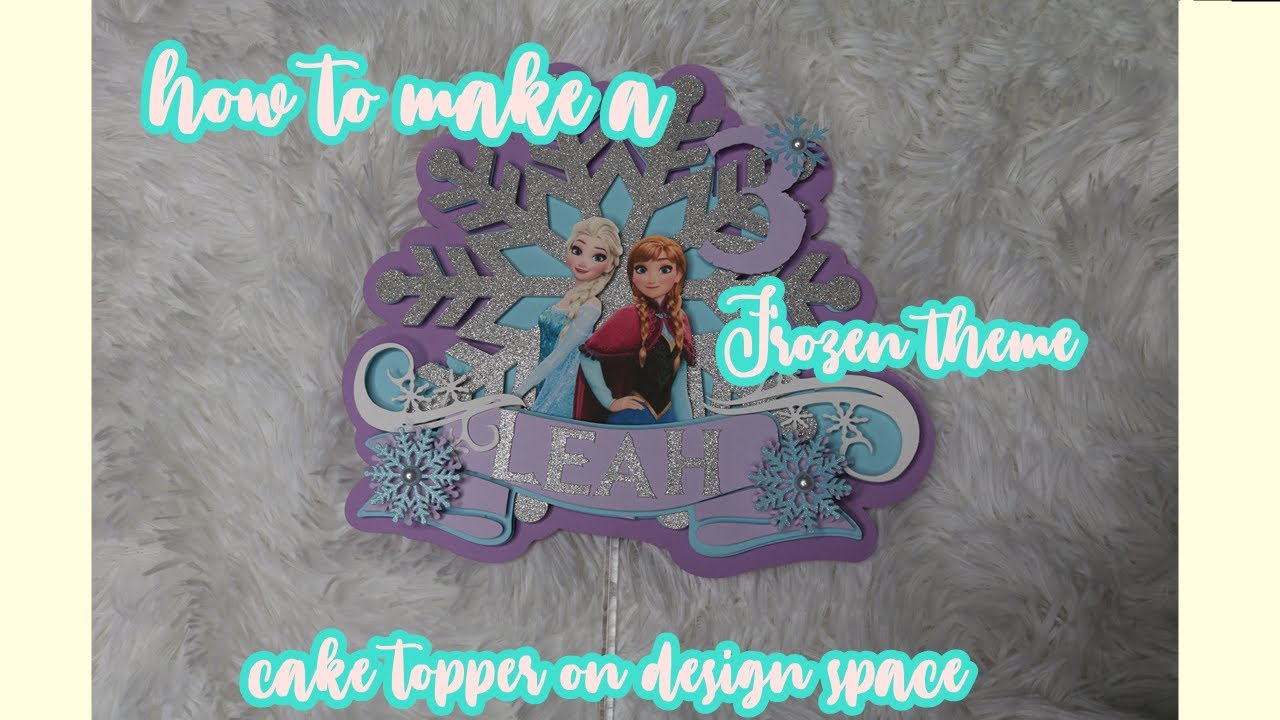
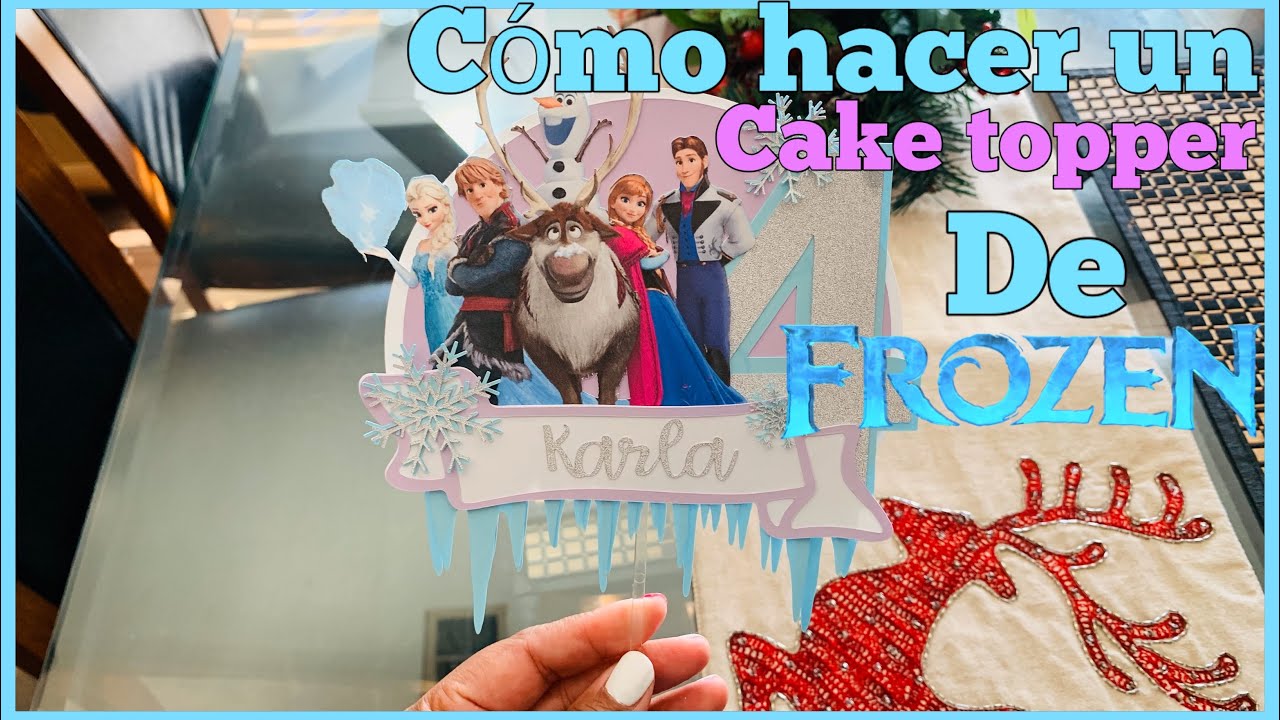
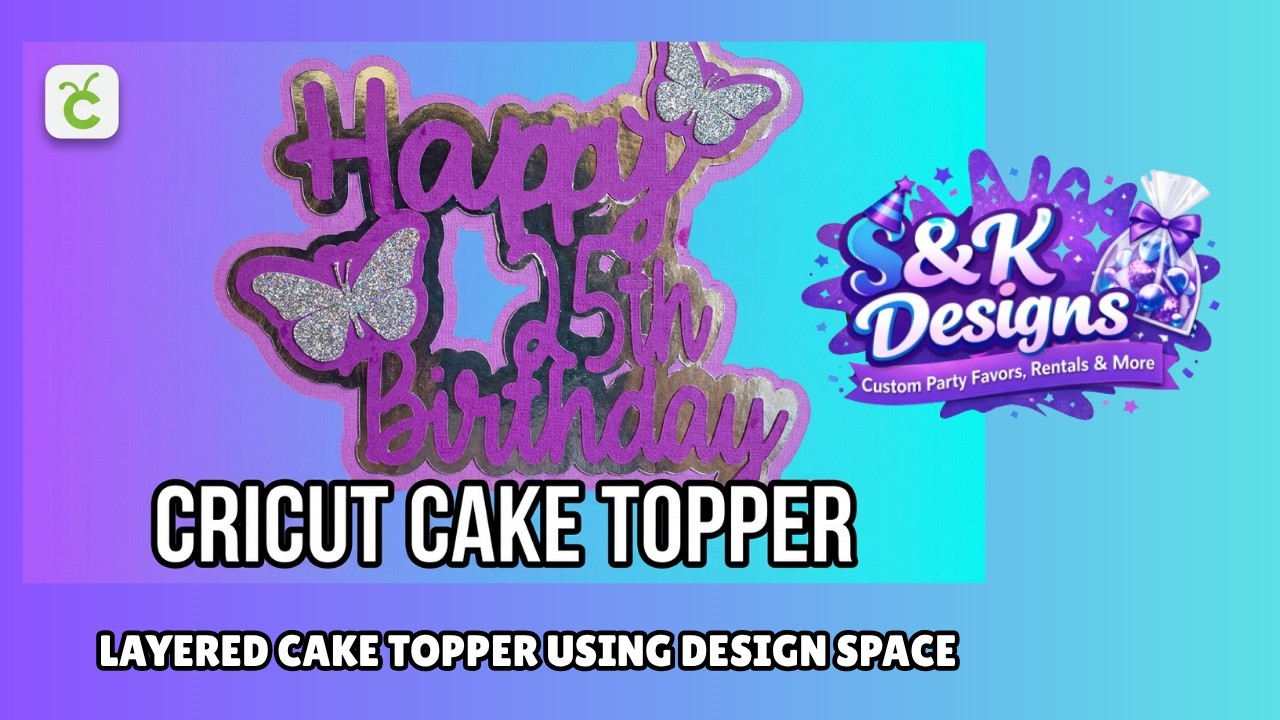
Creating a Shadow Box for Cake Topper on Cricut Design Space
Автор: Cricuttips
Загружено: 2020-02-06
Просмотров: 8283
Описание:
Creating a Shadow Box for Cake Topper on Cricut Design Space
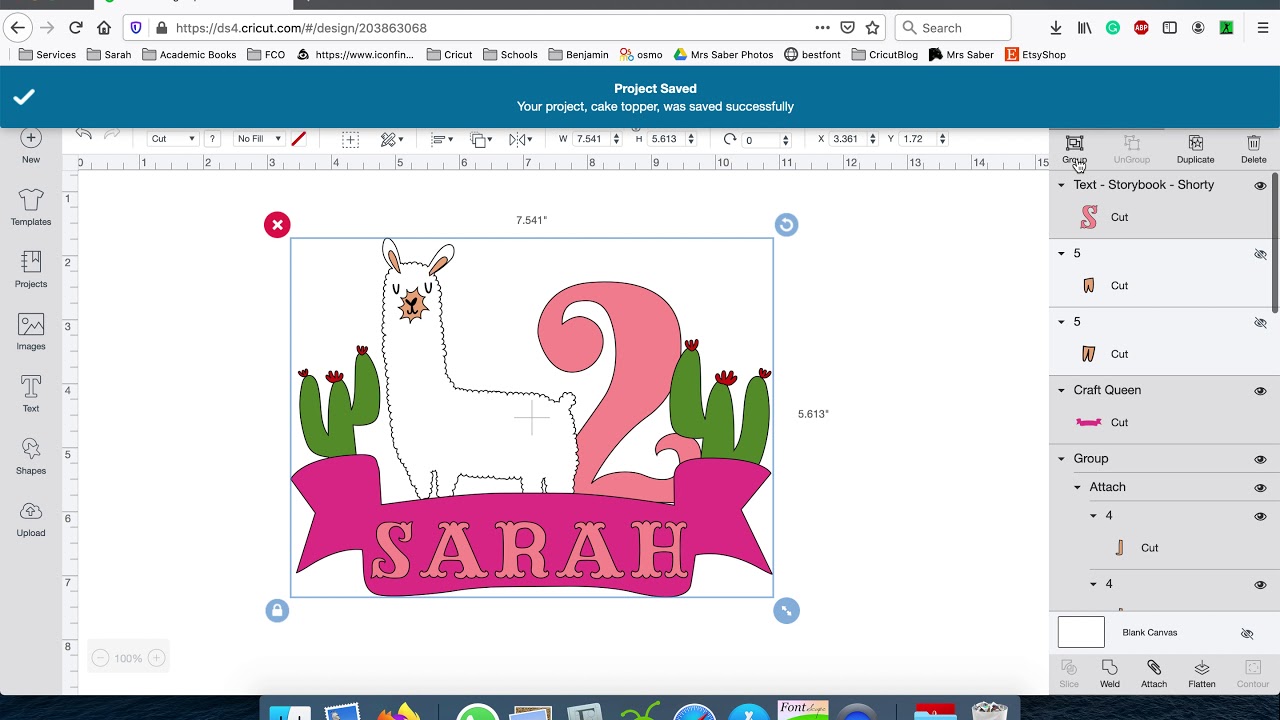
Follow the video on how to create a shadow box for a cake topper. To start you will need to be working on a blank canvas with no grids. Just click on the white square between the 0 (zeros) or look at this tip on how to: https://cricuttipsblog.com/tips/f/how...
Create your Cake Topper Image. Duplicate it and hide (with the eye) a copy.
Weld the copy. From now on it is a repeat process. Take a print screen or screenshot of the welded image. Uploaded to the canvas as a cut image. Repeat the screenshot and uploaded it as many times as needed.
This was the result of 5 screenshots or print screen.
Once you are happy with the size of the shadow box. Test to see how it would look.
Повторяем попытку...
Доступные форматы для скачивания:
Скачать видео
-
Информация по загрузке: