Ubuntu 24.04.02 | Install ComfyUI using Comfy CLI
Автор: littlehorse pc
Загружено: 2025-06-15
Просмотров: 850
Описание:
OS : Ubuntu 24.04.02
CPU : AMD Ryzen 3 3300X
RAM System : 48 GB
GPU : ASUA ProArt GeForce RTX™ 4060 Ti OC edition 16GB GDDR6
Install using Comfy CLI
Prerequisites:
Ubuntu: Ensure you have a relatively recent version of Ubuntu (e.g., 22.04 LTS or newer).
Python 3.9+: ComfyUI requires Python 3.9 or higher. You can check your version with python3 --version. If needed, install it:
Bash
sudo apt update
sudo apt install python3 python3-pip python3-venv
Git: You'll need Git to clone the ComfyUI repository. Install it if you don't have it:
Bash
sudo apt install git
sudo nvidia-smi (should show your GPU details)
1.mkdir ~/ComfyUI_install # Create a directory for ComfyUI
2.Install the python3.12-venv packag .This package provides the necessary modules for creating virtual environments with Python 3.12.
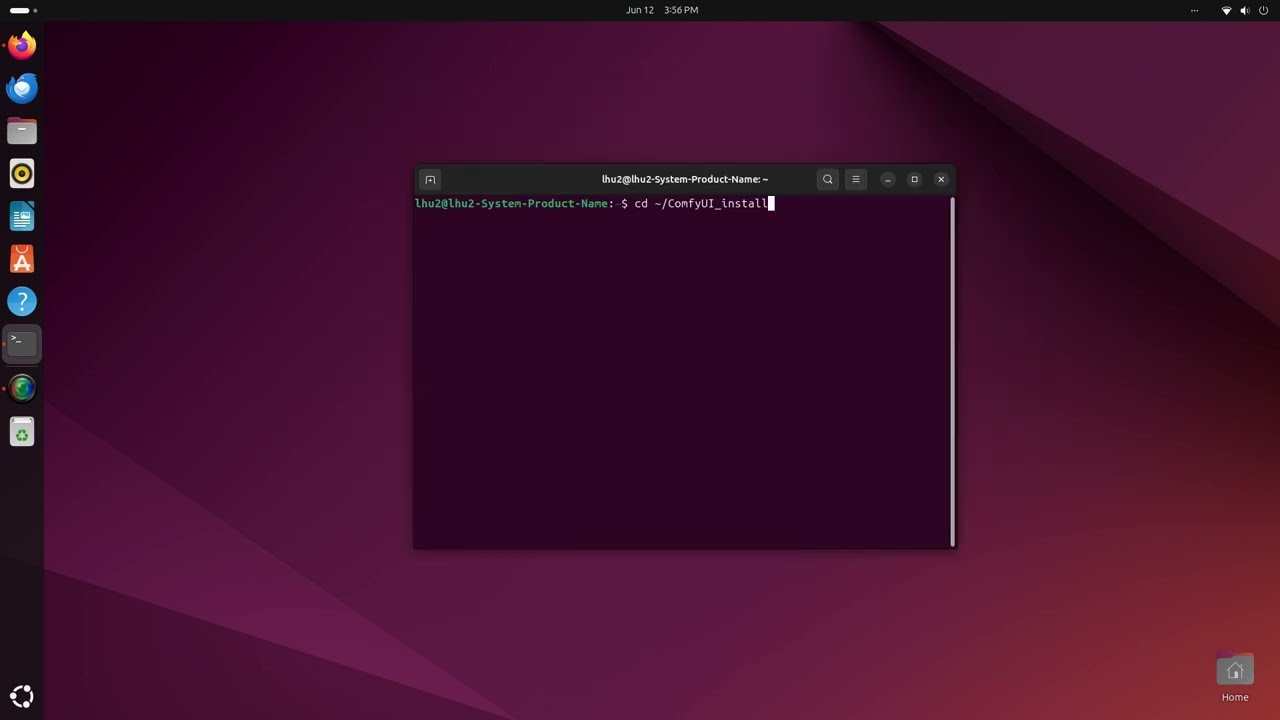
3.cd ~/ComfyUI_install
python3 -m venv venv
4.source venv/bin/activate
5.Install Comfy CLI
pip install comfy-cli
6.Install ComfyUI
comfy install
7. Install GPU Support (PyTorch)
pip install torch torchvision torchaudio --index-url https://download.pytorch.org/whl/cu124
(Replace 12.4 with your CUDA version if different)
8. Launch ComfyUI:
comfy launch
Повторяем попытку...
Доступные форматы для скачивания:
Скачать видео
-
Информация по загрузке:





![Qwen-Image-Edit-2511 [1] | Starting | Ubuntu 24_04_02](https://imager.clipsaver.ru/Zq06Nzw_GmU/max.jpg)