How to Link/Unlink Account in Umamusume Pretty Derby via Google Play
Автор: Online Fanatic
Загружено: 2025-08-11
Просмотров: 18243
Описание:
In this video, I will show you how to link or unlink your account in Umamusume Pretty Derby. First, go into the game. Next, tap on the menu button on the top right.
Tapping on “data link” will give you the option to link your data via Trainer ID and Password or just via password. This method does not carry over the carats you have on this device. Keep that in mind. You can find your Trainer ID under the profile tab. Tap on “copy ID” and you can use that for the data link.
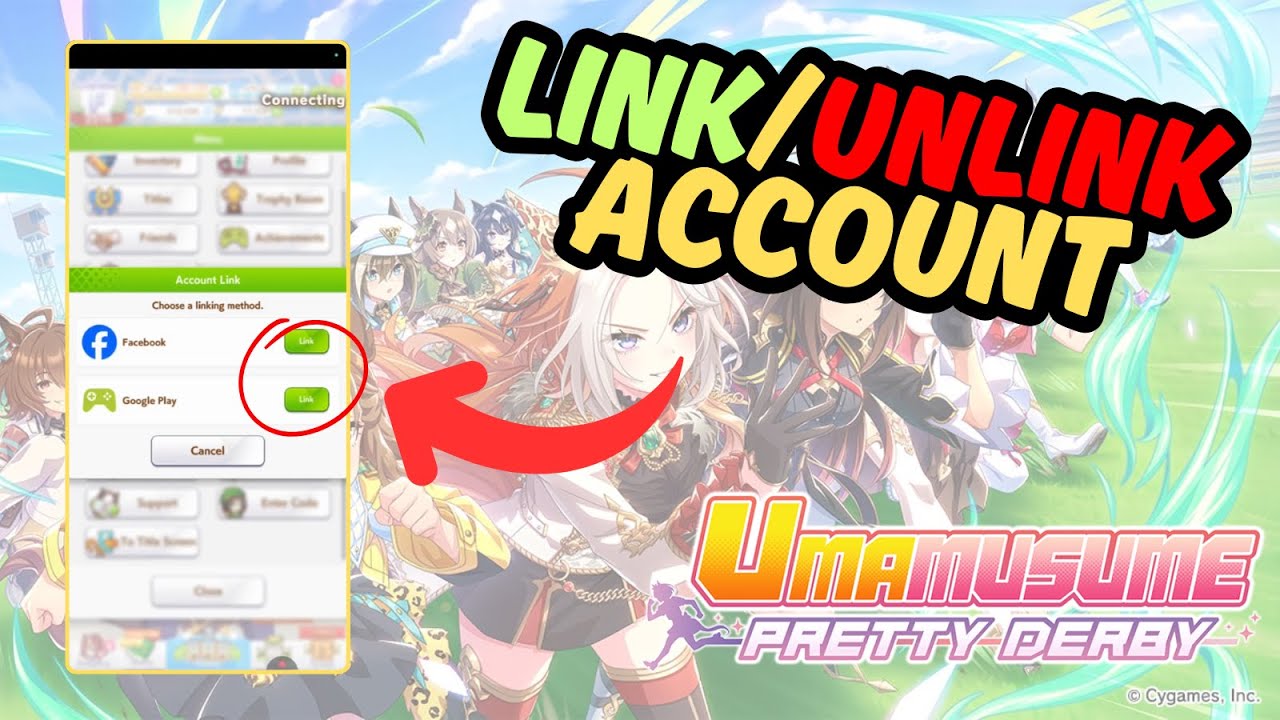
I will recommend using “account link” instead with either Facebook or Google Play account. It is easier to setup. You can also unlink it easily as well.
In this example, I will choose “Link” for Google Play. Select “okay” and your account will be linked to Google Play. This works the same for Facebook as well. Tap close and you are done.
To unlink the account from your “Google Play” or Facebook account, go back to the "account link” tab. Choose “account link” again. Then choose the google play or facebook “link” button. Here, you will have the option to “undo link”. Tap on it twice and your account will be unlinked. Thanks for watching!
Related Search Terms
How to link account in Umamusume Pretty Derby
Umamusume Pretty Derby unlink account guide
Steps to transfer Umamusume account to new device
How to bind Umamusume account to email
Unlink Umamusume from Google Play or Game Center
Umamusume Pretty Derby account recovery process
How to change linked account in Umamusume
Umamusume data transfer between devices
Fix Umamusume account linking errors
How to reset Umamusume Pretty Derby account link
Повторяем попытку...
Доступные форматы для скачивания:
Скачать видео
-
Информация по загрузке: