Getting Started: Download app & login
Автор: Biotonix Posture
Загружено: 2025-07-22
Просмотров: 68
Описание:
Jump in and start assessing posture in under a minute—here’s how:
You must first purchase a membership on: www.biotonixposture.com
1️⃣ Download Biotonix Assistant
Search “Biotonix Assistant” on the App Store or Google Play and install.
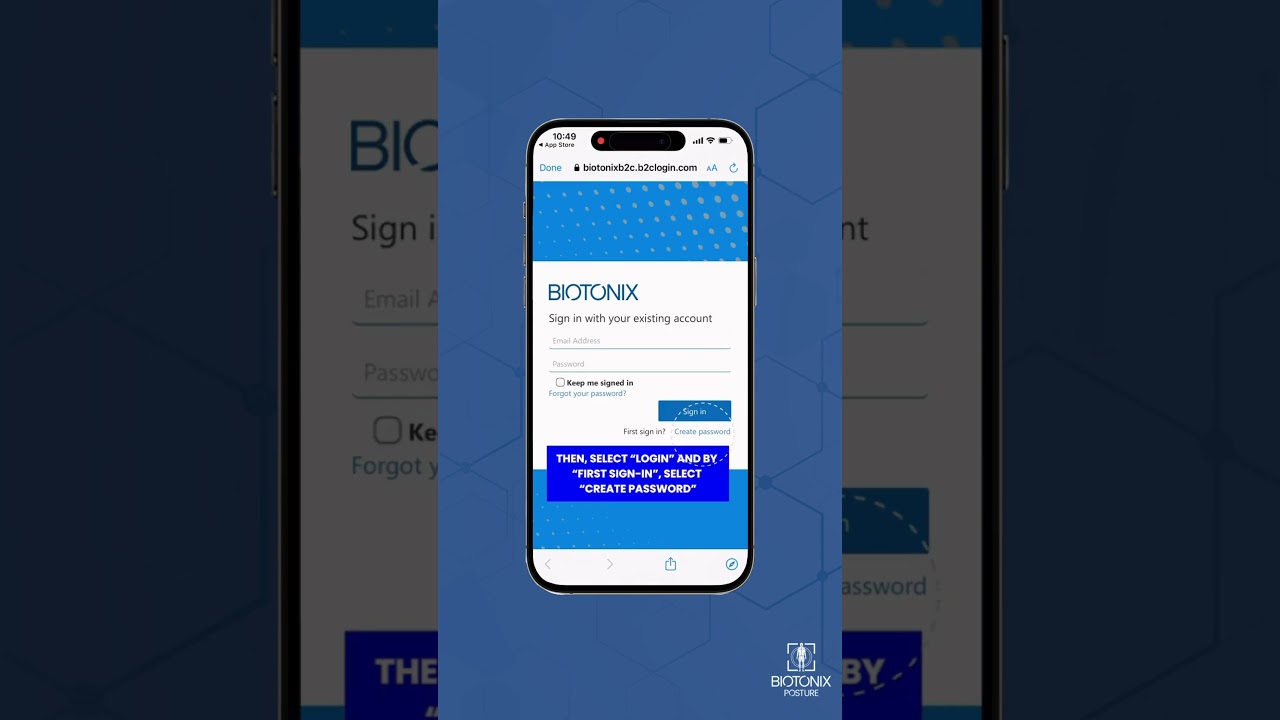
2️⃣ Create your password
Open the app, tap “Create New Password,” and set a secure one (8+ characters).
3️⃣ Use the same email you purchased with
Enter the exact email tied to your Biotonix Posture order so we can sync your license automatically.
4️⃣ Verify your account
Check your inbox for a 6-digit code, paste it into the app, and hit “Verify.”
5️⃣ Log in & get started
You’re now ready to capture your first posture photos, generate reports, and unlock the 10-week exercise program—all from your phone.
Need extra guidance? Grab the full quick-start guide → https://biotonixposture.com/biotonix-...
Like this walkthrough? Subscribe for more bite-size tutorials.
#BiotonixPosture #AppSetup #PhysioTech #HowTo
Повторяем попытку...
Доступные форматы для скачивания:
Скачать видео
-
Информация по загрузке:


![[4K FULL HD] Relaxing Water Background | 1 HOUR | Calm Water Wallpaper (No Sound)](https://image.4k-video.ru/id-video/y9PTNTSpGJs)

