ION Science® | ARA-X4 Bump Testing with the ARA-X Docking Station
Автор: ION Science
Загружено: 2026-02-11
Просмотров: 3
Описание:
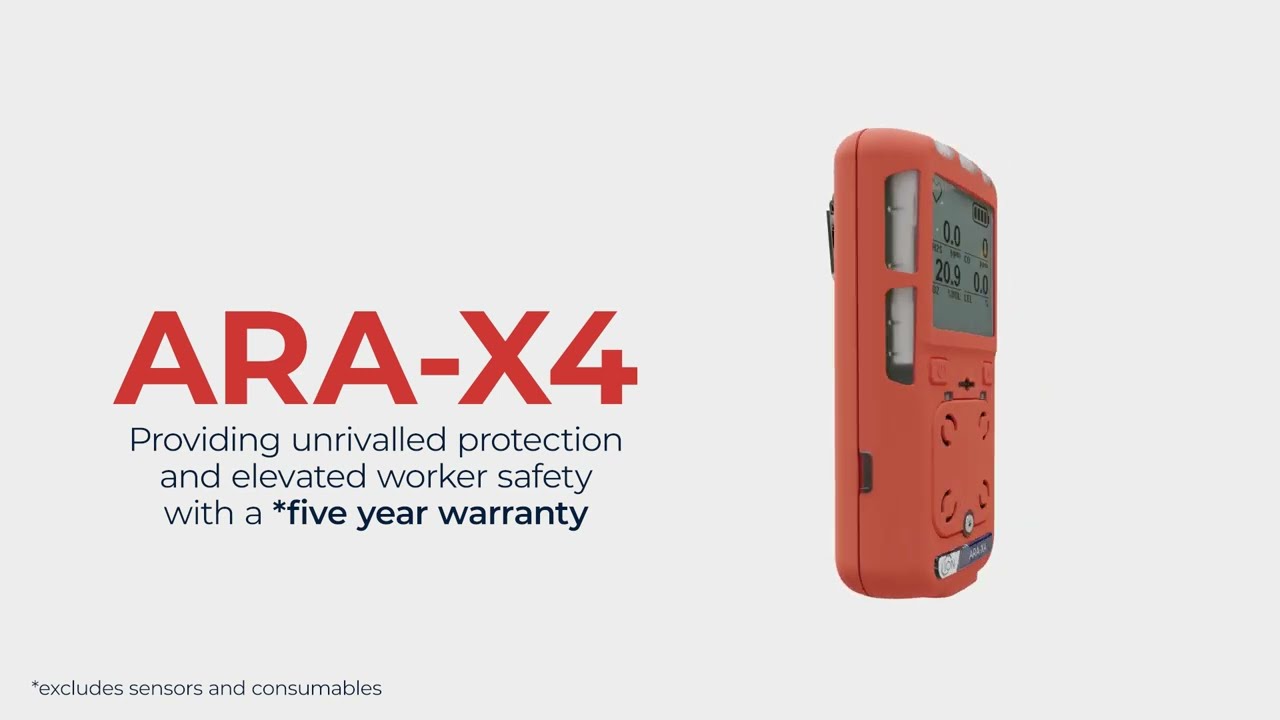
Learn how to perform a bump test on the ION Science® ARA-X4 Multi Gas Detector using the ARA-X Docking Station in this step-by-step service and maintenance guide.
This video walks through the full bump testing procedure, including device start-up, self-tests, docking station setup, gas connection requirements, and how to interpret test results.
🔧 Video Overview:
• Powering on the ARA-X4
• Running automatic self-tests
• Connecting span gas to the docking station
• Ventilation requirements (PTFE exhaust tube guidance)
• Inserting the detector into the ARA-X Docking Station
• Starting the bump test
• Understanding LED progress indicators
• PASS (green) and FAIL (red) results
• Viewing dock test results
The ARA-X4 is an advanced, durable multi gas detector designed to monitor up to four gases simultaneously. Built for worker safety in hazardous environments, it delivers real-time gas detection to help organisations maintain compliance with health and safety regulations while reducing exposure and accident risks.
Regular bump testing with the correct span gas for multi gas detectors ensures your device is functioning properly and ready to protect workers in confined spaces and industrial environments.
For more information, visit ionscience.com and subscribe for more gas detection and safety training videos.
ION Science® is a registered trademark of ION Science Limited.
Повторяем попытку...

Доступные форматы для скачивания:
Скачать видео
-
Информация по загрузке: