Скачать
Abaqus - Simulation with Torque in Abaqus/CAE
Автор: DPS Digital Product Simulation
Загружено: 2015-03-18
Просмотров: 46636
Описание:
Jerome DAZIANO
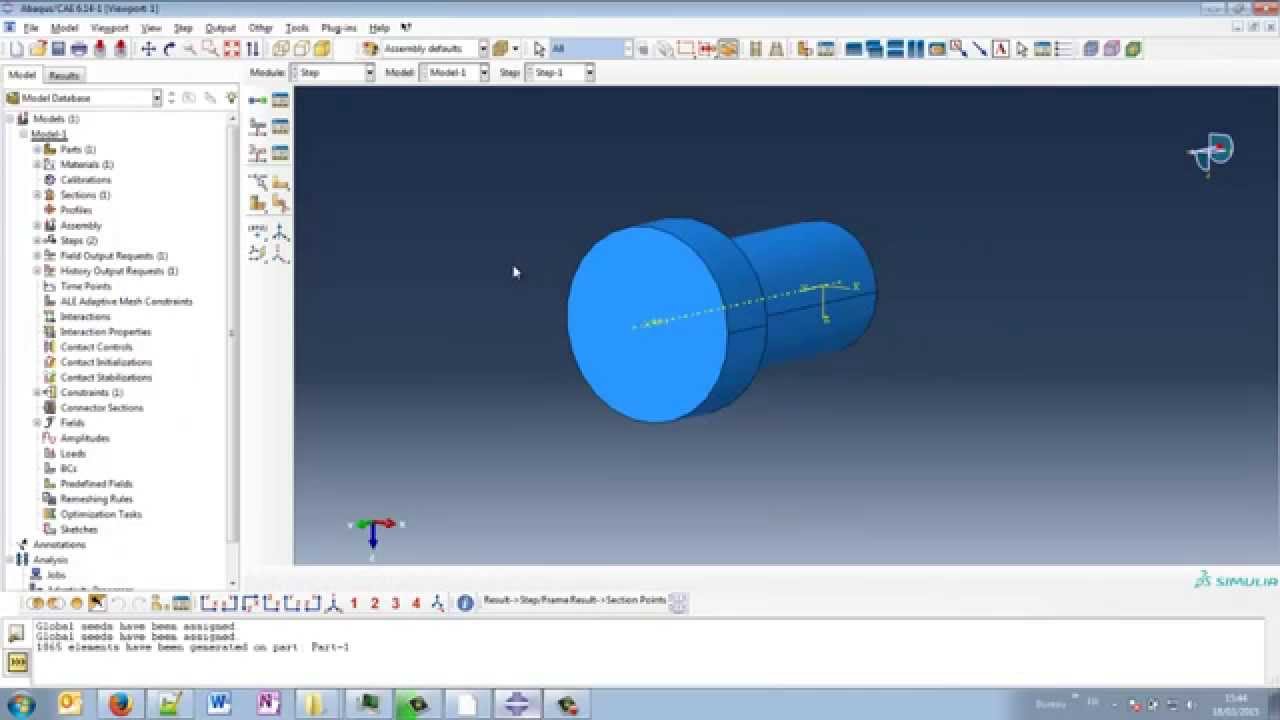
1. A solid shape is created in the part module of Abaqus/CAE
2. A material and a Section are created and applied to the part
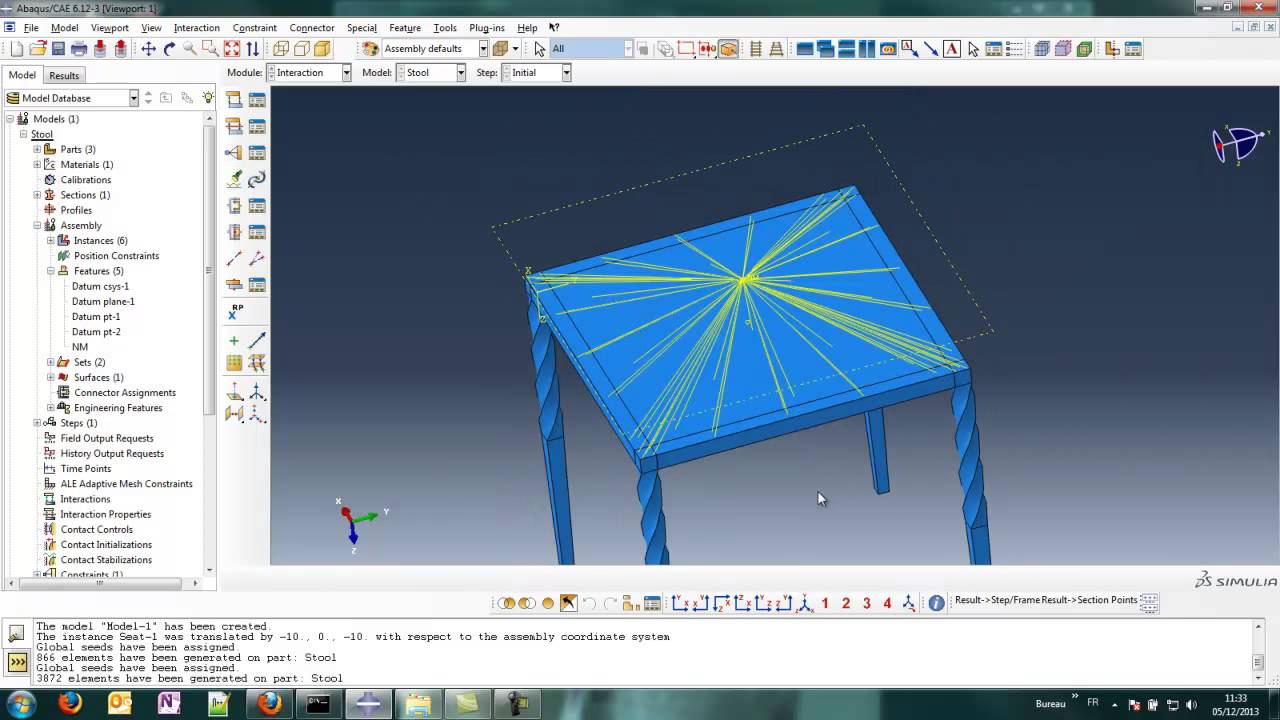
3. A kinematic coupling is created to help apply the torque
4. A static step is generated
5. The torque load and a boundary condition are applied on the model
6. A job is created
7. A manual check of the INP file is performed
8. The post-processing occurs in Abaqus/Viewer
Не удается загрузить Youtube-плеер. Проверьте блокировку Youtube в вашей сети.
Повторяем попытку...
Повторяем попытку...
Доступные форматы для скачивания:
Скачать видео
-
Информация по загрузке: