Manage where your payments are sent - Centrelink online account
Автор: Services Australia
Загружено: 2024-11-27
Просмотров: 14625
Описание:
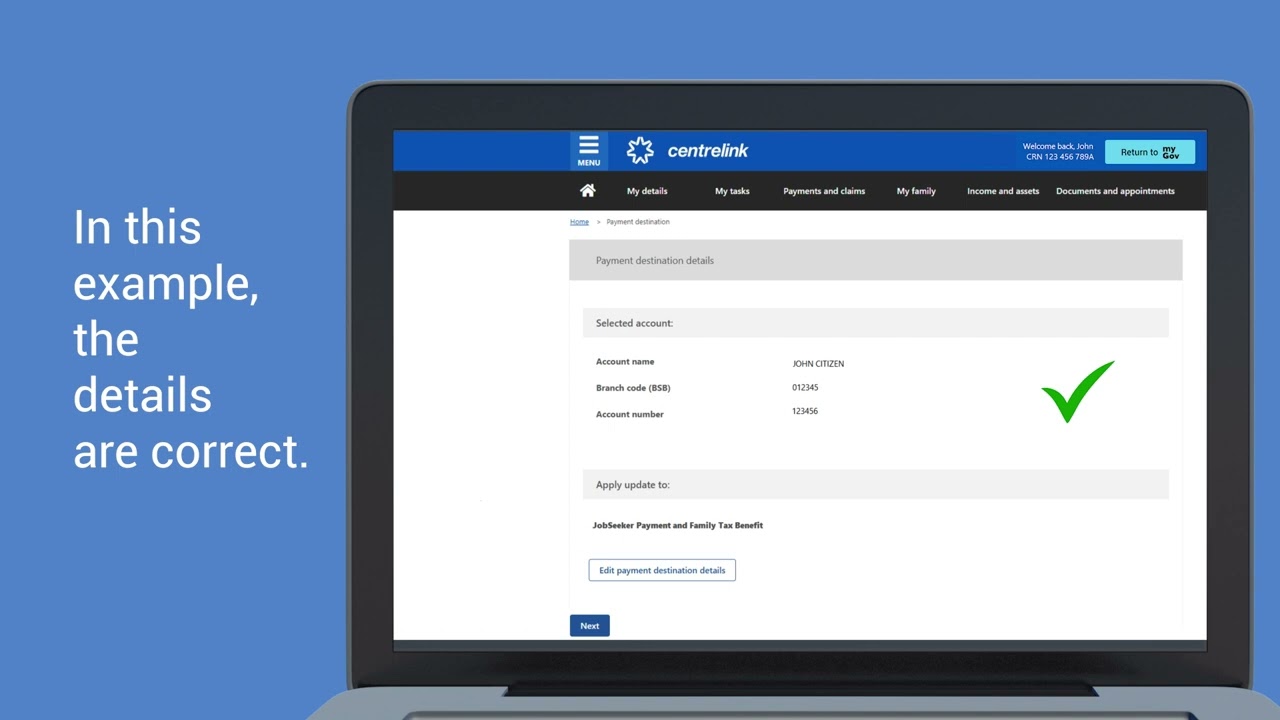
This video shows you how to use your Centrelink online account to manage where your Centrelink payments are sent. This can be a bank or another financial institution.
The easiest way to update your bank details is by using your Centrelink online account or the Express Plus Centrelink mobile app.
If you have a Veteran Gold Card, you’ll need to call us on 132 300 to update your bank details.
Your payment destination is where you get your Centrelink payments. This can be a bank or another financial institution.
Make sure you have your new details including all of the following:
BSB number
account number
account name.
We recommend keeping your old account open until you get your first payment in your new account.
Повторяем попытку...
Доступные форматы для скачивания:
Скачать видео
-
Информация по загрузке: