ycliper

Популярное

Музыка Кино и Анимация Автомобили Животные Спорт Путешествия Игры Юмор

Интересные видео

2025 Сериалы Трейлеры Новости Как сделать Видеоуроки Diy своими руками

Топ запросов

смотреть а4 schoolboy runaway турецкий сериал смотреть мультфильмы эдисон
Скачать

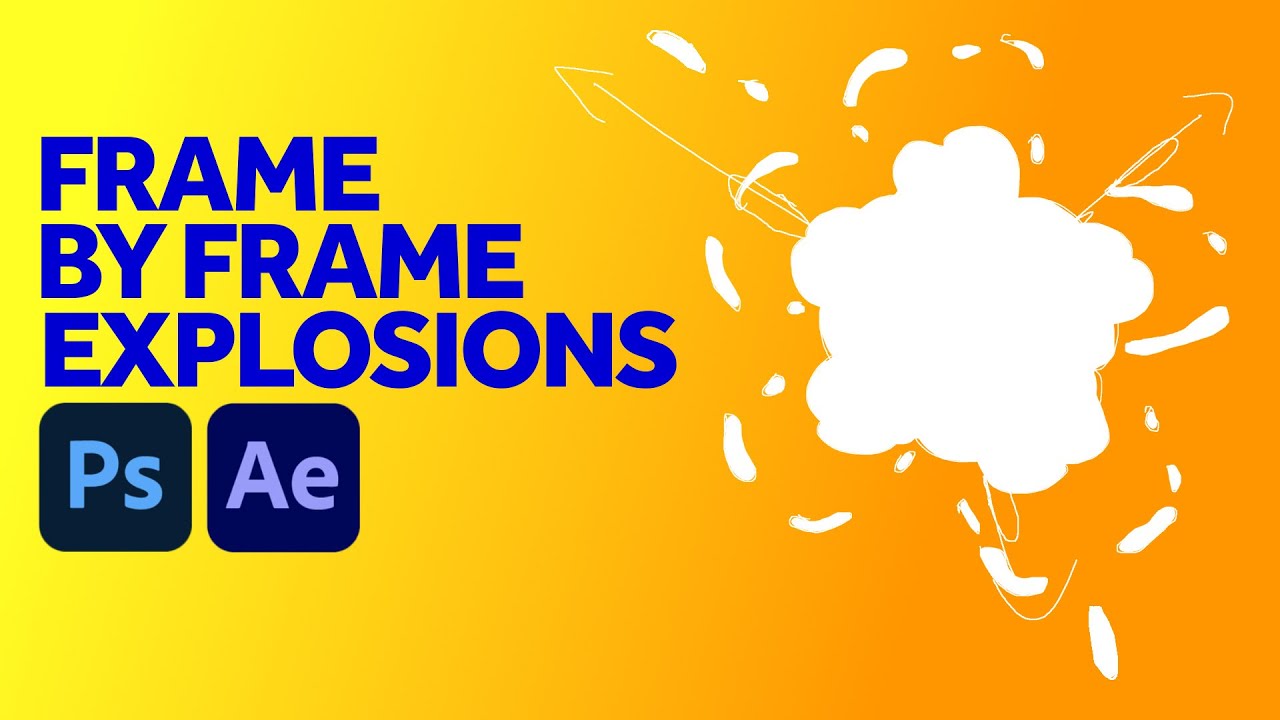
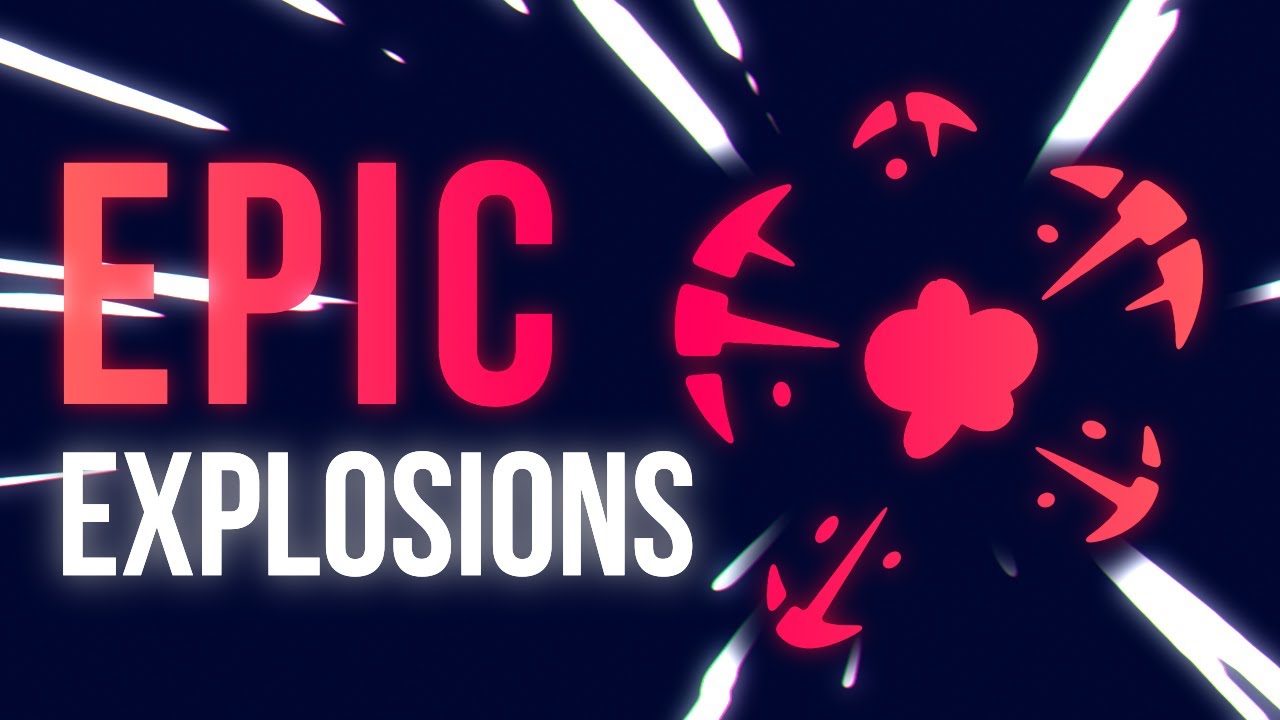
Animate Explosions Frame by Frame in Photoshop & After Effects

frame by frame animation

frame by frame animation photoshop

animate explosions

animate explosions Photoshop

how to animate photoshop

animate simple explosions

animate in photoshop tutorial

how to animate

motion design tutorial

motion graphics tutorial

manuel does motion

explosion animation tutorial

Автор: Manuel does Motion

Загружено: 2020-12-30

Просмотров: 14706

Описание: In this tutorial I'll show you how to animate simple explosions frame by frame in Photoshop and how to finalise them in After Effects.
► Download the project file here: https://gumroad.com/manueldoesmotion

Content:
0:00 Intro
0:14 Setting up the workspace in Photoshop
1:21 Starting with outlines in Photoshop
3:57 Turning your outlines into shapes in Photoshop
5:02 Finalising the explosion in After Effects
6:04 Outro

We start with setting up the workspace in Photoshop. Important is to know, that it's all pixel based.
So you want to make sure, your canvas is bigger than your comp, later in After Effects because you can't scale it up a lot. We set the timeline to 12 fps.
Then we use a video layer and draw outlines. Explosions are great to practice, as you don't have to be very exact. Just make sure you don't suddenly change the direction of movement. Explosions are very fast and with a lot of pressure, so that wouldn't happen in reality.
Speed is determined through distance. At the beginning distances are bigger, then with air resistance and friction, they are getting smaller. At the same time, the big shapes are falling apart.
After we finished drawing outlines, we turn them into shapes, using the lasso tool and the paint bucket tool.
Finally, we import the PSD File into After Effects - as composition - retaining layer sizes.
We add that to a new comp, we create in After Effects which has 24 fps.
So every frame is doubled which is how frame by frame animation is usually done.
Then we add "fill" to change the color, you could add a glow effect or even "roughen edges" to change the edges of your shapes.

► Software: Photoshop 22.1 / Adobe After Effects 17.5
► I use music from Artlist: https://artlist.io

If you have any further questions, let me know in the comments below. I do my best to answer all of them!

► Subscribe to my channel here:
   / @manueldoesmotion  

I am very curious how this tutorial inspired your work!
Put the link in the comments below or even better: tag me on Instagram.
► @manueldoesmotion

►   / manueldoesmotion  
► my website: https://www.stein-hauser.com
► behance: https://www.behance.net/stein-hauser

#framebyframe #animation #motiondesign

Не удается загрузить Youtube-плеер. Проверьте блокировку Youtube в вашей сети.
Повторяем попытку...
Animate Explosions Frame by Frame in Photoshop & After Effects

Поделиться в:

Доступные форматы для скачивания:

Скачать видео

  • Информация по загрузке:
Скачать аудио

Похожие видео

Infographics Animation Workflow | After Effects Tutorial

Infographics Animation Workflow | After Effects Tutorial

Creating a Frame-By-Frame Looping Animation Using Photoshop and After Effects

Creating a Frame-By-Frame Looping Animation Using Photoshop and After Effects

Мазки After Effects...правильный способ

Мазки After Effects...правильный способ

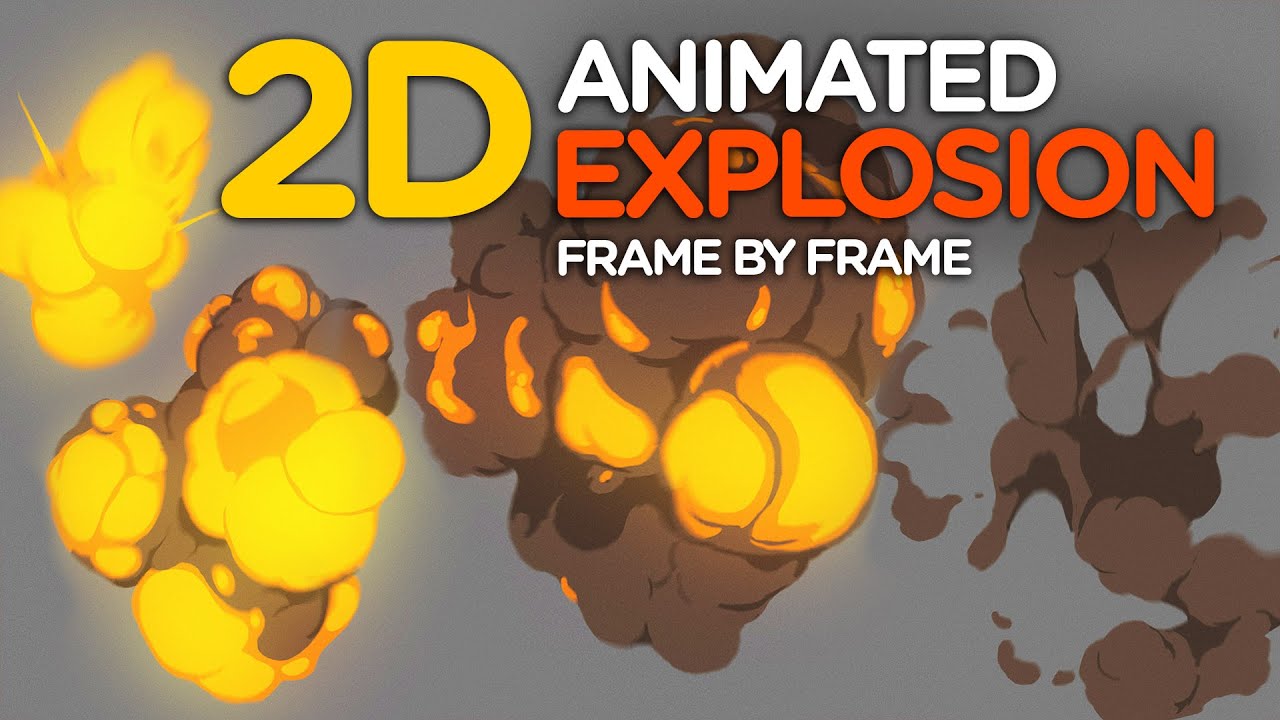
2D-анимированный взрыв — покадровый

2D-анимированный взрыв — покадровый

After Effects Logo Animation Master Course | Beginner to Advanced (No Plugins)

After Effects Logo Animation Master Course | Beginner to Advanced (No Plugins)

After Effects 26 меняет ВСЁ.

After Effects 26 меняет ВСЁ.

Ад на Ближнем Востоке

Ад на Ближнем Востоке

Easy Photoshop Spray Paint Effect (& Stop-Motion Animation in After Effects!)

Easy Photoshop Spray Paint Effect (& Stop-Motion Animation in After Effects!)

2D Smoke & Explosions in After Effects Tutorial

2D Smoke & Explosions in After Effects Tutorial

Как анимировать в Photoshop CS6 и CC — урок для начинающих

Как анимировать в Photoshop CS6 и CC — урок для начинающих

Анимированный взрыв в After Effects

Анимированный взрыв в After Effects

Explosions animation review [

Explosions animation review ["Basics of 2D FX" course]

Breakdown of frame-by-frame animation — Photoshop & After Effects Tutorial

Breakdown of frame-by-frame animation — Photoshop & After Effects Tutorial

Новая титровалка в Premiere Pro — After Effects больше не нужен?

Новая титровалка в Premiere Pro — After Effects больше не нужен?

Top 30 Best Effects in After Effects

Top 30 Best Effects in After Effects

🚀 Animar LÍNEAS de COLORES en After Effects - Trippy Tunnel

🚀 Animar LÍNEAS de COLORES en After Effects - Trippy Tunnel

Create a Frame By Frame Animation in After Effects

Create a Frame By Frame Animation in After Effects

Explosion in After Effects / tutorial

Explosion in After Effects / tutorial

Jammin' Out   After Effects Character Animation Tutorial

Jammin' Out After Effects Character Animation Tutorial

AFTER EFFECTS - ЛЕГЧЕ ЧЕМ КАЖЕТСЯ

AFTER EFFECTS - ЛЕГЧЕ ЧЕМ КАЖЕТСЯ

© 2025 ycliper. Все права защищены.


  • Контакты
  • О нас
  • Политика конфиденциальности


Контакты для правообладателей: [email protected]