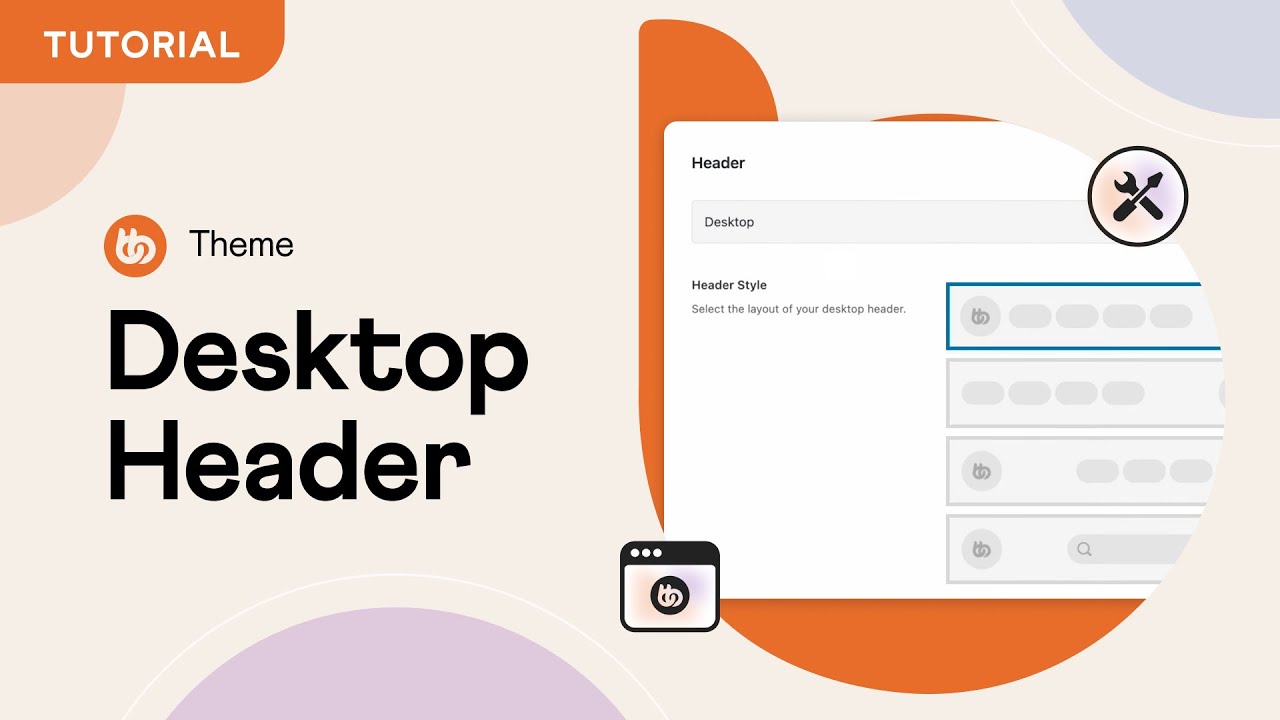
Desktop Header in BuddyBoss Theme 2.0
Автор: BuddyBoss
Загружено: 2022-04-28
Просмотров: 8595
Описание:
In this tutorial, you will learn how to configure the Desktop Header options in BuddyBoss Theme 2.0. The website header is the top area on each page in your site, also known as the titlebar. This area displays your logo, primary navigation, and the profile dropdown to access your content.
TIMESTAMPS
00:00 - Introduction
01:20 - Header WordPress Menu
02:34 - Menu Icons
03:18 - Theme Options
05:52 - Show Logo in BuddyPanel
08:23 - Profile Dropdown Menu
10:06 - Advanced Options
---
BuddyBoss provides you with the software and tools you need to help you sell memberships, courses, and build online communities.
We make it easy for you to build on WordPress, the World’s #1 open source platform, giving you the flexibility, control, and freedom you need, to create a successful online platform.
---
Be sure to subscribe to our channel so you can be notified when we post new tutorials, product updates and other cool content that helps you sell memberships, courses and build your own online community on WordPress.
To get the latest news and updates about our products, services and other cool content we publish, you can also follow us on:
Facebook: / buddybosswp
Twitter: / buddybosswp
Want to start selling memberships, courses, or build your own online community?
Check out the software and services we provide at https://www.buddyboss.com
Want to launch your own native mobile app for your online community, membership, or courses?
Check out the BuddyBoss App at https://www.buddyboss.com/app
Повторяем попытку...
Доступные форматы для скачивания:
Скачать видео
-
Информация по загрузке: