1003 Digital Application in BNTouch: 8-Section Mortgage Form Tutorial
Автор: BNTouch - Mortgage CRM
Загружено: 2018-04-19
Просмотров: 4486
Описание:
Aiden from BNTouch walks through the 1003 loan application tool: it is fully digital, link-customized per loan officer, and saves borrower progress so they can stop and resume. This 8-minute tutorial covers the borrower experience plus the admin configuration.
In this video:
0:00 — The digital 1003: what it is and why BNTouch built it
1:00 — Per-LO customized application link (paste on website, email, social)
2:00 — Borrower portal login created automatically when a new lead fills it out
3:00 — What the borrower can do in the portal (upload docs, refer friends, fill 1003)
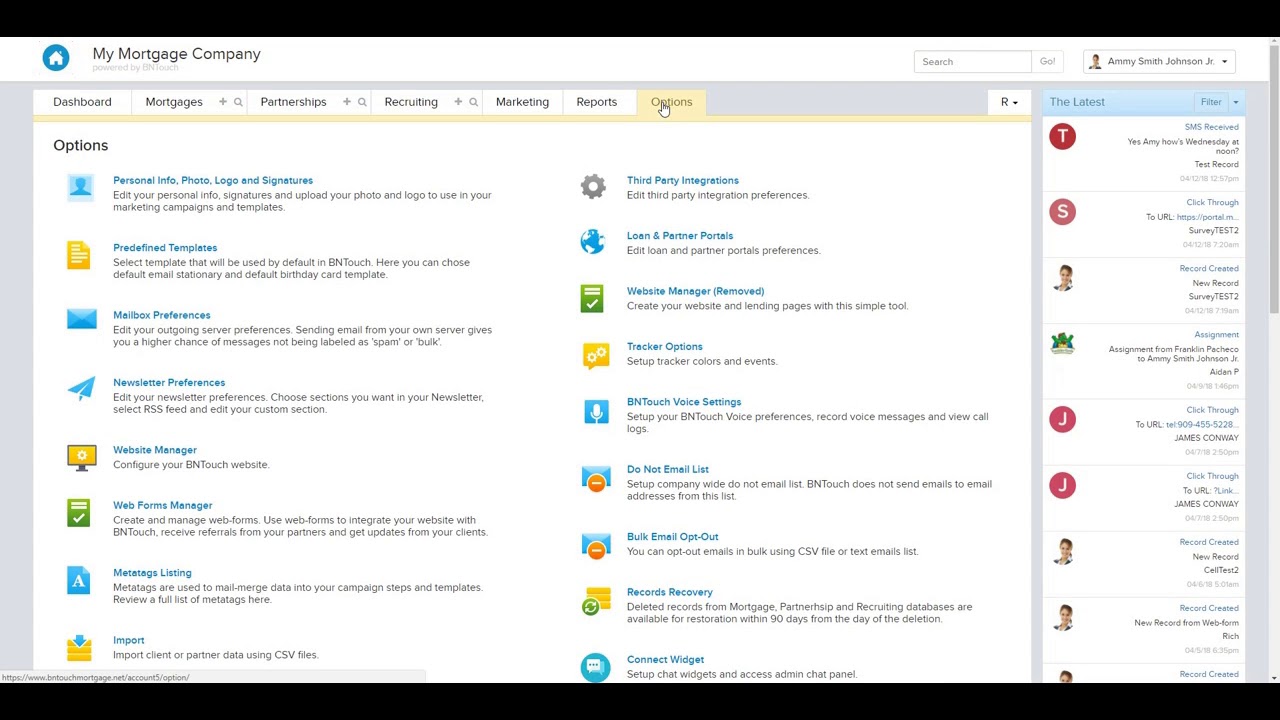
4:00 — Admin: Options → 1003 form → 8 standard sections
5:00 — Hiding sections you don't need (eyeball toggle, greys out the section)
6:00 — Adding comments and clarifying instructions
7:00 — Saving the configuration and verifying on the live form
8:00 — Save-and-resume design: minimum friction for the first borrower touch
If your application drop-off is high, the 1003 friction is usually the cause. This is the BNTouch version of that fix.
See the digital 1003 in action: https://bntouch.com/request-demo/
Повторяем попытку...
Доступные форматы для скачивания:
Скачать видео
-
Информация по загрузке: