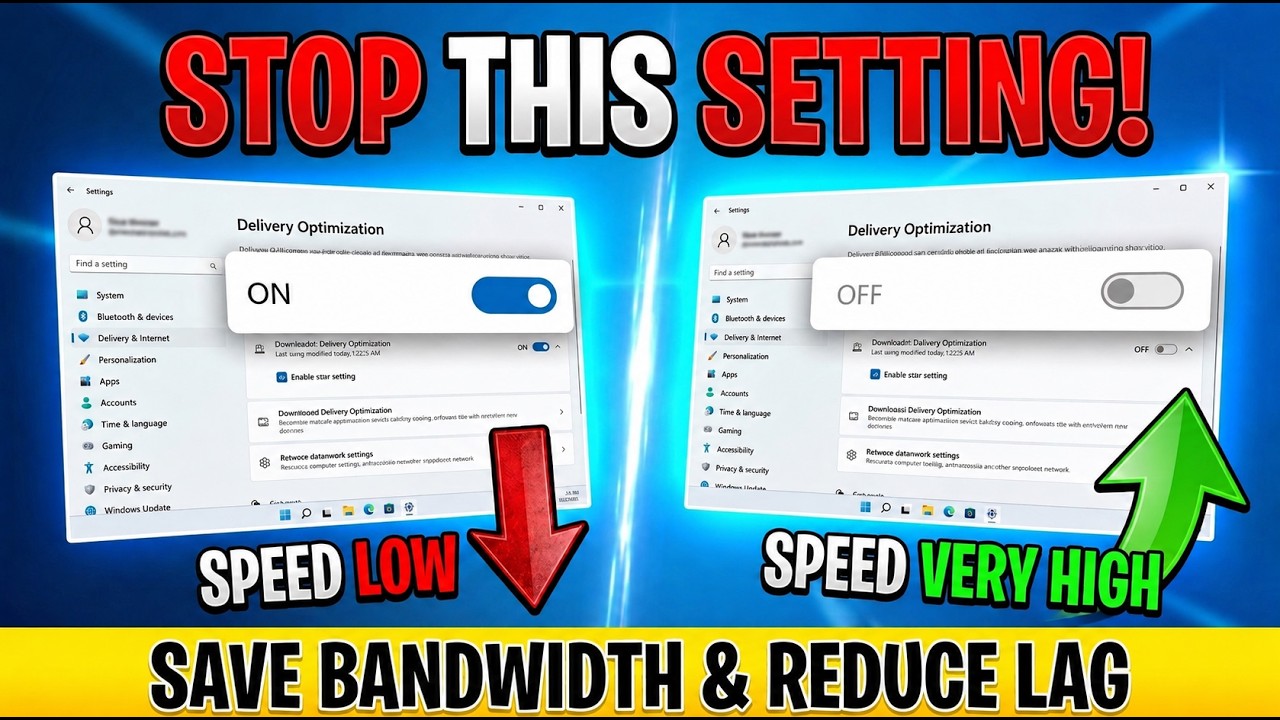
Disable Delivery Optimization in Windows 11/10 to Save Bandwidth & Reduce Lag!
Автор: Rafee’s Tech
Загружено: 2026-06-29
Просмотров: 118
Описание:
Stop Windows Delivery Optimization from slowing down your internet speed. Learn how to manage this bandwidth-heavy setting today.Windows Delivery Optimization is designed to share update files between computers on your local network or the internet. While helpful for Microsoft, this peer-to-peer sharing often consumes significant bandwidth and processing power, which can lead to sluggish browsing speeds and poor system performance. If you have noticed your PC running slower than usual during background updates, this feature is likely the culprit.This guide shows you exactly where to find the Windows Update settings to configure or completely disable Delivery Optimization. By adjusting these specific controls, you can reclaim your network resources and prioritize your own system performance. We walk through the menus step-by-step so you can secure your bandwidth without breaking your update process.Follow these steps to optimize your Windows Update settings and ensure your machine runs at peak efficiency. Subscribe for weekly PC performance breakdowns, and comment below if you want to see more tutorials on fixing common Windows background processes.
Get vidIQ to grow your channel faster! 🚀
https://vidiq.com/rafeestech
#windows11 #windows10 #pcperformance #techtips #speeduppc #windowsupdate #deliveryoptimization #optimization #rafeestech
Повторяем попытку...
Доступные форматы для скачивания:
Скачать видео
-
Информация по загрузке: