How to use Shell Feature (Beginner Friendly, Step-by-Step) creo
Автор: Custom cad man
Загружено: 2026-01-06
Просмотров: 10
Описание:
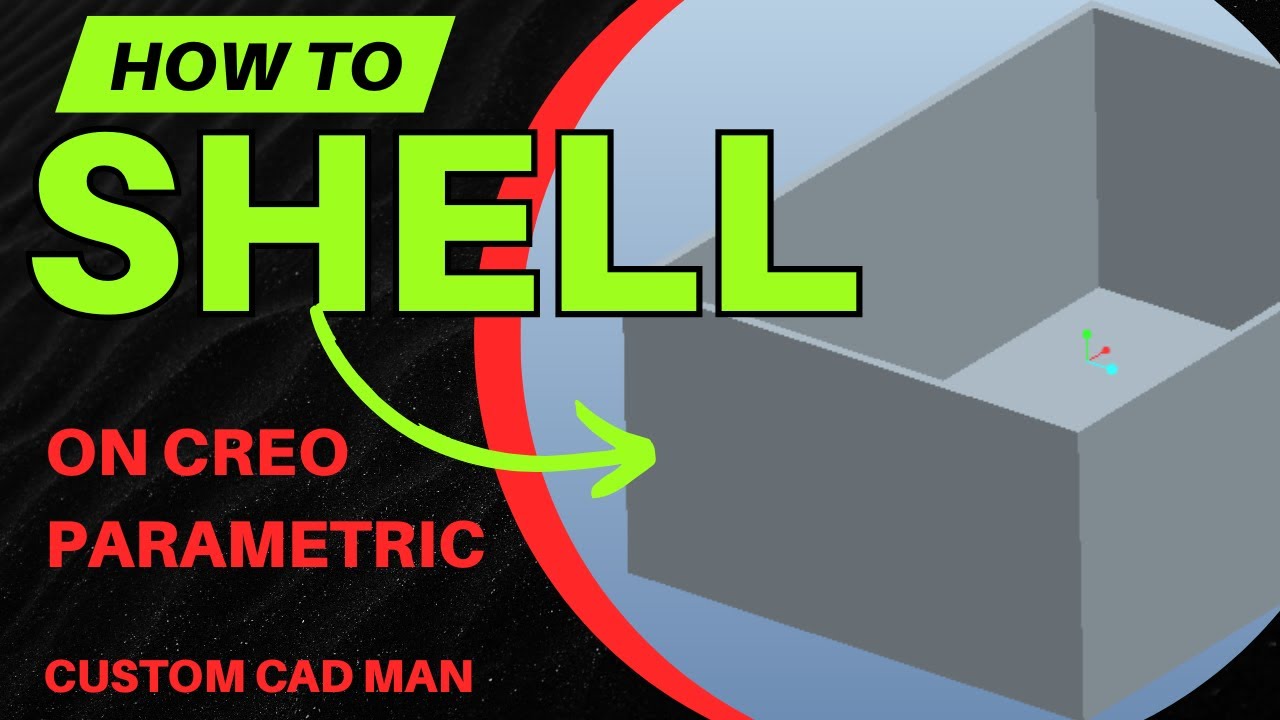
In this quick Creo Parametric tutorial, I show you how to use the Shell feature to create thin-wall parts fast and efficiently. In under 6 minutes, you’ll learn how to hollow out solid models, control wall thickness, open faces, and prepare parts for sheet metal conversion.
This video is perfect for beginners and intermediate users who want to speed up their workflow and avoid manually modeling every flange or wall.
🔧 What you’ll learn in this video:
How to create a basic solid for shelling
How to apply the Shell feature in Creo
How to change wall thickness
How to remove one or multiple faces
How to edit shell definitions correctly
Using Shell as a base for Sheet Metal conversion
Creating bends and flat patterns from shelled parts
This technique is especially useful for:
Sheet metal parts
Enclosures & boxes
Fabrication-ready designs
Faster CAD modeling workflows
💡 Pro tip: Shell is one of the fastest ways to prep parts for sheet metal instead of modeling every flange manually.
📩 Questions or requests?
Drop them in the comments — I read them all and often turn them into future videos.
👍 If this helped you, tap Like
🔔 Subscribe for more Creo tutorials, fast features, and real-world engineering tips
📅 New videos every week
creo shell feature,
how to shell in creo,
ptc creo shell tutorial,
creo thin wall feature,
creo hollow part,
creo shell thickness,
creo remove faces shell,
creo open side shell,
creo sheet metal from solid,
creo convert to sheet metal,
creo shell vs extrude,
creo fast features,
creo beginner tutorial,
creo parametric shell,
cad shell feature tutorial,
Повторяем попытку...
Доступные форматы для скачивания:
Скачать видео
-
Информация по загрузке: