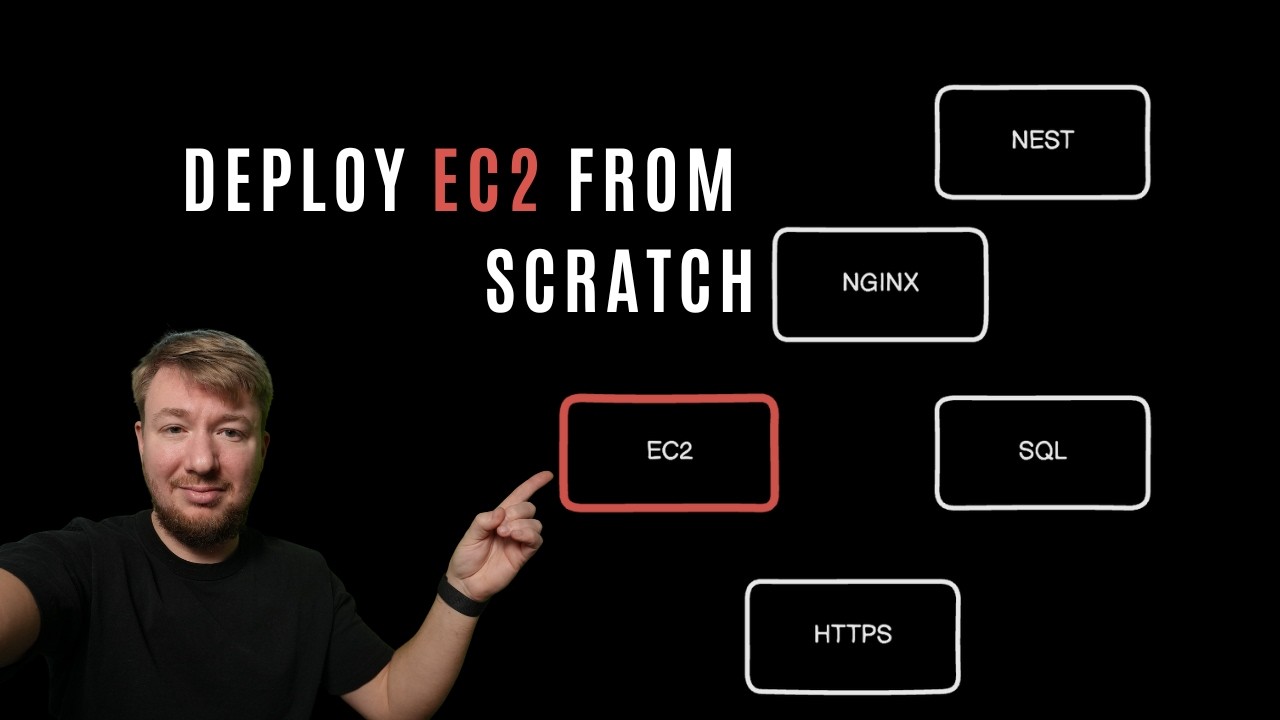
Deploy EC2 from scratch (NestJS + Nginx+ HTTPS)
Автор: THMRKV
Загружено: 2026-02-05
Просмотров: 107
Описание:
In this video, I deploy an AWS EC2 server from scratch and set up a real, working environment step by step.
We start with a local NestJS application and end with a fully running server available on a custom domain using HTTPS.
This video covers the full deployment flow:
– creating an EC2 instance
– connecting to a public Git repository
– setting up Node.js and NestJS
– installing and configuring PostgreSQL
– configuring security groups and ports
– assigning a static IP
– connecting a domain using Route 53
– configuring Nginx
– enabling HTTPS with SSL
– running the app with PM2
This setup is suitable for demos, MVPs, staging, and acceptance environments.
It is NOT a high-load production setup — but it gives you a clear understanding of how everything works together.
If you want to see a real production-grade setup under load, let me know in the comments.
---
Tech stack:
AWS EC2
Ubuntu
NestJS
PostgreSQL
Nginx
HTTPS (SSL)
PM2
Route 53
00:00 Intro & final goal overview
00:28 Connecting a public Git repository
01:11 Creating an EC2 instance (Ubuntu, instance type, storage)
02:26 Connecting to EC2 via SSH
02:50 Preparing the server environment
03:07 Installing Node.js with NVM
03:42 Deploying the NestJS application
04:11 Installing and configuring PostgreSQL
04:53 Environment variables setup
05:27 Opening ports & security group configuration
05:52 Testing the application over HTTP
06:08 Remote database access configuration
06:45 Assigning a static IP (Elastic IP)
07:29 Configuring Route 53 domain
07:59 Preparing HTTPS & SSL
08:37 Handling lost SSH connection
08:45 Installing and configuring Nginx
09:05 Generating SSL certificates
09:41 Nginx HTTPS configuration
10:02 Running the app on the domain
10:21 Installing and using PM2
11:09 PM2 auto-restart & recovery test
12:01 Final result & limitations
12:33 When NOT to use this setup
12:40 Outro
Повторяем попытку...
Доступные форматы для скачивания:
Скачать видео
-
Информация по загрузке: