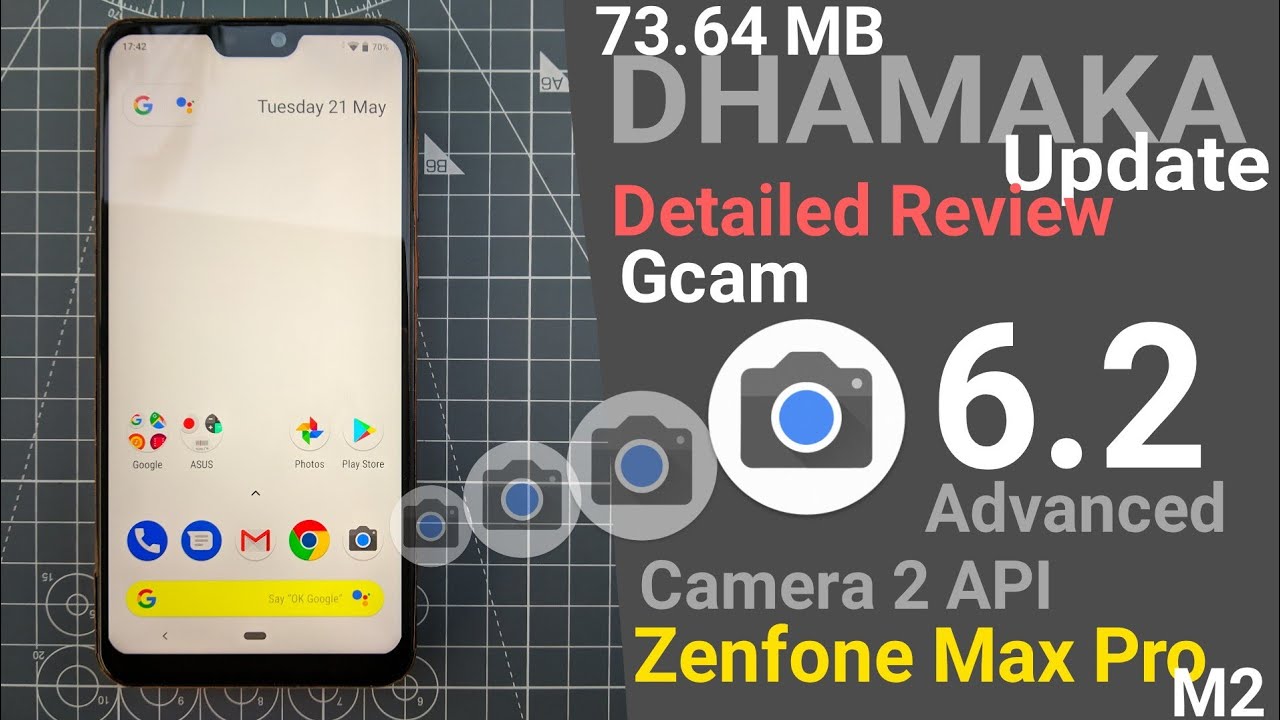
Zenfone Max Pro M2 73.64MB DHAMAKA update Review | GCAM 6.2 & Camera 2API
Автор: SMACK TECH
Загружено: 2019-05-21
Просмотров: 85987
Описание:
Zenfone Max Pro M2 73.64MB DHAMAKA update Review GCAM 6.2 & Camera 2API
How To Install Google Camera (Gcam) On Zenfone Max Pro M2 Without Root 2 minutes Gcam Max Pro M2 Copy command_ fastboot oem enable_camera_hal3 true
follow steps _
1. Install ADB-setup anyone which works for you among 1.3 or 1.4.3.3
2. Enable USB debugging in Developer mode after that Switch off the phone completely
3. Enter into Fast Boot mode by pressing Vol UP + Power Button at the same time until you see the fast boot screen
4. Now Plugin your phone to pc via micro USB cable
5. OpenPower Shell by pressing Shift+rightClick anywhere on the desktop
6. Enter command: fastboot oem enable_camera_hal3 true Press enter and Now you have Camera 2 API enabled
7. Now remove the USB and restart your phone simply
8. Copy the Gcam APK to your phone in any folder
9. Open File-manager and look for the file that you've just copied, install it by giving unknown source permission.
All Done Successfully!
Now enjoy the New Google Camera!
In this video I have shown how to enable camera 2 API without root or bootloader unlocking in this video you can try Gcam pixel 2 or pixel 3 camera port also after successfully enabling camera 2 API
Files_
1)ADB Drivers https://drive.google.com/file/d/1Mhmz...
https://drive.google.com/file/d/1NalP...
2) Platform tools
https://drive.google.com/file/d/1wIhp...
https://drive.google.com/file/d/1b3Ph...
Gcam pixel 6.2 advance arnova
https://drive.google.com/file/d/1grki...
Manual camera compatibility app_
https://play.google.com/store/apps/de...
ROG pixel master camera_
https://drive.google.com/file/d/1ijQV...
https://drive.google.com/file/d/1df9z...
Повторяем попытку...
Доступные форматы для скачивания:
Скачать видео
-
Информация по загрузке: