How To Turn Off Instagram Mentions on Bio Notifications on Lock Screen (Updated)
Автор: Smart Fixer
Загружено: 2026-02-06
Просмотров: 1
Описание:
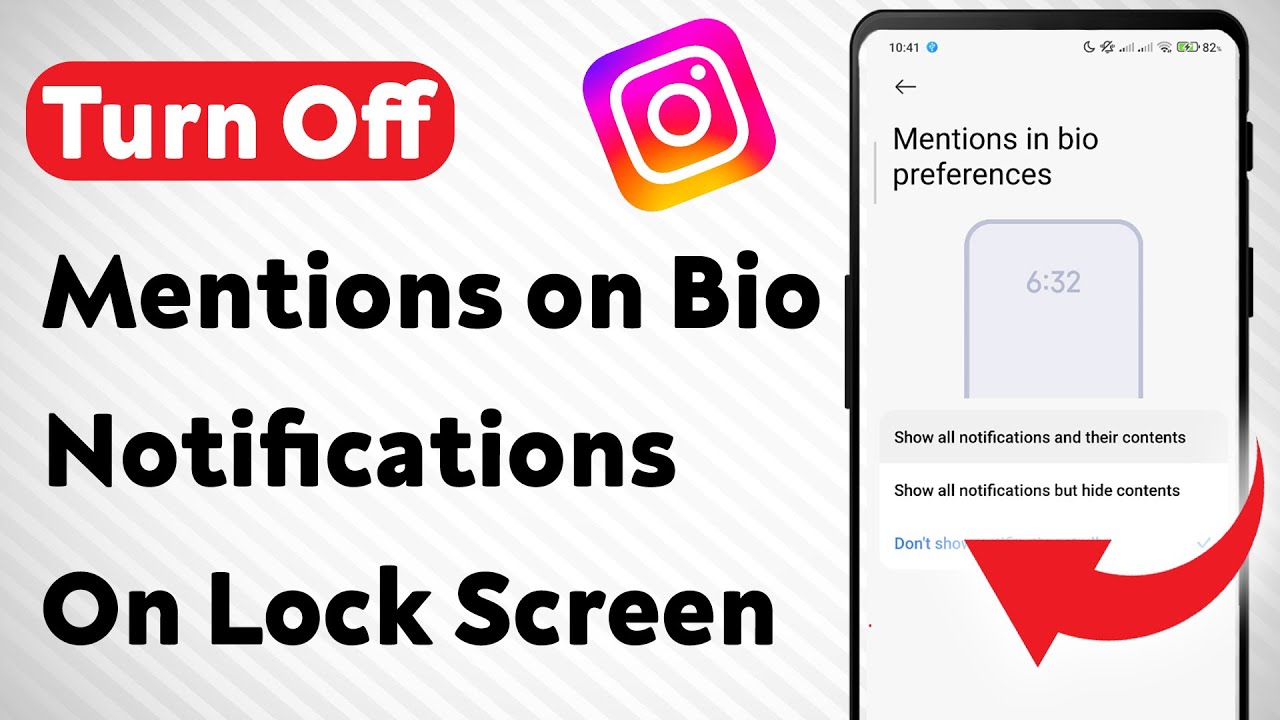
Learn how to turn off Instagram mentions on bio notifications from showing on your lock screen. This quick guide helps you manage your privacy and reduce distractions with simple settings adjustments.
Follow these steps:
1. Go to Phone Settings
2. Tap on Apps
3. Tap on Instagram
4. Tap on Notifications
5. Then tap on Notification categories
6. Tap on Mention on Bio under the Instagram section
7. Tap on Lock Screen and choose Don't show notification
Stay in control of your notifications and keep your lock screen distraction-free with these updated steps.-
===================
Chapters:
--------------
00:00 Intro
00:12 Soultion
01:05 Outro
===================
For advertiser contact us via email : [email protected]
Повторяем попытку...
Доступные форматы для скачивания:
Скачать видео
-
Информация по загрузке: