How to Refund Cash App Payment
Автор: Howzenic
Загружено: 2025-05-21
Просмотров: 51
Описание:
If you've sent a payment using Cash App and need to request a refund—whether due to a mistake or a potential fraud—there are a few key steps you can take to try recovering your funds. Cash App offers refund options both for pending and completed transactions, though results may vary depending on the recipient's cooperation and transaction status.
First, open the Cash App on your mobile device and make sure you’re logged into your account. Tap the activity icon located at the bottom right corner of the screen. This section displays all your recent transactions, including sent and received payments.
If the payment you want to refund is still pending, you may see an option to cancel it directly within the activity tab. Simply select the transaction and tap “Cancel” if the button is visible. However, if the payment has already been completed, you will not be able to cancel it yourself.
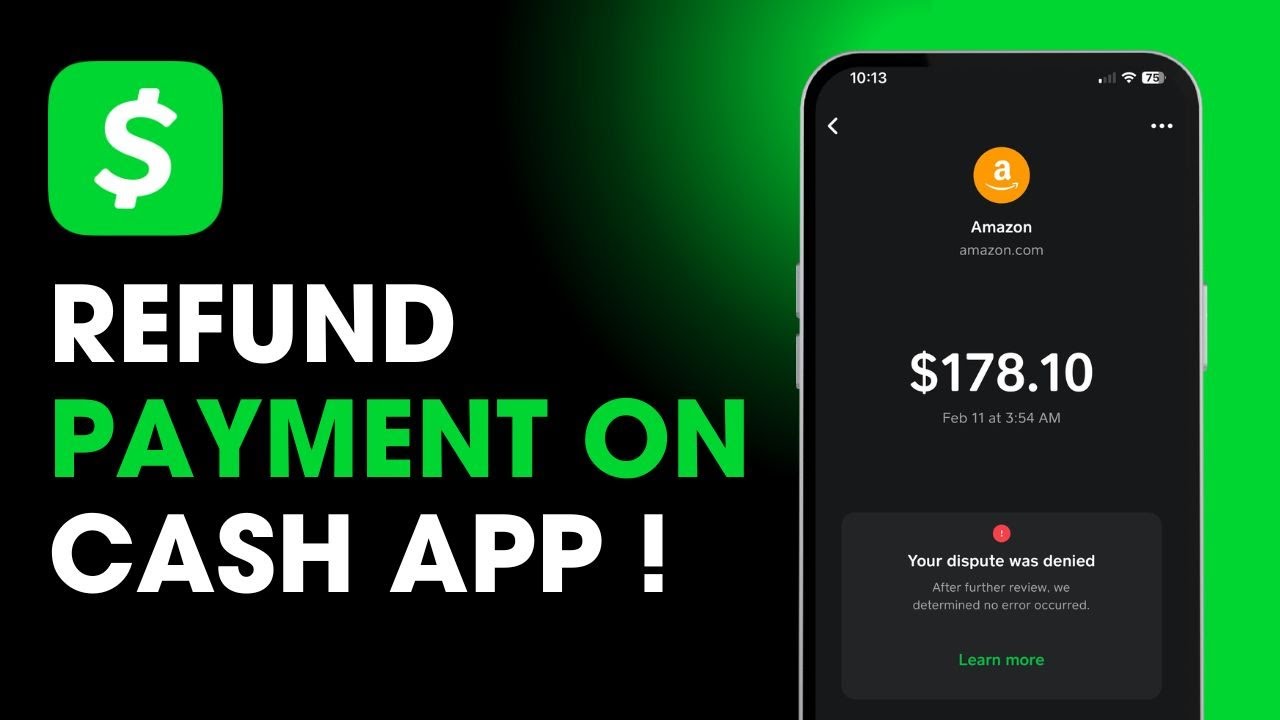
For completed payments, your first option is to request a refund directly from the recipient. Open the transaction in your activity list and tap the three-dot menu or "..." in the top corner, then select “Request Refund.” The recipient will receive a notification and can choose to approve or deny the request.
If the recipient does not respond or you believe the transaction was unauthorized or fraudulent, you can escalate the issue by contacting Cash App support. From the home screen, tap your profile icon in the top right corner, scroll down, and select “Support.” Then choose “Cash App Support” and provide full details of the issue. A live agent will assist you and may investigate the transaction on your behalf.
It’s important to act quickly with disputed payments, as Cash App’s refund capabilities are limited once money has been accepted by another user.
Timestamps:
0:00 Introduction
0:13 Checking the transaction in the Activity tab
0:25 Canceling pending payments
0:30 Requesting a refund for completed transactions
0:46 Contacting Cash App support
1:03 Conclusion
Hashtags:
\#CashApp #RefundCashApp #CashAppSupport #CancelPayment #RequestRefund #CashAppHelp #MobilePayments
Disclaimer: CryptoGPT is an educational channel only. The channel does not own the rights to the name, logo, or any affiliated branding. The content provided is for informational purposes only and should not be considered financial advice.
Повторяем попытку...
Доступные форматы для скачивания:
Скачать видео
-
Информация по загрузке: