Скачать
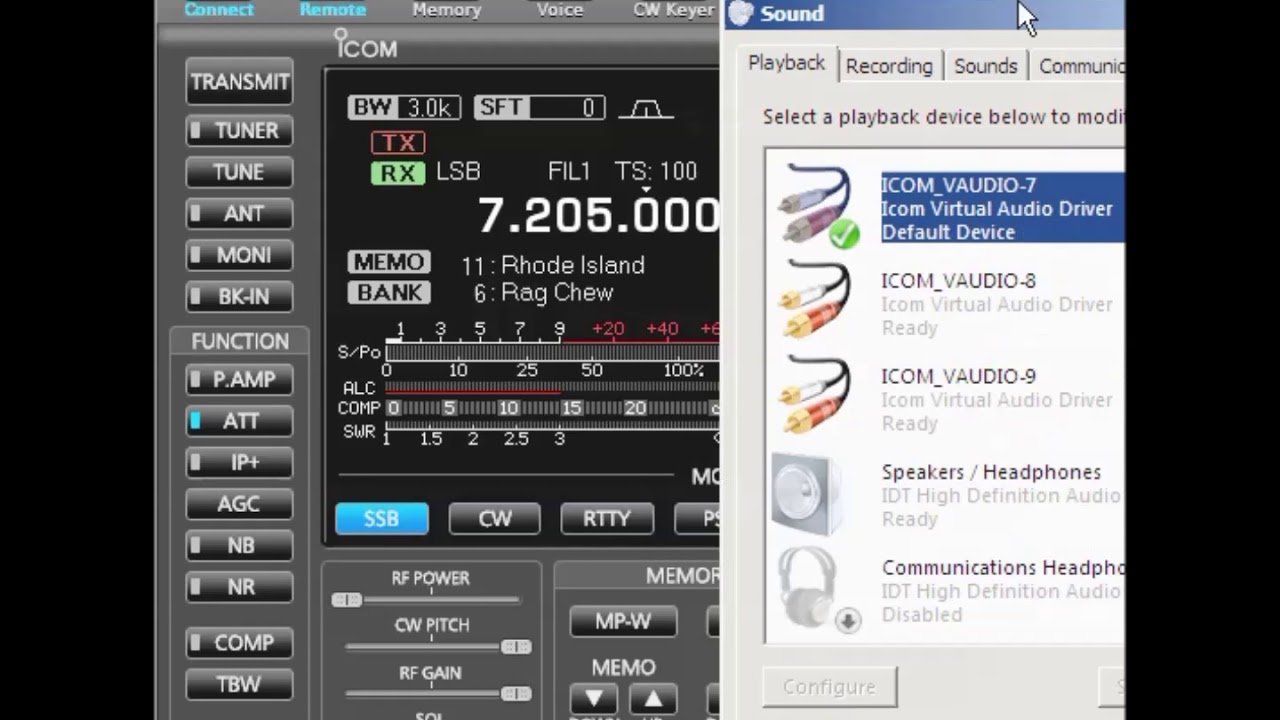
ICOM RS BA1 Audio Selection LAN & USB Radios
Автор: W6FCC Videos
Загружено: 2019-09-08
Просмотров: 1002
Описание:
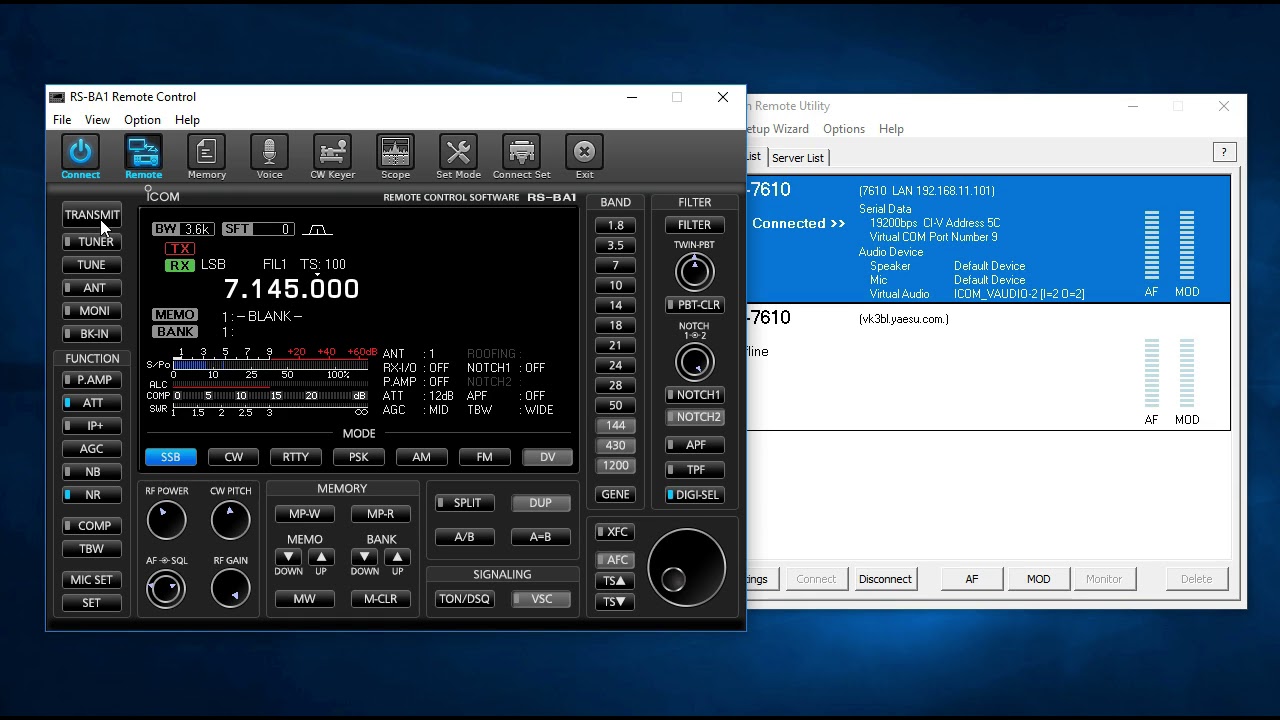
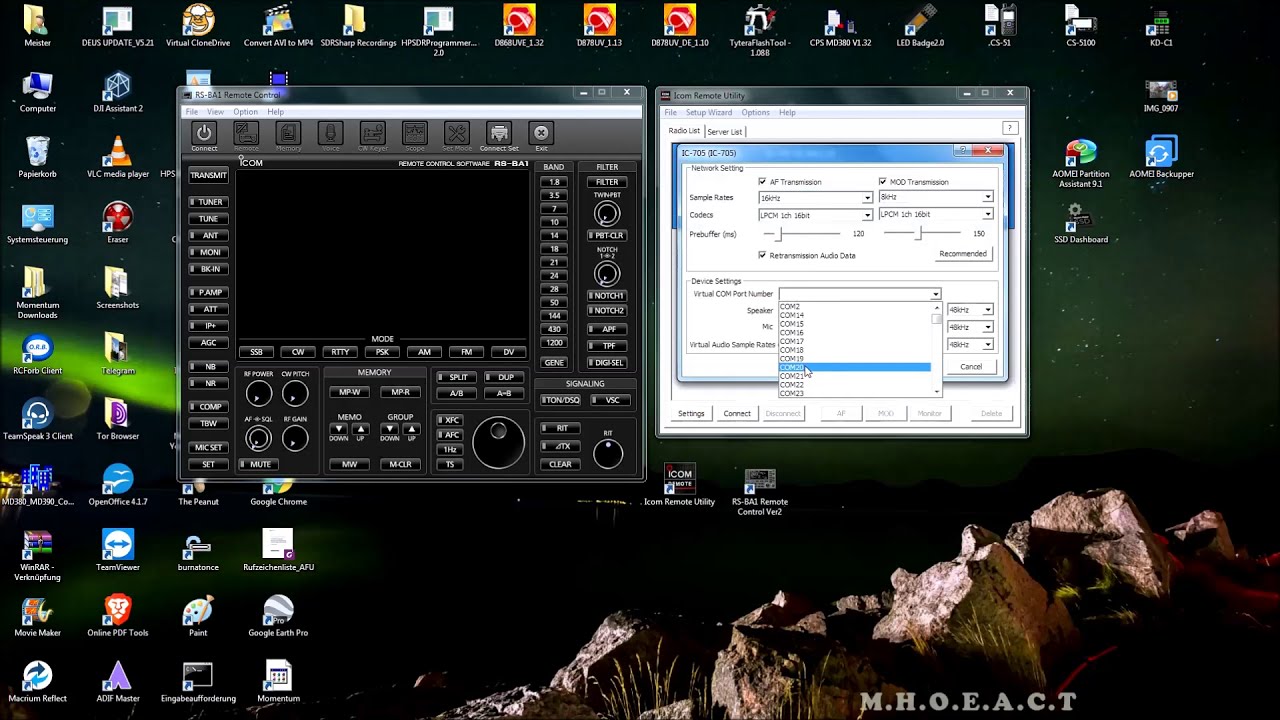
How to connect MIC and Speaker audio to ICOM Remote and RS-BA1. Use DEFAULTS for ICOM software, and use WINDOWS to select the Default Audio for MIC and Speaker.
Also, be sure to pick the correct radio MODEL, then Connecting type (USB or LAN) and the name of the CONNECTED radio in the Radio List Tab of ICOM Remote.
For LAN radios, the you still need a default Virtual Com Port, and the V-Audio is used for Recording and Playback but NOT for MIC and Speaker Input and Output.
Join Facebook Group RS-BA1 / radioelmer
Jeff, W6FCC
Не удается загрузить Youtube-плеер. Проверьте блокировку Youtube в вашей сети.
Повторяем попытку...
Повторяем попытку...
Доступные форматы для скачивания:
Скачать видео
-
Информация по загрузке: