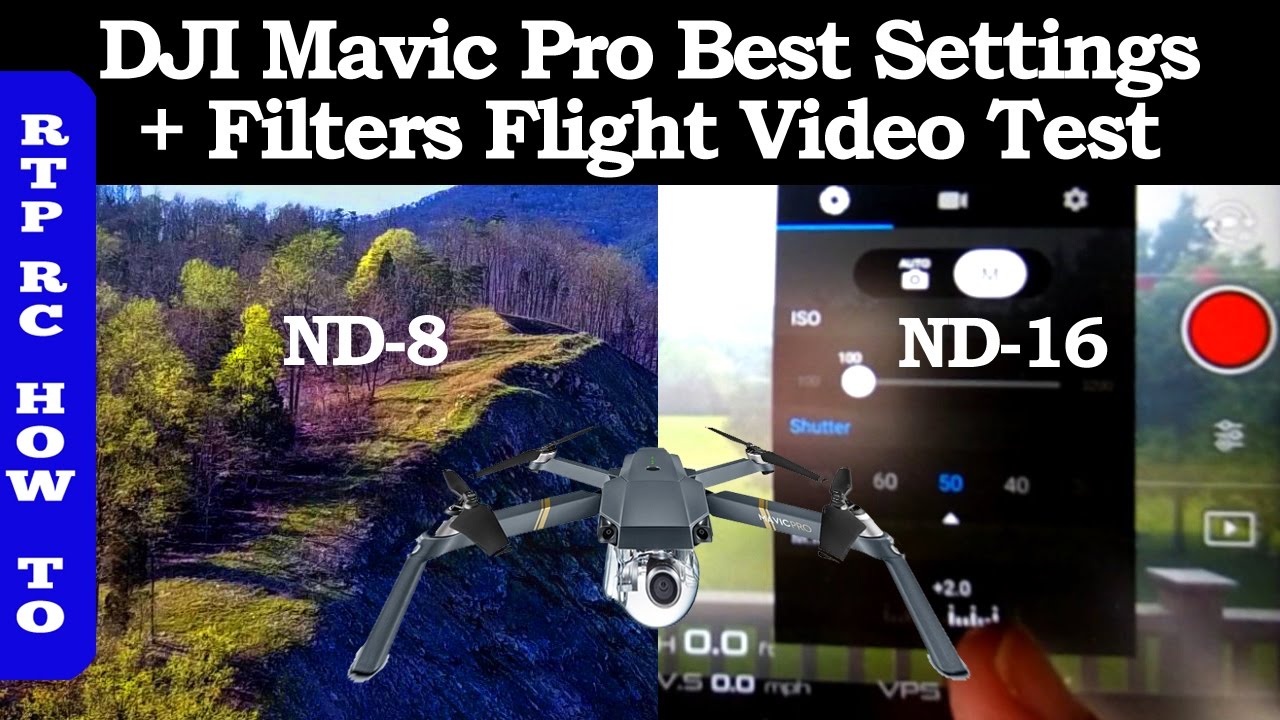
DJI Mavic Pro Best Settings, Flight Video Test of Best ND Lens Filters and How To Use Them
Автор: Dave Merc Productions
Загружено: 2017-05-03
Просмотров: 4622
Описание:
Flight footage testing on the best recording settings for DJI Mavic Pro. How to use the ND Filters and how to record great looking aerial video footage. This is a follow-up on my previous video on best setting and ND Lens Filters with a focus on actual aerial video footage.
Links to the best ND filters for the DJI Mavic are below.
Music by audionautix.com
Tips for cinematic aerial photography below
See my previous video on Best Mavic Pro setting and ND Lens Filters here:
• DJI Mavic Pro Best Settings, Best ND Lens ...
There are several sources of DJI Mavic ND lens filters such as these:
Freewell Lens Filter 6 Pack for DJI Mavic Pro
http://amzn.to/2gfaw8u
Polar Pro Filters DJI Mavic Lens Filters
http://amzn.to/2g8geJ5
Taco-RC ND Filters for Mavic
http://amzn.to/2wrkwlv
But these are the ones I purchased from DJI when I got my DJI Mavic.
DJI ND Filters for Mavic
http://amzn.to/2v9Geun
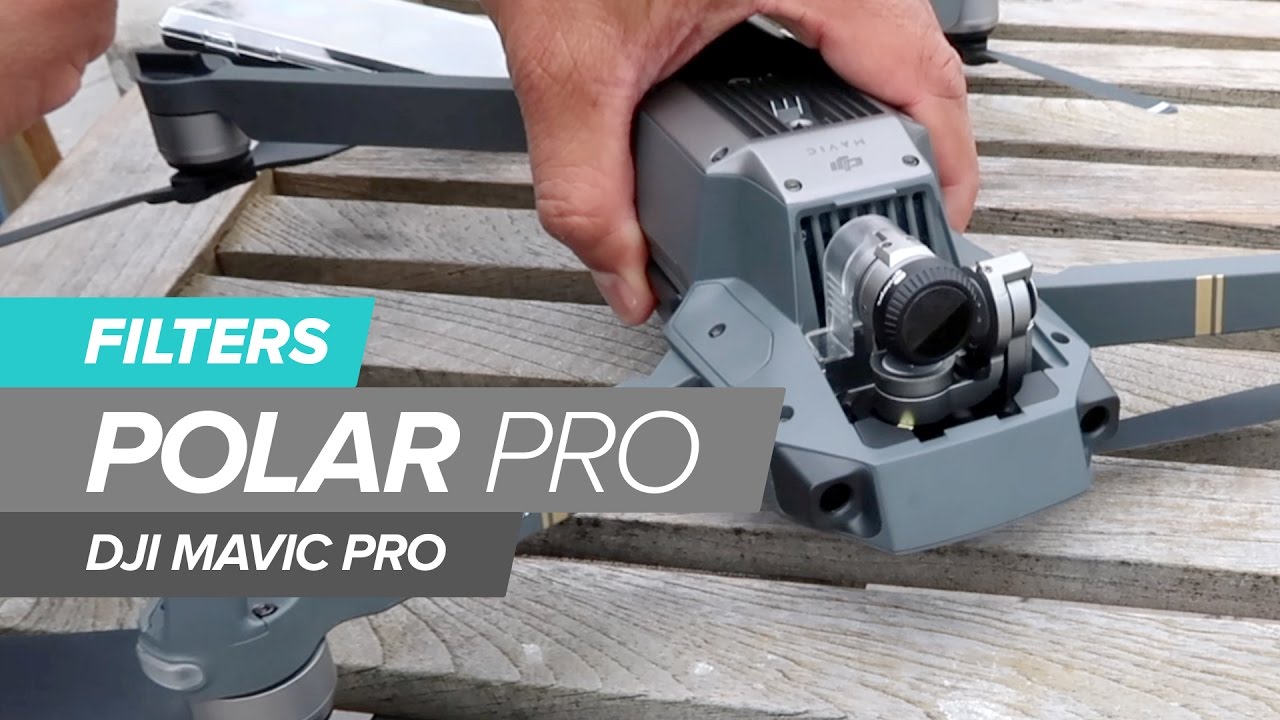
They clip onto the DJI Mavic Camera with three clips and can be left on the camera if you like or can be easily removed. ND stands for Neutral Density but why do we need ND filters? It's in the video.
So what are the best ND filters for DJI Mavic Pro? I think it's a matter of opinion. For me the DJI filters were cost effective and easy to install and remove.
EV WHEEL CHART
http://www.exposureguide.com/exposure...
Here I found a chart with an explanation of how EV (exposure value) was affected by three settings (ISO=100, Shutter Speed 2x frame rate, Aperture or Filters)…Mavic 180 degree shutter angle rule. One important take away: Mavic aperture is fixed at f2.2, No adjustable Iris or diaphragm on Mavic Pro. EV is a measure of the overall brightness. It’s good if we can keep the EV close to zero to get the best results from the CMOS camera sensor so the video is not too under or over exposed. But how does this chart relate to the Mavic camera settings and how do we get to the settings in the DJI GO 4 APP to change them? We explore the answers to these questions in this video.
Tips for cinematic aerial photography:
1. Flying Low because that is where the action and subject matter is.
2. Use the Rule of Thirds rather putting subjects in the middle. You can turn on the grid to see where the thirds are located.
3. Compose layers of subject matter in foreground, middle, and background to give a 3D appearance and to accent movement.
4. Get the camera moving in different ways simultaneously such as combining slide, lift, tilt, pan to increase viewer interest.
5. Avoid prop interference in the frame buy flying slowly or flying backwards. Keep movements smooth by adjusting stick gains and gimbal gains. Practice being gentle on the controls.
6. Keep the sun behind the camera for flat lighting or to one of the sides for more contrast, unless you want to capture a sunset or lens flares.
7. Use ND Filters instead of boosting the shutter speed to avoid jerkiness.
8. Shoot in manual and don't use auto white balance to avoid the color pallet from changing during the clip making post production difficult.
9. You may want to shoot in a manual flat profile such as dlog and then color grade later for the best results.
10. If there is a lot of wind you can shoot at higher frame rates such as 60 f/s and then slow it down in post production to get a cinematic look.
Camera techniques to film great aerials with your Mavic Pro:
1. Unveiling Shot - revealing the background subject matter by lifting camera.
2. Look Up Shot - by slowing tilting camera up. You can fly backward while doing this.
3. Pull Back Shot - by flying backwards.
4. Head Over Shot - while slowly raising and rotating while looking at ground. Or fly forward while looking at ground.
5. Cam Crane Shot - slowly raise the Mavic by tilting the camera down.
6. Course Lock Shot - Following straight line while rotating the Mavic.
7. Slider Shot - imitating a dolly shot by flying low to ground and sliding sideways and combine with a little lift.
8. Tripod Mode - Keep the Mavic in position while slowly rotating.
Повторяем попытку...
Доступные форматы для скачивания:
Скачать видео
-
Информация по загрузке:



![Почему реактивный двигатель не плавится? [Veritasium]](https://imager.clipsaver.ru/F6UB0V2Fct4/max.jpg)