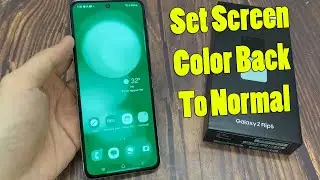
Samsung Galaxy Z Flip 6: How to Change Colors in Color Filter (Android 14)
Автор: HP Bagus
Загружено: 2025-03-04
Просмотров: 33
Описание:
Samsung Galaxy Z Flip 6: How to Change Colors in Color Filter (Android 14)
The Color Filter feature on the Samsung Galaxy Z Flip 6 running Android 14 allows users to customize their display colors for enhanced visibility. This feature is particularly useful for individuals with color vision deficiencies or those who prefer a different screen color experience. This guide will walk you through the steps to change the colors in the Color Filter settings on your device.
Steps to Change Colors in Color Filter
1. Open Settings on your Samsung Galaxy Z Flip 6.
2. Scroll down and tap Accessibility.
3. Select Visibility Enhancements.
4. Tap Color Filter.
5. Toggle the Color Filter switch On if not already enabled.
6. Choose from the available color filter options, such as:
Grayscale
Red-Green (Deuteranomaly)
Red-Green (Protanomaly)
Blue-Yellow (Tritanomaly)
7. Select the filter that best suits your visual needs.
Benefits of Changing Color Filters
Helps users with color blindness differentiate colors more easily.
Reduces eye strain by optimizing screen colors.
Enhances readability and improves the overall viewing experience.
Conclusion
The Color Filter feature on the Samsung Galaxy Z Flip 6 offers a flexible way to adjust screen colors to match your visual needs. By following these steps, you can create a more comfortable and accessible display experience.
---
Tags:
#SamsungGalaxyZFlip6 #ColorFilter #Android14 #SamsungAccessibility #TechTutorial #SamsungFeatures #ColorFilterSettings #GalaxyZFlip6Settings #AndroidTips #MobileAccessibility
Повторяем попытку...

Доступные форматы для скачивания:
Скачать видео
-
Информация по загрузке: