How to install Windows 11 Without Data Lost | Bypass TPM 2.0 Security Check When Install Windows 11
Автор: Tech Knowledge
Загружено: 2021-10-20
Просмотров: 287
Описание:
Hello Friends,
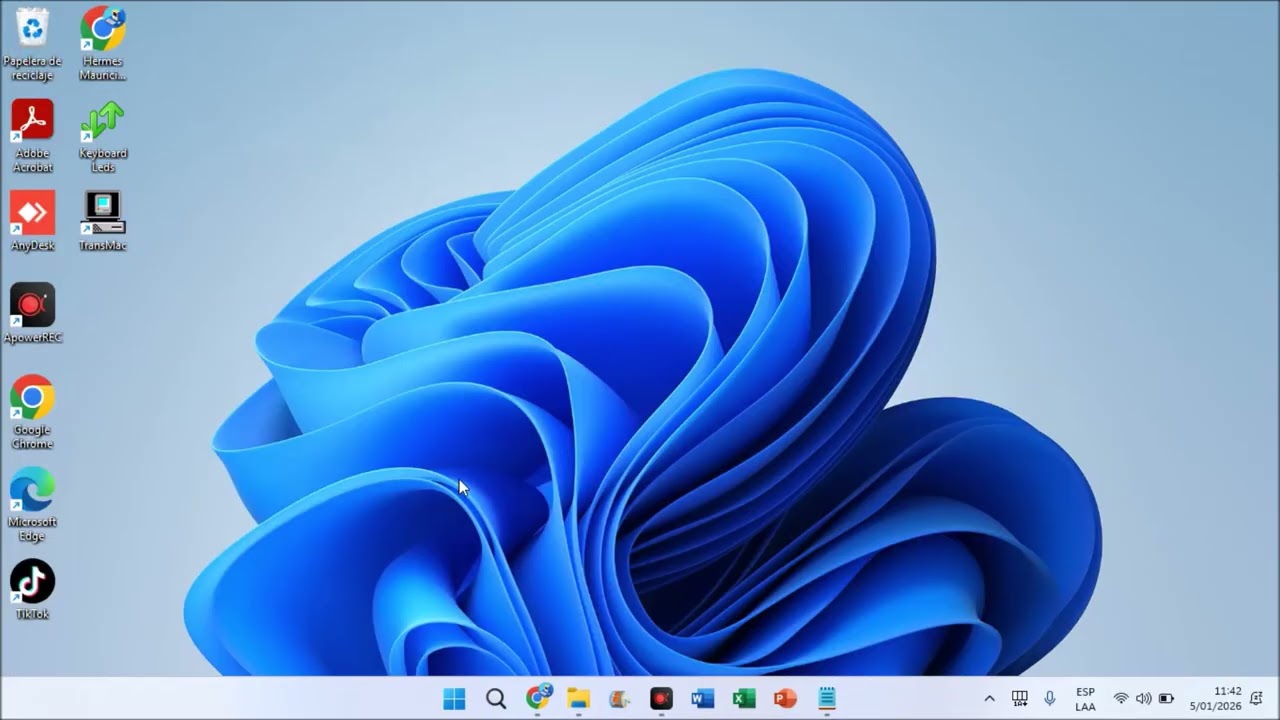
Today we are going to learn, how to Install, Update or Upgrade Our System (Laptop, Desktop) With "Windows 11".
Right Now, Microsoft Roll Out Windows 11 Just For Latest Chipset such as Core I3,I5,I7 8th,9th,10th & 11th Generation Processor, Which has onboard TPM (Trusted Platform Module) Chip.
It mean, if we have I3 7th Gen or below Processor we can't Update or Upgrade our system just for Security Reason.
So, Don't Worry this video guide you that how to bypass all Windows 11 installation requirement Security such as TMP (Trusted Platform Module) Chip, Processor not able to install Windows 11 & etc...
So, please it's humble request to you that Don't Skip the Video, if you miss any step, you Can't able to install Windows 11 Properly.
Installation Guide ::
1. Download Windows 11 Modified ISO File
2. Extract Windows 11 Modified ISO
3. Run Setup.
4. Enjoy The Juice of Windows 11
Windows 11 Modified ISO file :: https://drive.google.com/file/d/1PAi6...
Повторяем попытку...

Доступные форматы для скачивания:
Скачать видео
-
Информация по загрузке: