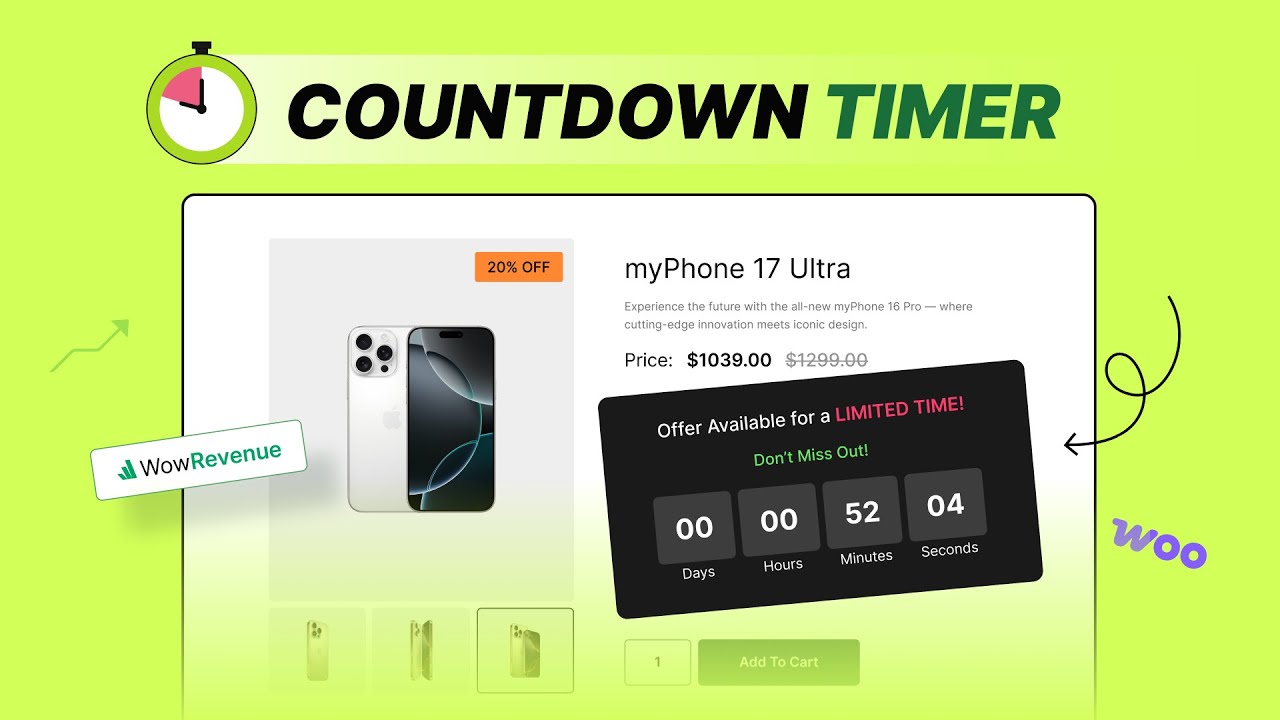
Add Sales Countdown Timer for WooCommerce (Instant Setup)
Автор: WPXPO
Загружено: 2025-05-06
Просмотров: 515
Описание:
Are you tired of missed sales opportunities? A countdown timer creates urgency and encourages customers to buy now!
In this tutorial, you'll learn step-by-step how to easily add add Sales Countdown Timer for WooCommercer to your product pages, shop page, cart page, or even your entire website using the WowRevenue plugin – the most loved AOV booster for WooCommerce!
💡 Explore how WowRevenue works: • WowRevenue - Rev up the Average Order Valu...
💓 Explore the Features: https://www.wowrevenue.com/
👉 Grab WowRevenue Now: https://www.wowrevenue.com/#pricing
➡️ In this video, you'll learn how to:
✅ Create a "Sales Countdown Timer" campaign.
✅ Choose where to display your countdown timer (entire site, product page, cart page, shop page).
✅ Understand placement options for different page types.
✅ Select "Trigger Products" to target specific items or categories.
✅ Utilize the "Entire Site" option for sitewide sales countdown with optional click actions and CTA buttons.
✅ Explore the three unique countdown timer options in WowRevenue:
Static: Set a one-time countdown with a start and end date (and auto-hide).
Evergreen: Create continuously running timers with customizable durations and auto-reset.
Daily Recurring: Schedule timers for specific days of the week and time slots.
✅ Enable a time progress bar for shop pages.
✅ Animate your countdown timer for added visual appeal
✅ Customize the design of your countdown timer with effortless typography, color, and spacing controls.
😇 See what’s cooking on socials:
👉WowRevenue Community: [ / wowcommercecommunity ]
👉Facebook: [ / wpxpo ]
👉Twitter: [https://x.com/wpxpoofficial/]
⏰Chapters
------------------------
00:00 Introduction to Sales Countdown Timers
00:18 Install and Activate WowRevenue Plugin
00:40 Creating a Countdown Timer Campaign
01:00 Choosing Campaign Display Location (Entire Page, Product Page, Cart Page, Shop Page)
01:30 Placement Options for Different Pages
01:55 Selecting Trigger Products
02:20 Entire Site Option & Click Actions
02:50 Understanding Static Countdown Timers
03:25 Setting Up Evergreen Countdown Timers
04:05 Exploring Daily Recurring Countdown Timers (Daily & Weekdays Mode)
#SalesCountdownTimer #SalesBooster #WowRevenue
Повторяем попытку...
Доступные форматы для скачивания:
Скачать видео
-
Информация по загрузке: