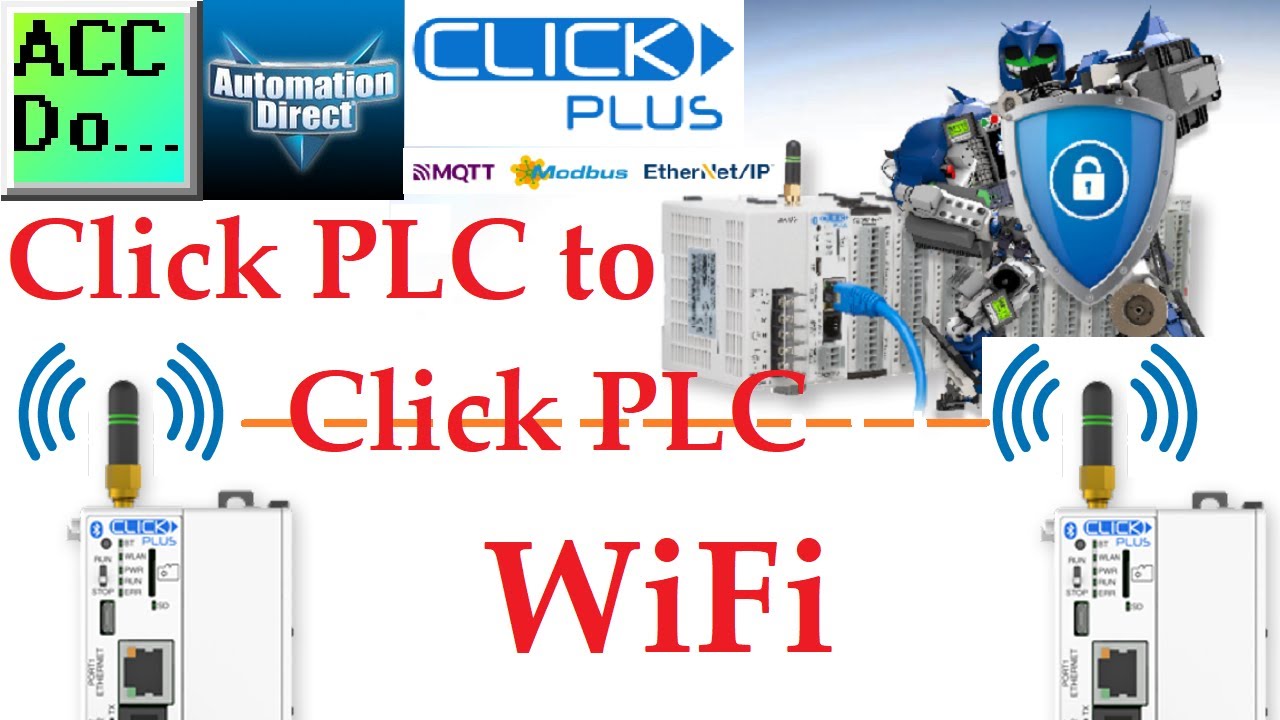
Click PLC WLAN Ethernet Data Transfer Master Slave Protocol!
Автор: ACC Automation: PLC & Industrial Control Learning
Загружено: 2022-12-01
Просмотров: 3877
Описание:
Master Click PLC WiFi communication! Stop struggling with Modbus TCP setup. Finally unlock wireless PLC-to-PLC data transfer with step-by-step configuration.
📖 FULL WRITTEN TUTORIAL + DOWNLOADS
https://accautomation.ca/click-to-cli...
⏱️ TIMESTAMPS
0:00 - Introduction - WiFi Communication Overview
0:36 - WiFi Port Configuration & Static IP Setup
1:06 - TCP/IP & Modbus Protocol Explanation
2:18 - Modbus TCP Server Configuration
2:42 - Client PLC Ladder Logic Programming
3:24 - Send Instructions - Writing Multiple Coils
4:35 - Send Instructions - Writing Multiple Registers
5:10 - Receive Instructions - Reading Data
6:02 - Communication Cycling & Error Handling
6:29 - Heartbeat Implementation
7:16 - Throughput Testing Setup
8:04 - Server PLC Programming
8:41 - Data View Testing & Validation
9:22 - Download Program & Wrap Up
📚 WHAT YOU'LL LEARN
✅ Configure Click PLC WiFi communication with static IP addressing
✅ Program Modbus TCP client/server communication between Click PLCs
✅ Implement heartbeat monitoring and error detection for reliable communication
✅ Set up send/receive instructions for bits and registers data transfer
✅ Test and validate wireless PLC communication throughput
🔗 MORE RESOURCES
▶ Series: https://accautomation.ca/series/click...
▶ PLC Beginners Guide: https://accautomation.ca/programming/...
▶ Free eBooks: https://accautomation.ca (subscribe for download)
🛒 RECOMMENDED HARDWARE
▶ Training Kits: https://accautomation.ca/series/click...
💬 Questions? Drop a comment below.
🔔 New tutorials every Monday — Subscribe and hit the bell!
#PLC #HMI #IndustrialAutomation #LadderLogic #AutomationDirect #PLCProgramming #ACCAutomation
This video will show you how to use Click PLC's WiFi for Click PLC communication. This communication method lets you remotely control the Click PLC via Modbus TCP.
By showing you this example, we hope to provide you with a better understanding of how this communication method works and help you to use it in your own projects.
CLICK PLCs were designed for simplicity, providing reliable control at a low cost with a minimal learning curve.
This simplicity makes CLICK a perfect solution for small machines, home automation projects, pneumatic applications, or anywhere a simple system needs a budget-saving control solution.
Building on the original CLICK's simple design, the new CLICK PLUS PLCs offer the same practical control but with some surprising bells and whistles. Using the same FREE, streamlined PLC programming software as its predecessor, the CLICK PLUS PLCs offer no-headache programming and advanced capabilities such as Wi-Fi communication and data logging.
The Click and Click PLUS PLC series can be found at this URL:
https://accautomation.ca/series/click...
Features of the new Click PLUS PLC (C2-0xCPU) include the following:
• Micro USB
• DHCP support
• DNS support
• Wi-Fi (programming and Modbus TCP)
• Bluetooth (Wi-Fi) provisioning
• SD Card (Data Logging)
• Data Logger
• Network Time Service
• MQTT (Publish/Subscribe)
• Required PLC Password
• Disable Ports
• Strong Password Support
• Disable Ping Response
• Encrypted Password Transfer
We are using the Click and Click PLUS PLCs for several reasons. Here are just a few.
Investment is low for the hardware, and the software is free
Standalone PLC with built-in I/O
Communication ability - Ethernet Port, RS232, RS485 - support for protocols such as Modbus RTU, Modbus TCP, etc.
Ability to directly expand the system with various modules, including RTD and Thermocouple inputs.
Regards,
Garry
ACC Automation
https://www.accautomation.ca
Повторяем попытку...
Доступные форматы для скачивания:
Скачать видео
-
Информация по загрузке: