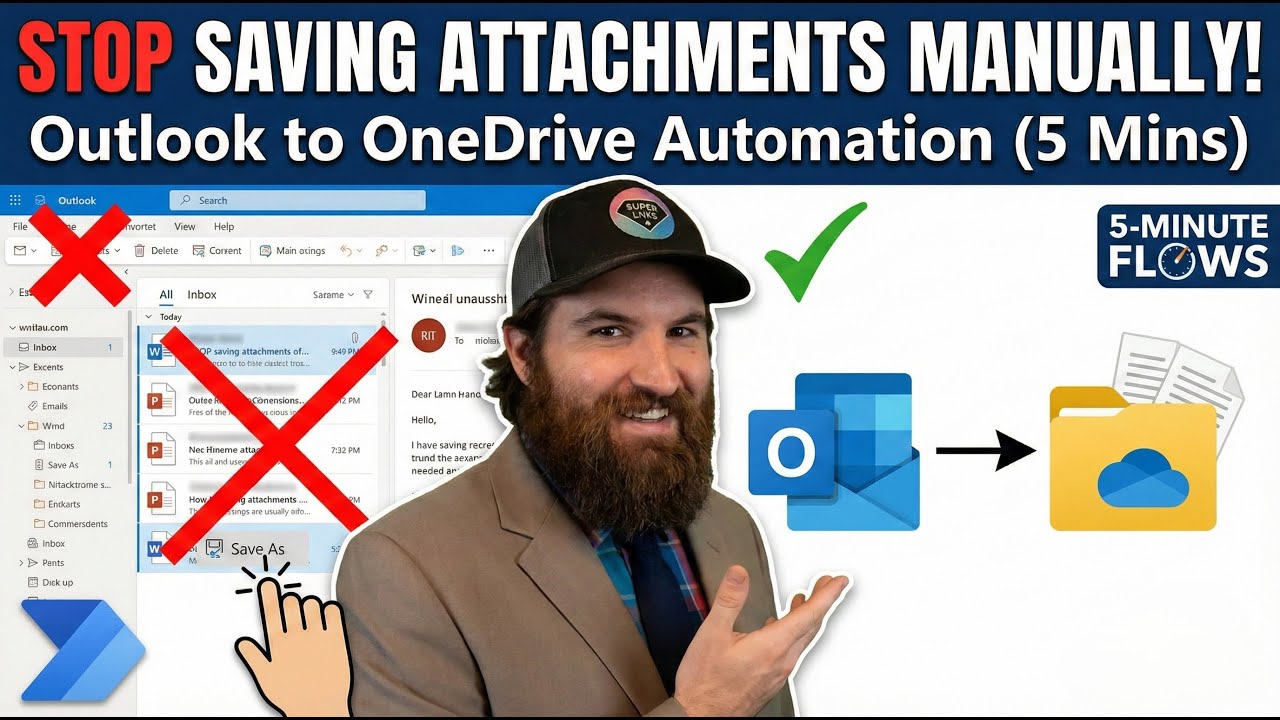
Auto-Save Outlook Email Attachments to OneDrive (Power Automate) | 5-Minute Flow
Автор: Takescake
Загружено: 2025-12-03
Просмотров: 653
Описание:
Stop manually downloading email attachments! 🛑
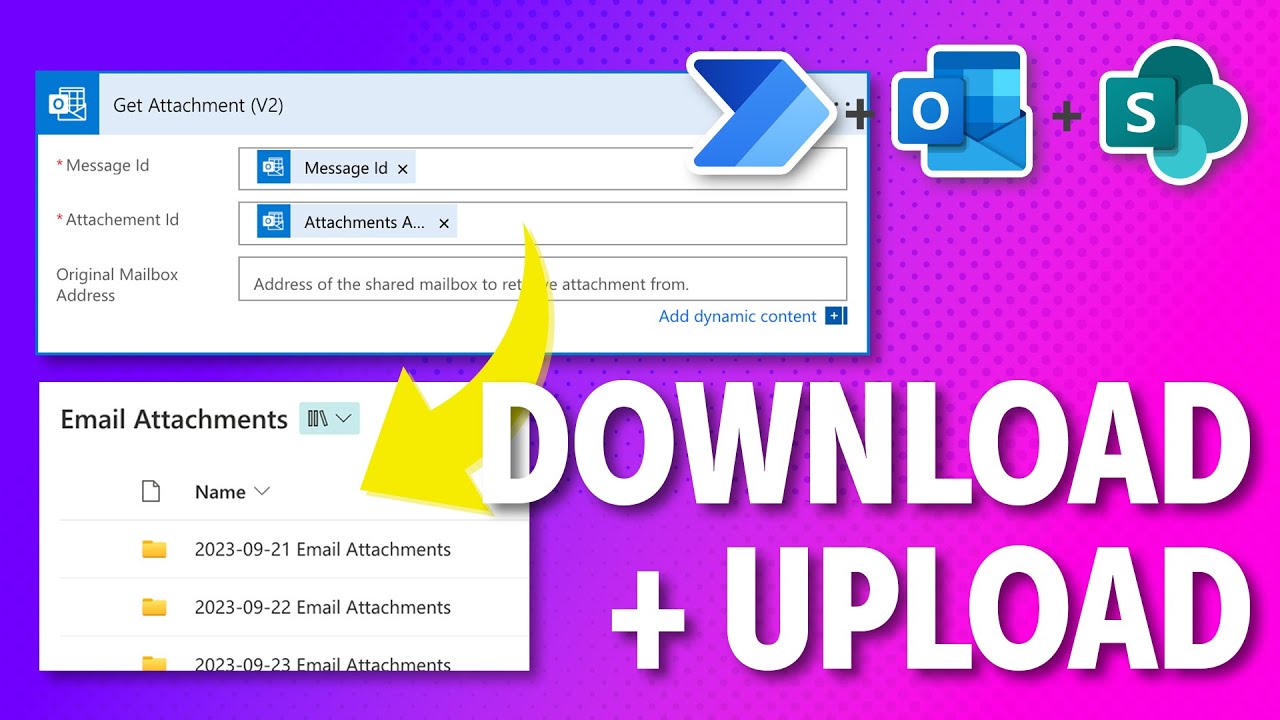
In this episode of 5-Minute Flows, I show you how to build a simple automation that takes every attachment sent to your Outlook inbox and instantly saves it to a specific folder in OneDrive (or SharePoint). This entire setup takes less than 5 minutes and will save you hours of administrative work this year.
What you’ll learn in this video: ✅ How to use the "When a New Email Arrives" trigger. ✅ How to filter for specific attachments. ✅ How to automatically create files in OneDrive. ✅ Understanding the "Apply to Each" loop in Power Automate.
⏱️ TIMESTAMPS 0:00 – The problem with manual downloads 0:45 – Setting up the Outlook Trigger 1:30 – Configuring the "Create File" Action 2:15 – Why Power Automate creates a Loop 3:30 – Testing the Flow live 4:15 – Next steps
🔗 RESOURCES & LINKS
Microsoft Power Automate: [Link to https://www.google.com/search?q=make....]
Subscribe for more 5-Minute Flows: [Link to your channel subscription]
💬 QUESTIONS? Stuck on a specific step? Let me know in the comments below! If you have a request for a future "5-Minute Flow," drop it in the comments and I might build it in the next video.
#PowerAutomate #MicrosoftFlow #Productivity #Automation #NoCode #TechTips
Повторяем попытку...
Доступные форматы для скачивания:
Скачать видео
-
Информация по загрузке:

![Best of Deep House [2026] | Melodic House & Progressive Flow](https://imager.clipsaver.ru/Il-ZpBuC8tA/max.jpg)