SAMSUNG J5 CUSTOM BINARY BLOCKED BY FRP LOCK / SOLVED
Автор: Suriyakumar Sivanandham
Загружено: 2016-04-11
Просмотров: 214327
Описание:
1. just follow the steps
2. before starting the process you must
note down your MODEL NO ( SM-J500....) & SERIEL NO ( RXXXXCCXXX).
3. the download link of kies program.
4. http://www.samsung.com/in/support/use...
(downloade lite version)
5. This program is 75mb file. after download install this program.
6. More than that you need a live internet connection to download the Android 5.1 lollipop OS.
7. For Download mode , switch off the mobile
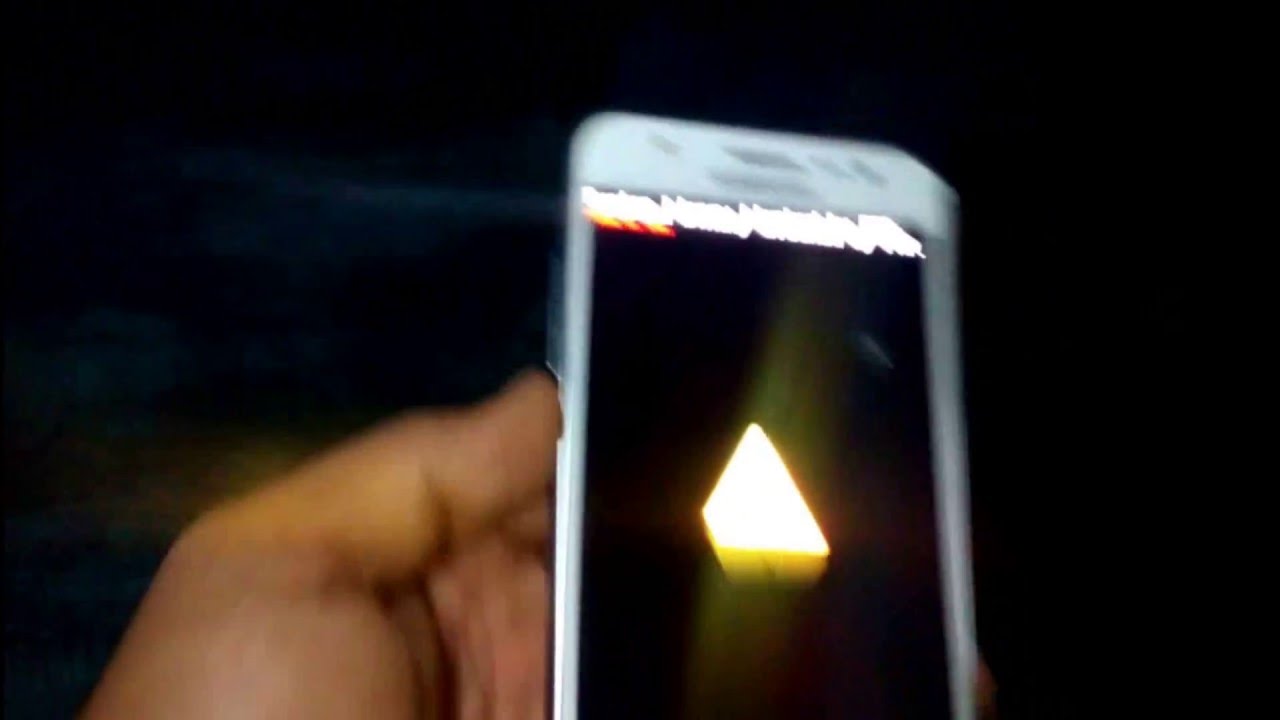
Volume Down + Home + Power. After the Samsung phone name logo, you will see a screen with a warning sign as shown up. Proceed ahead by pressing the Volume Up button.
If you like this video just hit on LIKE & SUBSCIBE for more videos.
""MY NEXT VIDEO IS ABOUT PERFECT ROOTING THE SAMSUNG J5""
Повторяем попытку...
Доступные форматы для скачивания:
Скачать видео
-
Информация по загрузке:








![[FIXED] How To Fix Custom Binary Blocked By FRP Lock In Any Samsung Phone | 100% Working Method](https://image.4k-video.ru/id-video/NCWULckhwmo)
