ycliper

Популярное

Музыка Кино и Анимация Автомобили Животные Спорт Путешествия Игры Юмор

Интересные видео

2025 Сериалы Трейлеры Новости Как сделать Видеоуроки Diy своими руками

Топ запросов

смотреть а4 schoolboy runaway турецкий сериал смотреть мультфильмы эдисон
Скачать

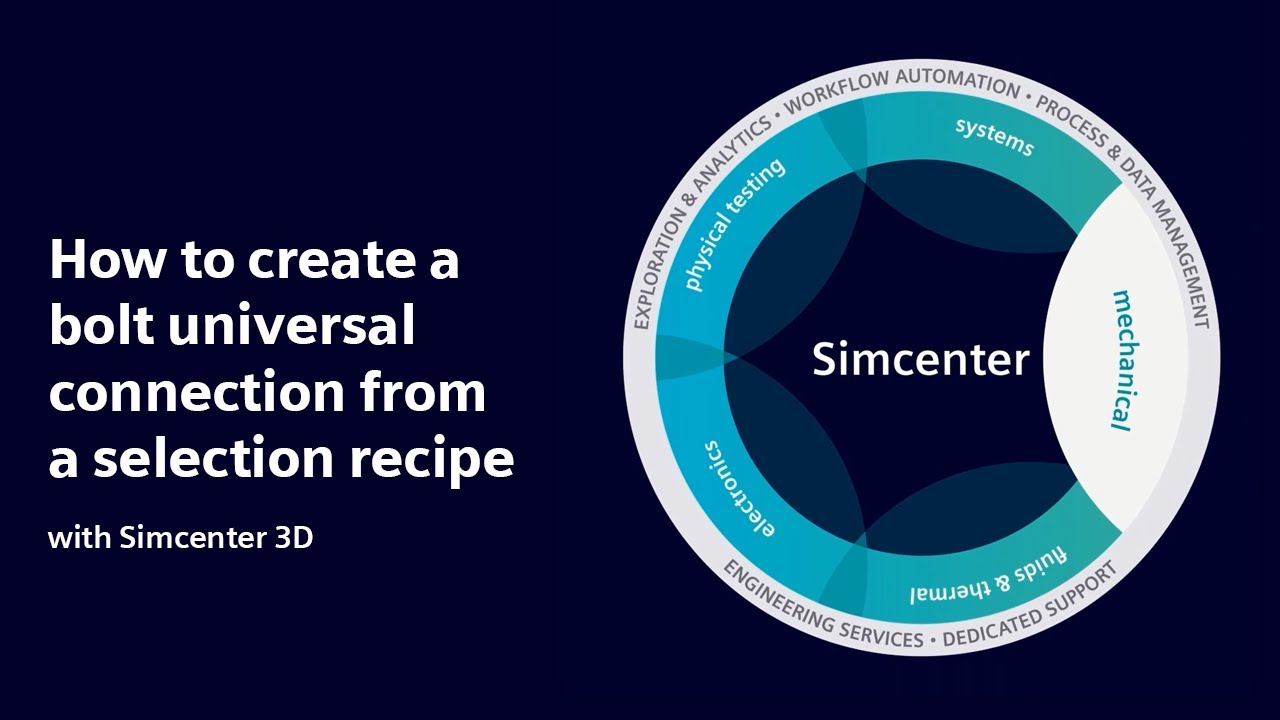
HOW TO | How to create a bolt universal connection with Simcenter 3D | Tutorial

Автор: Siemens Software

Загружено: 2023-05-24

Просмотров: 2304

Описание: Building a finite element model can be automated effortlessly using template parts and selection recipes. With Selection Recipes, you can easily document processes and define standards for your company. With the help of template part files, applying these Selection Recipes to your new projects becomes a breeze.

In this tutorial, you will learn how to generate a Bolt - Universal Connection using a Selection Recipe.

To create a 4-bolt connection, we first define the bolt using a line with a name attribute of "bolt". We then pattern the curves accordingly. Our Selection Recipe strategy is set to attributes and looks for the name "bolt". This helps us locate all curves with the "bolt" attribute and add them to our selection. Finally, we create a Bolt - Universal Connection and choose our Selection Recipe as the selection method.

Simcenter 3D version used in demo = prior to 2206

For further help you can visit our support page at https://sie.ag/424yioT or our community site at https://sie.ag/3q76vH1

#HowToSimcenter3D #Simcenter3D #finiteelementanalysis #fea #FEMbolt #feaboltedjoint #boltsimulation #boltedconnection

▶️ About Simcenter:
Engineering departments today must develop smart products that integrate mechanical functions with electronics and controls, utilize new materials and manufacturing methods and deliver new designs within ever shorter design cycles. This requires current engineering practices for product performance verification to evolve into a Digital Twin approach, which enables to follow a more predictive process for systems driven product development.

Simcenter software uniquely combines system simulation, 3D CAE and test to help you predict performance across all critical attributes earlier and throughout the entire product lifecycle. By combining physics-based simulations with insights gained from data analytics, Simcenter helps you optimize design and deliver innovations faster and with greater confidence.

Не удается загрузить Youtube-плеер. Проверьте блокировку Youtube в вашей сети.
Повторяем попытку...
HOW TO | How to create a bolt universal connection with Simcenter 3D | Tutorial

Поделиться в:

Доступные форматы для скачивания:

Скачать видео

  • Информация по загрузке:

Скачать аудио

Похожие видео

Базовая пошаговая инструкция по созданию вычислительной гидродинамики для внутренних потоков в NX...

Базовая пошаговая инструкция по созданию вычислительной гидродинамики для внутренних потоков в NX...

HOW TO | How to get started with Simcenter 3D | Tutorial #HowToSimcenter3D

HOW TO | How to get started with Simcenter 3D | Tutorial #HowToSimcenter3D

Объяснение сжатия моделей: как сделать ИИ меньше и быстрее 🚀

Объяснение сжатия моделей: как сделать ИИ меньше и быстрее 🚀

HOW TO | How to create selection recipes with Simcenter 3D | Tutorial #HowToSimcenter3D

HOW TO | How to create selection recipes with Simcenter 3D | Tutorial #HowToSimcenter3D

How to create screws connection using fasteners option in Abaqus ?

How to create screws connection using fasteners option in Abaqus ?

HOW TO | How to connect finite element models with Simcenter 3D | Tutorial #HowToSimcenter3D

HOW TO | How to connect finite element models with Simcenter 3D | Tutorial #HowToSimcenter3D

How To Replace A Flexible Component With A Rigid One

How To Replace A Flexible Component With A Rigid One

How to define bolt connection and preload in NX to maintain sealing.

How to define bolt connection and preload in NX to maintain sealing.

Nonlinear

Nonlinear

Transonic Wing Flutter Analysis Using Simcenter STAR-CCM+ and Simcenter Nastran Co-Simulation

Transonic Wing Flutter Analysis Using Simcenter STAR-CCM+ and Simcenter Nastran Co-Simulation

Как Сделать Настольный ЭЛЕКТРОЭРОЗИОННЫЙ Станок?

Как Сделать Настольный ЭЛЕКТРОЭРОЗИОННЫЙ Станок?

Using Simcenter to Model Mechanically Fastened Joints

Using Simcenter to Model Mechanically Fastened Joints

Чем ОПАСЕН МАХ? Разбор приложения специалистом по кибер безопасности

Чем ОПАСЕН МАХ? Разбор приложения специалистом по кибер безопасности

Если у тебя спросили «Как твои дела?» — НЕ ГОВОРИ! Ты теряешь свою силу | Еврейская мудрость

Если у тебя спросили «Как твои дела?» — НЕ ГОВОРИ! Ты теряешь свою силу | Еврейская мудрость

A Siemens Xcelerator story with SONY | Transforming product design with Immersive Engineering

A Siemens Xcelerator story with SONY | Transforming product design with Immersive Engineering

WHAT'S NEW Simcenter 3D 2022.1

WHAT'S NEW Simcenter 3D 2022.1

Как И Почему Горит ОГОНЬ? Величайшее Открытие Человечества, Объясненное Фейнманом

Как И Почему Горит ОГОНЬ? Величайшее Открытие Человечества, Объясненное Фейнманом

ВСЕ ШЕСТЕРНИ В ОДНОМ ВИДЕО. Какие бывают зубчатые колеса?

ВСЕ ШЕСТЕРНИ В ОДНОМ ВИДЕО. Какие бывают зубчатые колеса?

Fusion — пустая трата времени

Fusion — пустая трата времени

Задача из вступительных Стэнфорда

Задача из вступительных Стэнфорда

© 2025 ycliper. Все права защищены.


  • Контакты
  • О нас
  • Политика конфиденциальности


Контакты для правообладателей: [email protected]