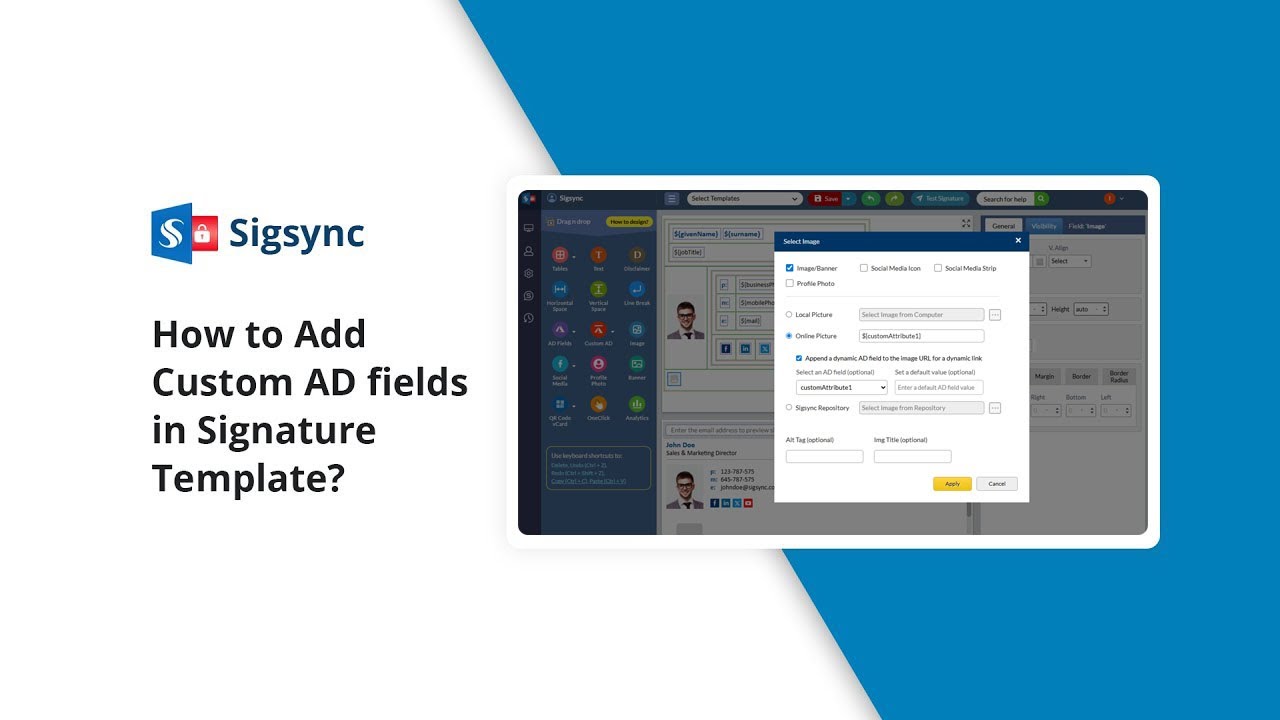
How to add Custom AD fields in email signature template?
Автор: Sigsync
Загружено: 2025-07-24
Просмотров: 20
Описание:
Sigsync Office 365 Email Signature Service lets you personalize your email signatures by adding custom Active Directory (AD) fields that aren’t available by default in Office 365 Azure Active Directory. For example, you may want to include a custom phone number, employee ID, one-click survey link, additional contact information, or an alternate email address — details that aren’t covered by standard AD attributes.
In this step-by-step tutorial, you’ll learn how to:
➤ Set custom attributes in your Office 365 account
➤ Sync AD changes in your Sigsync settings
➤ Insert custom AD fields into your email signature template
➤ Use the real-time preview to instantly view formatting and layout changes
With Sigsync Signature Editor, you can design dynamic, customized, and professional email signatures tailored to your organization's unique communication needs.
Resources:
➤ Try it for Free:
👉 https://www.sigsync.com
➤ Steps by step guide to set custom attributes in Office 365:
👉https://www.sigsync.com/kb/how-to-set...
➤ Need help or support?
👉 https://www.sigsync.com/support.html
➤ Hope you found this tutorial helpful!
👍Give it a like, 🔔subscribe for more, and explore Sigsync tips to enhance your email signatures.
Check Out More Tutorials:
📹 • How to set up Office 365 email signatures ...
📹 • How to create and edit email signature tem...
📹 • How to use Social Media Icons in Sign
#sigsync #emailsignature #CustomADFields #CustomArttribute #outlooksignature #office365 #professionalemailsignature #emailsignaturetips #sigsyncsignatureeditor #sigsyncsignaturegallery #azuread
Повторяем попытку...
Доступные форматы для скачивания:
Скачать видео
-
Информация по загрузке: