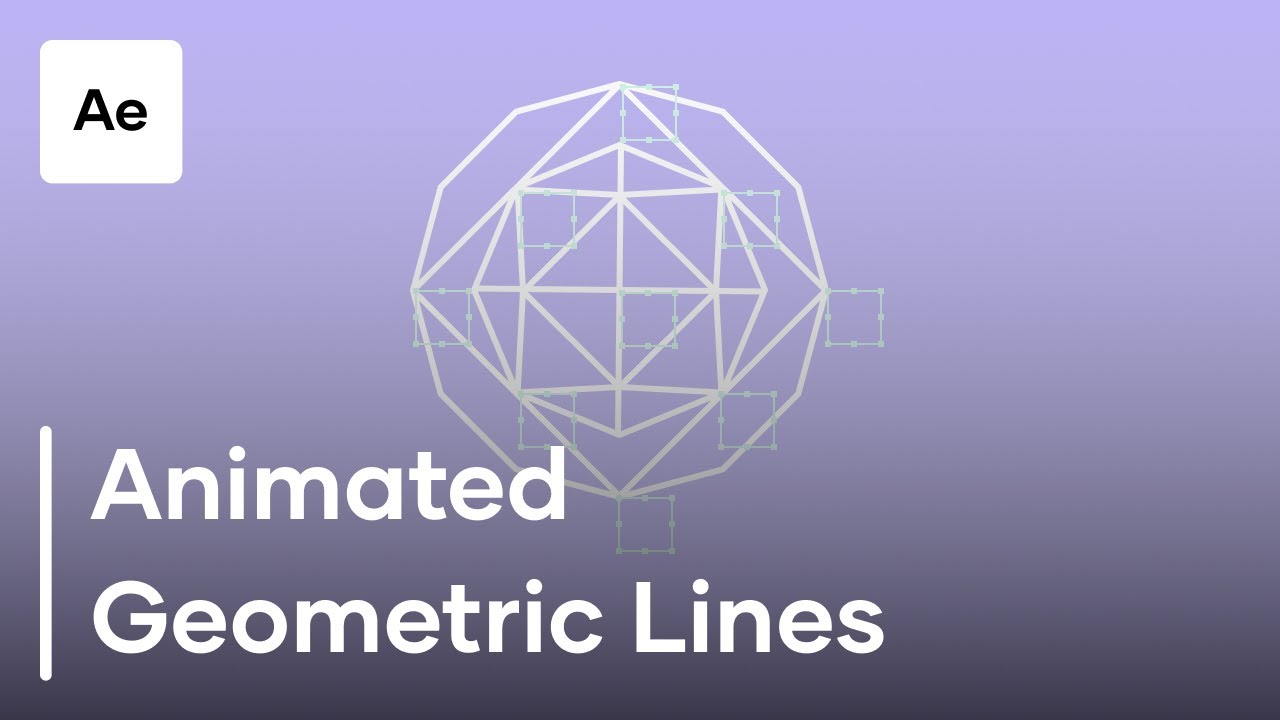
How To Create Animated Geometric Lines In After Effects
Автор: Motion Array Tutorials
Загружено: 2018-05-24
Просмотров: 32647
Описание:
In this tutorial we explore how to create animated geometric lines In After Effects. This effect will create the illusion that each of the lines in this geometric shape are attached to one another and interact with each other as though they were connected. The result is a realistic and awesome looking effect that is sure to WOW your audience! So let's jump into After Effects and take a look at how to create some animated geometric lines!
Check out all our other tutorials over at:
https://motionarray.com/tutorials
And here on YouTube, check out our video playlists below!
After Effects Tutorials:
• After Effects Tutorials
Premiere Pro Tutorials:
• Premiere Pro Tutorials
Filmmaking Tutorials:
• Filmmaking and Camera Tutorials
Check out our After Effects Complete Basics Course:
• After Effects Basics Course For Beginners ...
As well as our Premiere Pro Basics Course:
• Ultimate Premiere Pro Basics Course - Moti...
Music Provided By Motion Array:
https://motionarray.com/stock-music/s...
Повторяем попытку...
Доступные форматы для скачивания:
Скачать видео
-
Информация по загрузке:





![Введение в интерфейс Adobe After Effects. Эпизод 2/48 [Adobe After Effects для начинающих]](https://image.4k-video.ru/id-video/O6KRRQm6meY)