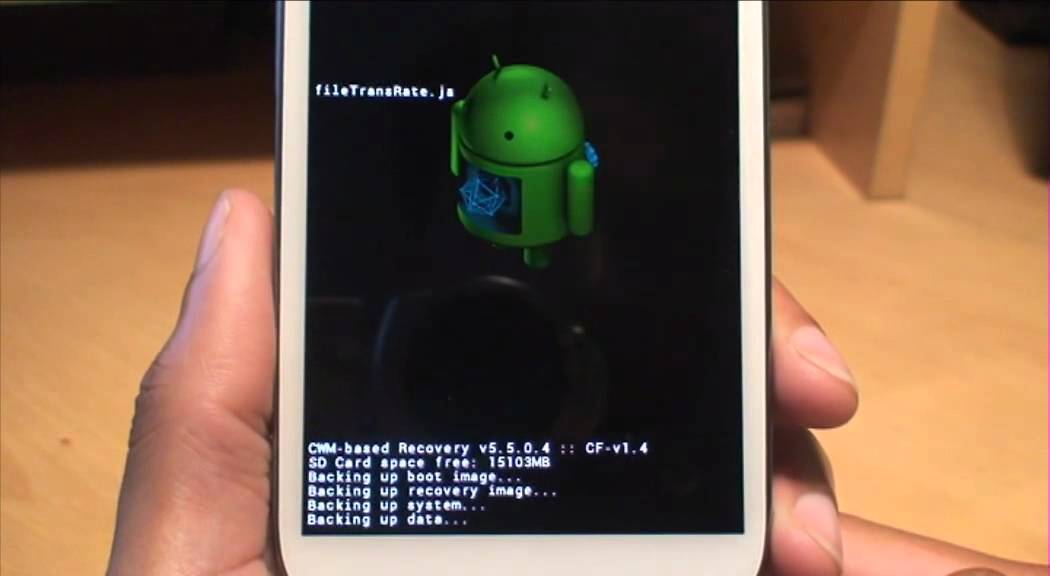
Galaxy S3 Transfer Apps, Pictures From Internal Storage to Micro SD Card Without Installing an App
Автор: Jeff Sharp
Загружено: 2012-12-14
Просмотров: 392524
Описание: Simple Procedure: In Apps, click on "My Files", Select "SDCard0", Choose your App or Files you want to move by holding your finger on it for a couple seconds, select "Move", select ExtSDCard, in upper right hand corner select "Move Here". Easy !! No need to install a 3rd party App to take up more Storage/ have access to your files !!! WARNING : Take extra special care if you cancel the transfer process...Half of the info will be on your internal and the rest will be on your SD Card, split wherever you cancelled the transfer. Cancelling DOES NOT PUT EVERYTHING BACK WHERE IT WAS. DO NOT OVERWRITE IN A SECOND ATTEMPT. This is the reason I took extra time in the second half of the video to show you how to transfer the rest of your files properly.
Повторяем попытку...

Доступные форматы для скачивания:
Скачать видео
-
Информация по загрузке: