Interactive Kiosks: Set up TouchFree Tooling for Unity | Ultraleap
Автор: Ultraleap
Загружено: 2021-09-22
Просмотров: 6013
Описание:
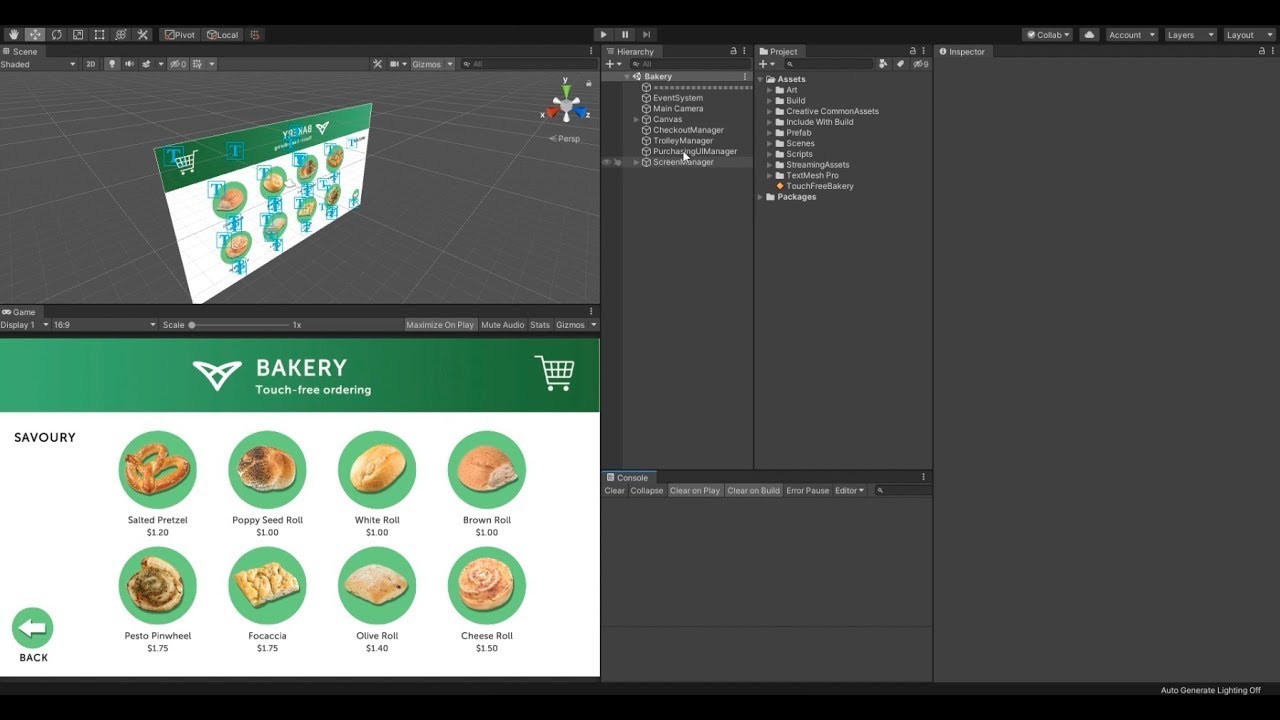
How to connect Unity kiosk applications to TouchFree software and design interactive kiosks with gesture control as a native feature.
Download TouchFree Tooling for Unity here: https://developer.leapmotion.com/touc...
----------------------------
To use TouchFree Tooling you will also require:
• TouchFree 2.0 (https://developer.leapmotion.com/touc...)
• Ultraleap hand tracking camera/software (https://developer.leapmotion.com/get-...)
Find out more about developing touchless kiosk experiences:
• TouchFree user manual (https://docs.ultraleap.com/touchfree-...)
• Camera placement (https://docs.ultraleap.com/touchfree-...)
----------------------------
How TouchFree Interactive Kiosk Software Works
*TouchFree Application
TouchFree Application runs invisibly on top of existing user interfaces. You can retrofit systems without needing to modify your existing application’s user interface, or changing a single line of code. The interactive kiosk software provides a cursor that users control touchlessly and communicates with Windows’ input system to control your application.
*TouchFree Tooling
TouchFree Tooling allows Web and Unity developers to connect applications and content to TouchFree interactive kiosk software and use its hand positioning data directly. With it, you can move beyond retrofits and design self-serve kiosks or interactive digital signage with touchless interaction as a native feature.
*TouchFree Service
TouchFree Service is the engine of TouchFree and is required to power both TouchFree Application and applications integrated with TouchFree Tooling. The TouchFree Service interactive kiosk software converts hand movements, provided by Ultraleap’s hand tracking cameras, into positional data. TouchFree Application or your own kiosk application can use this to represent a cursor on-screen.
Повторяем попытку...
Доступные форматы для скачивания:
Скачать видео
-
Информация по загрузке: