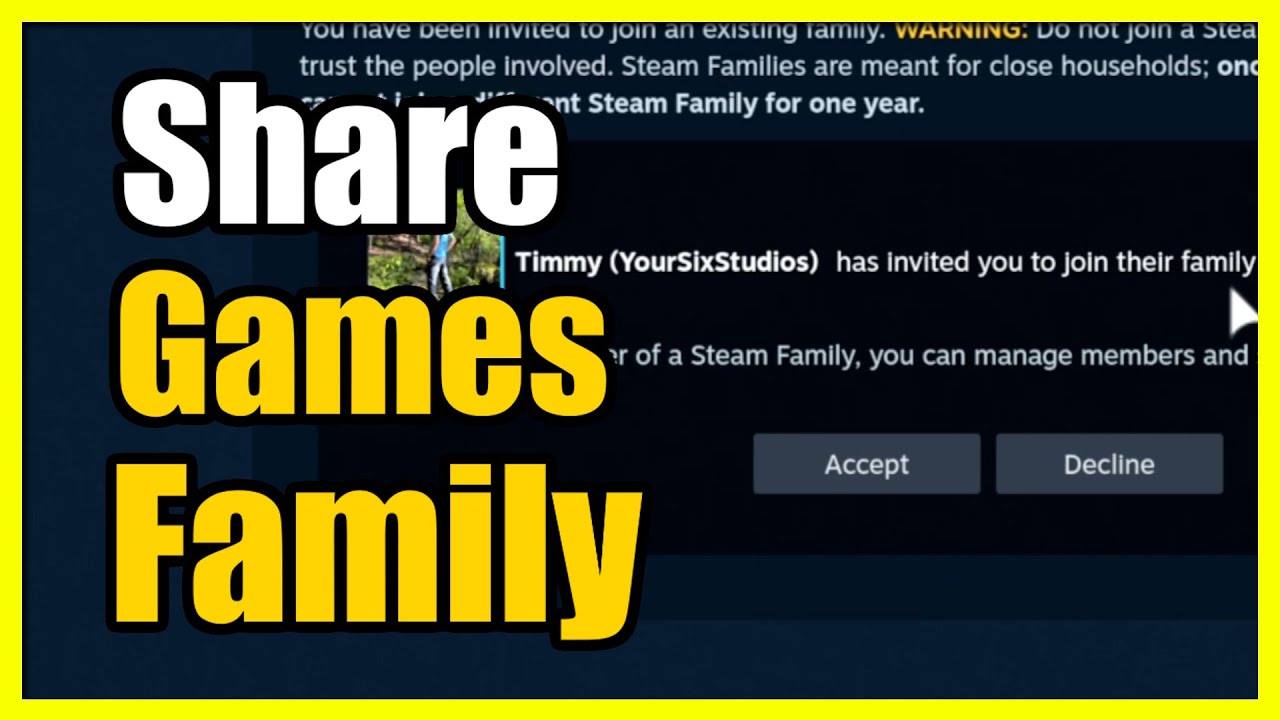
How to Join a Family on your Steam Deck to Share games (Easy Method)
Автор: YourSixStudios
Загружено: 2025-03-15
Просмотров: 2004
Описание:
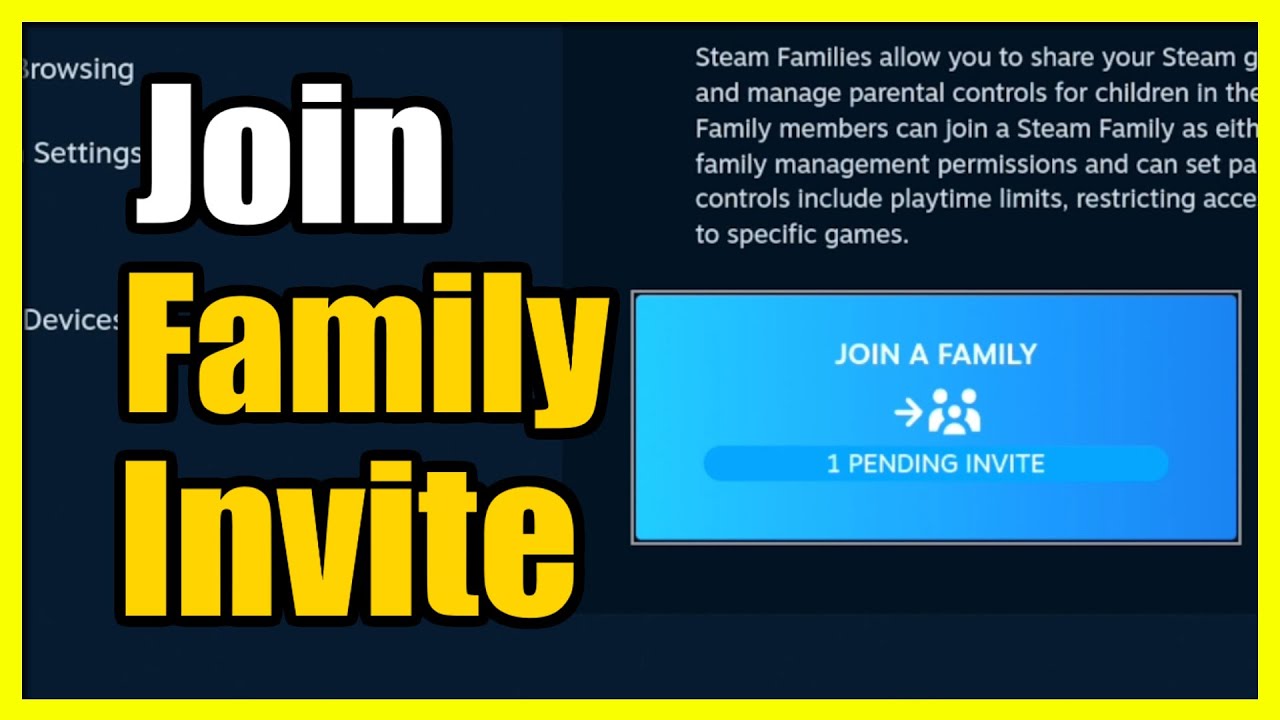
To join a family on your Steam Deck and share games, follow these steps:
Log in to your Steam account on your Steam Deck.
Press the Steam button to open the main menu.
Go to Settings and select the Family tab.
Enable Library Sharing on this device by checking the box.
Log out and have the family member log in to their Steam account on the same device.
'
They should request access to your game library by selecting a game and clicking the “Borrow” option.
Log back into your account to approve the borrowing request. You might see a pop-up notification to allow access.
Once approved, the family member can play the shared games on their account.
...
Twitter: https://twitter.com/YourSixStudios?la...
Twitch: / yoursixstudios
Discord: / discord
Instagram: / yoursixstudios -
((( Subscribe to my LIVE STREAMING )))
((( Gaming Channel "YourSixGaming" )))
/ @yoursixgaming ...
((( Subscribe to my ADVENTURE CHANNEL )))
((( Travel, Cameras & More "YourSixAdventures)))
/ @yoursixadventures
Повторяем попытку...
Доступные форматы для скачивания:
Скачать видео
-
Информация по загрузке:










![How To Make Alt Accounts for Steam [2025 Full Guide]](https://imager.clipsaver.ru/vI5Wv0-tIi8/max.jpg)