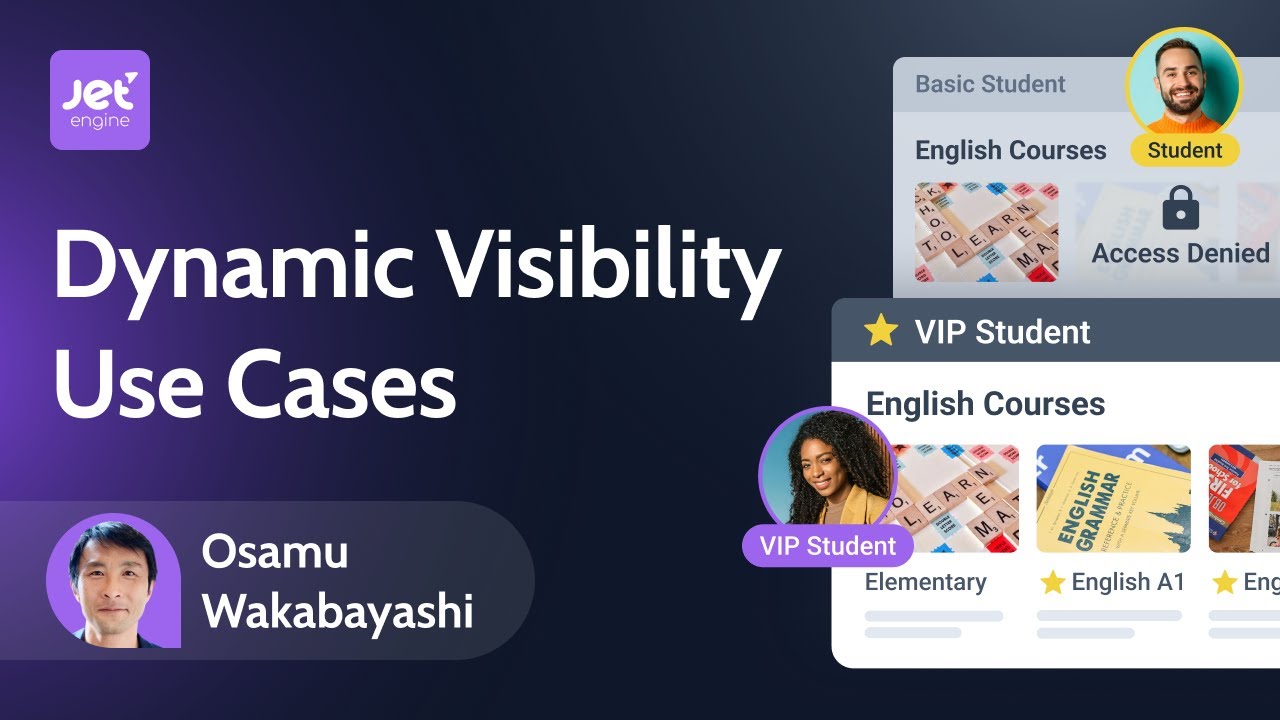
Exploring Dynamic Visibility in Elementor Practical Use Cases
Автор: Crocoblock
Загружено: 2025-12-16
Просмотров: 1764
Описание:
Learn how to create personalized, conditional #WordPress content that adapts to your users without any coding.
In this tutorial, we cover three practical use cases for #JetEngine's Dynamic Visibility module:
✅ Show or hide content based on user login status
✅ Display special offers based on user roles or activity
✅ Schedule content to appear only on specific days or times
Perfect for #membership sites, eCommerce stores, restaurants, and community platforms. Make your website smarter, more interactive, and user-centric with dynamic, conditional content!
📄 Dynamic Visibility for Elementor: Top 3 Use Cases
👉 https://out.crocoblock.com/4pFDUCo
-------------
► TIMESTAMPS
00:00 Introduction
01:25 What the Dynamic Visibility is
02:05 How the Dynamic Visibility works with Elementor
02:42 Use Case 1: Show Content Only to Logged-In/Out Users
06:09 Use Case 2: Display Special Offers Based on User Activity
10:35 Use Case 3: Set Content Based on the Days of the Week
14:44 Wrap up
---------------
►Get JetEngine: https://out.crocoblock.com/4q5wUPj
►Get JetPopup: https://out.crocoblock.com/3KlCBti
►Get JetFormBuilder: https://out.crocoblock.com/48xxdws
►Choose Crocoblock subscription: https://out.crocoblock.com/48Jxpar
-------------
#WebDesign #WebDevelopment #WordPress
Join us here:
► FB Community: / crocoblockcommunity
► Discord Community: / discord
► Facebook: / crocoblock
► Twitter: / mrcrocoblock
► Instagram: / mrcrocoblock
► LinkedIn: / crocoblock
Повторяем попытку...
Доступные форматы для скачивания:
Скачать видео
-
Информация по загрузке:




![[41] 🔥 Автолейаут в Фигме (2025). Fill, Fix, Hug как настраивать? Игнор АЛ. Фигма с нуля](https://imager.clipsaver.ru/ytmHHEVZlyo/max.jpg)