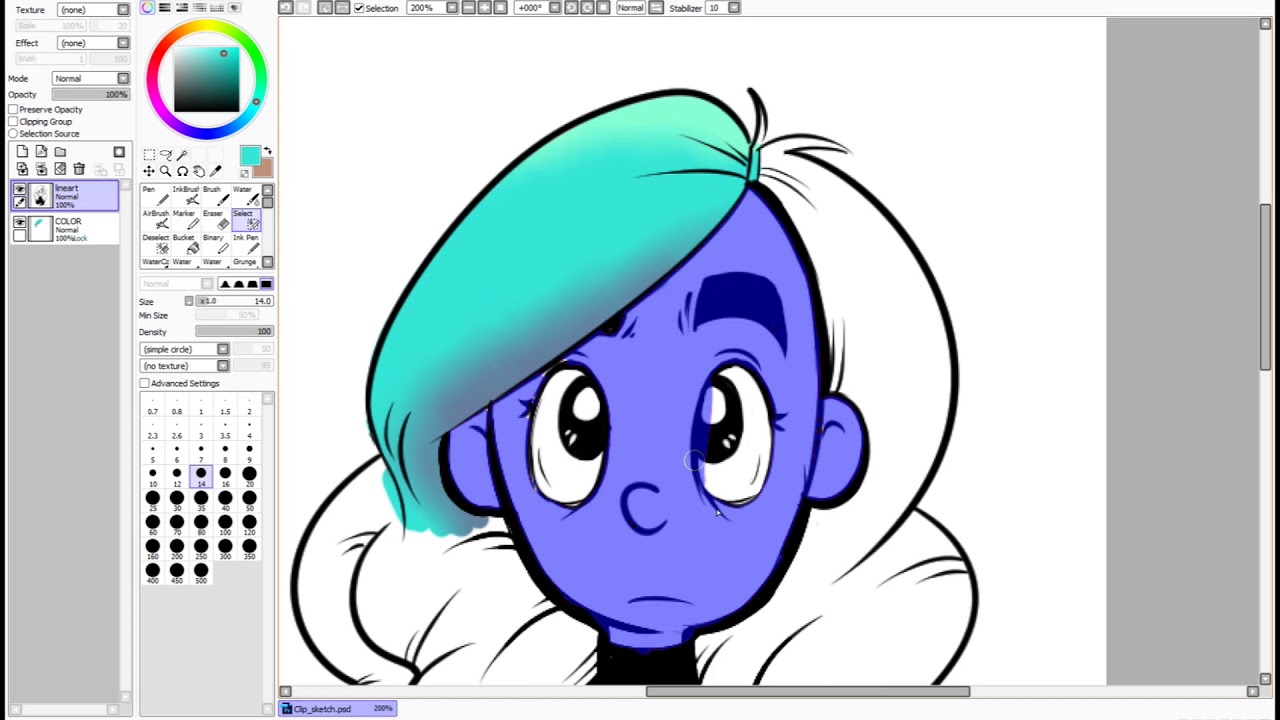
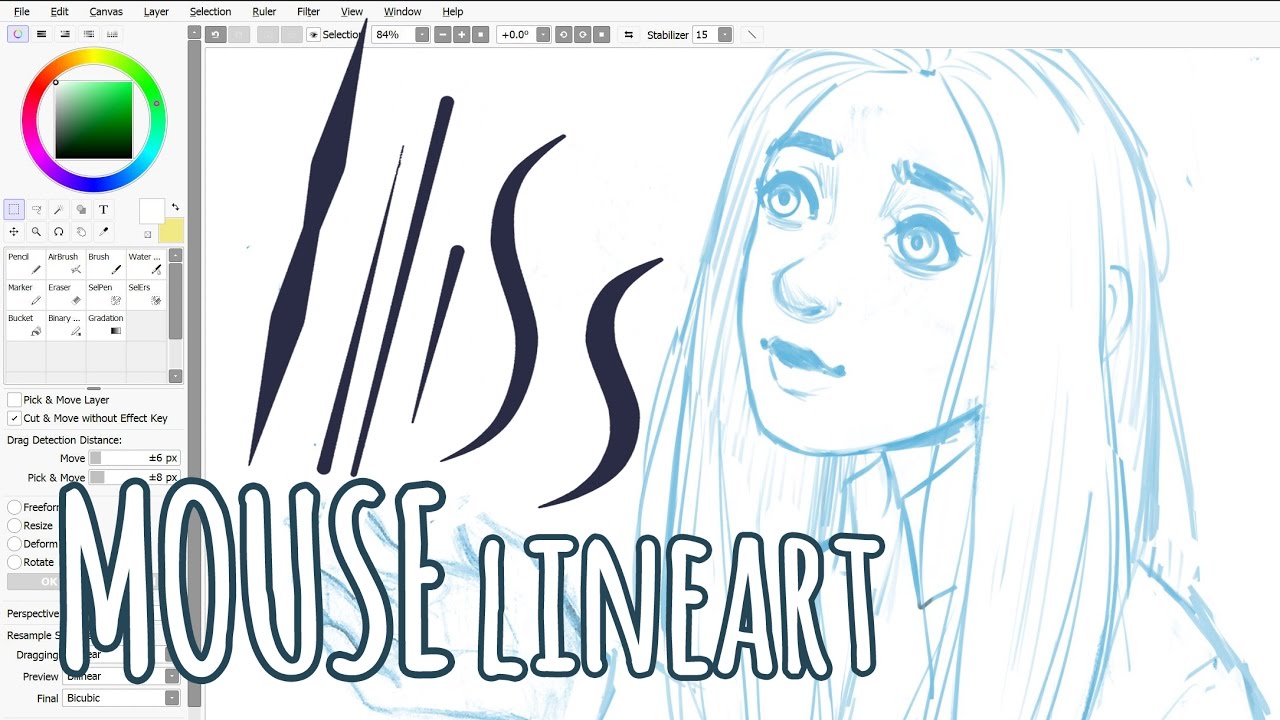
Tutorial on How to Color in Sai Paint Tool (using mouse) part1
Автор: DelLuna
Загружено: 2012-06-17
Просмотров: 166118
Описание:
My tutorial on how to color in Sai...
the lineart that i used in this video is NOT from my own drawing, got it from google.
*some part of the bgm missing..sorry for that ^_^
song: Kimi Monogatari by Little by Little (Naruto theme song)
p/s: forgot to mention,,,,change the mode of your lineart fr normal to multiply
Also check this out: • Tutorial on How To Color Eye in Sai Paint ...
summary:
1. start with the skin first. put base color, shadow, then highlight (if necessary).
2. repeat the same step for every part (part here means skin, hair, eye etc). For the shadow, dont go over mad, just put on region that u think necessary.
3. add new layer and rename them, every time u want to add new color, tick CLIPPING GROUP if necessary.
3. use BLUR or WATER to blend colour together.
Повторяем попытку...

Доступные форматы для скачивания:
Скачать видео
-
Информация по загрузке:


![FufuwaChan Drawing [HD]](https://imager.clipsaver.ru/1ANLXcFBnh4/max.jpg)