Скачать
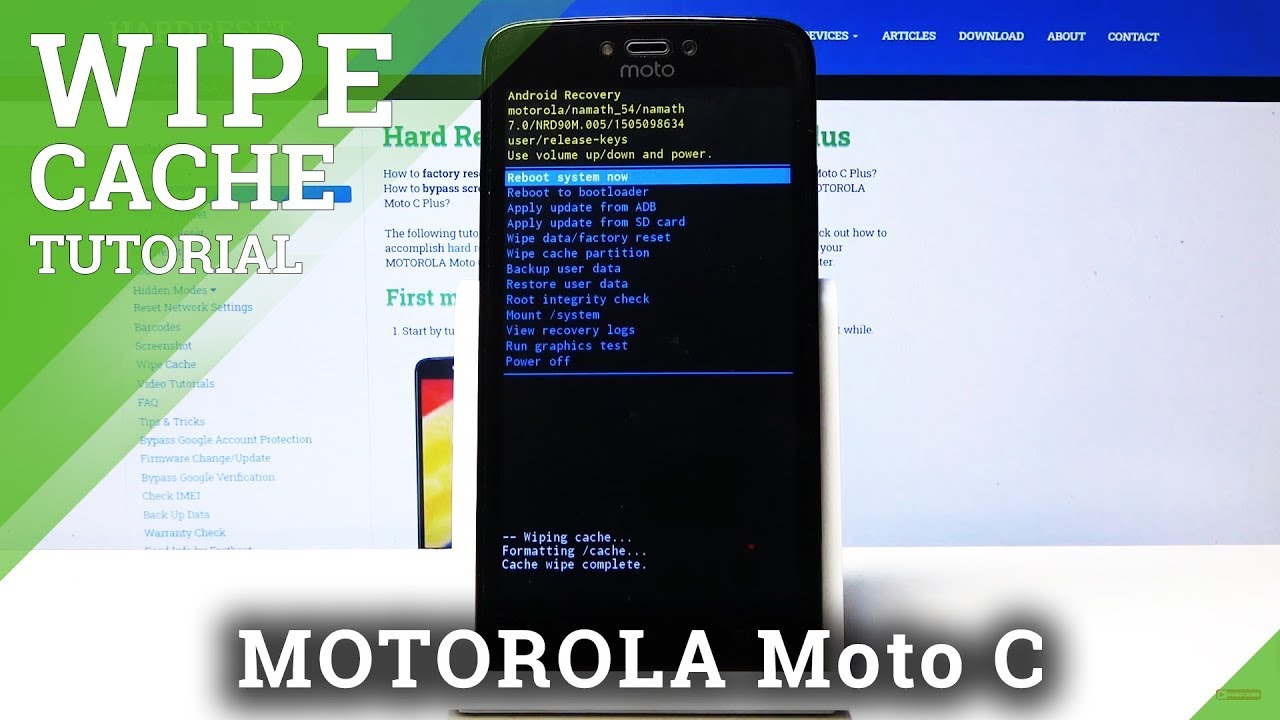
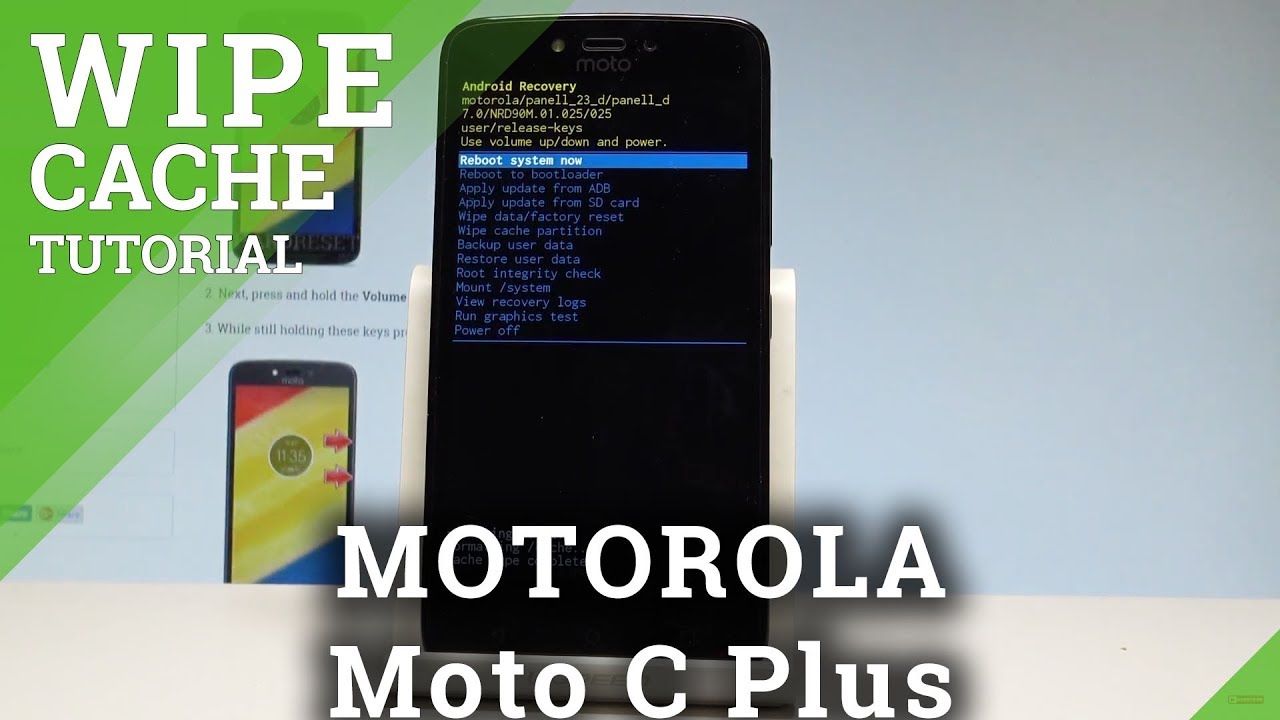
How to Wipe Cache Partition in MOTOROLA Moto C Plus |HardReset.Info
Автор: HardReset.Info
Загружено: 2018-04-15
Просмотров: 6953
Описание:
You can refresh system and speed up your MOTOROLA Moto C Plus by wiping the cache files. Enter the Recovery Mode and select wipe cache partition. It will format temporary cache files. This operation won't effect your personal files.
How to wipe cache files in MOTOROLA Moto C Plus? How to remove temporary cache files? How to wipe cache in MOTOROLA Moto C Plus? How to format cache in MOTOROLA Moto C Plus?
More Info:
http://www.hardreset.info/devices/mot...
Не удается загрузить Youtube-плеер. Проверьте блокировку Youtube в вашей сети.
Повторяем попытку...
Повторяем попытку...
Доступные форматы для скачивания:
Скачать видео
-
Информация по загрузке: