How to Add Currency Pairs on MT4/MT5 Android
Автор: GetKnowTrading
Загружено: 2022-11-20
Просмотров: 6061
Описание:
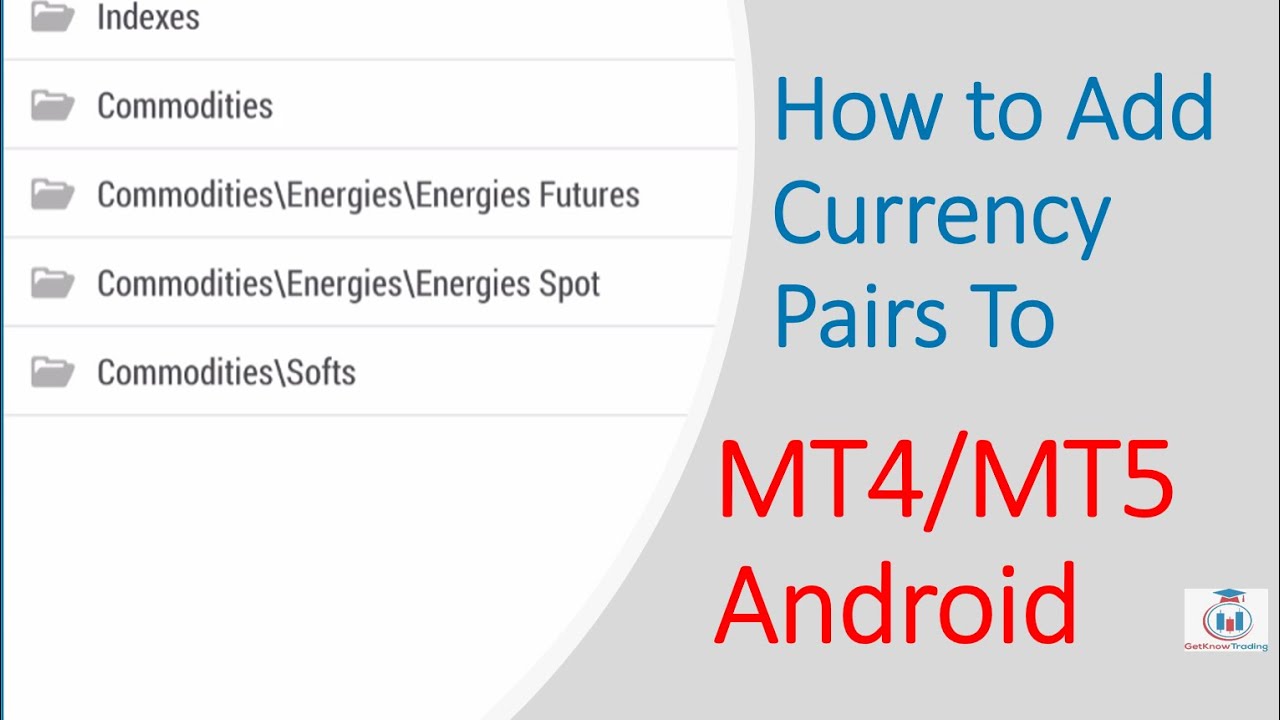
Add currency pairs on MT4 android by clicking the plus “+” sign in the upper right corner inside the “Quotes” tab. Select which currency symbol you want to add and tap on it.
This will add that symbol to the Quotes list and from there you can tap on that currency pair and open the chart or open a new order.
You can add or remove currency pairs from the Quotes list inside MT4 mobile or you can modify the order and put the desired symbol in the first place.
Article:
https://www.getknowtrading.com/add-cu...
//---------------------------------------
I have created a FREE trading tutorial for trading strategy I am using. You will see what is needed to be able to create analysis like I do.
https://getknowtrading.com/tutorial-d...
//-------------------------------------
The PDF is FREE to download.
Key moments in video:
0:00 - Intro
0:07 - Add Currency Pairs on MT4 Android
6:00 - Add Currency Pairs on MT5 Android
Повторяем попытку...
Доступные форматы для скачивания:
Скачать видео
-
Информация по загрузке: