Motion Tracking and Super Zoom in After Effects
Автор: flomotion
Загружено: 2021-10-29
Просмотров: 12962
Описание:
Super Zoom Tutorial in After EffectsHow to nest one clip in an other one!
🎬🎥 GET 70% OFF ENVATO ELEMENTS 📽🎞
https://1.envato.market/c/2894248/298...
💥 🔥 ACTION VFX ⚡️☄️
https://www.actionvfx.com/?ref=flomotion
-- You will find explosions as well as many different vfx elements here.
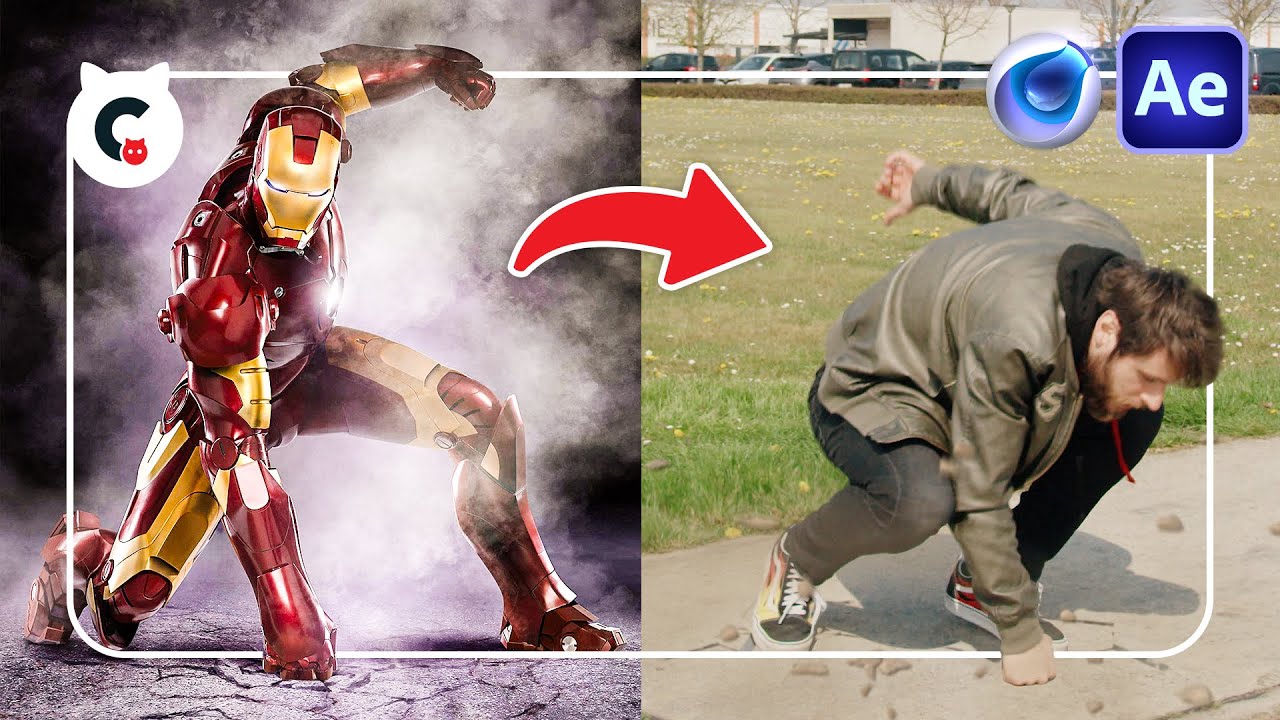
Learn how to track yourself into another scene.
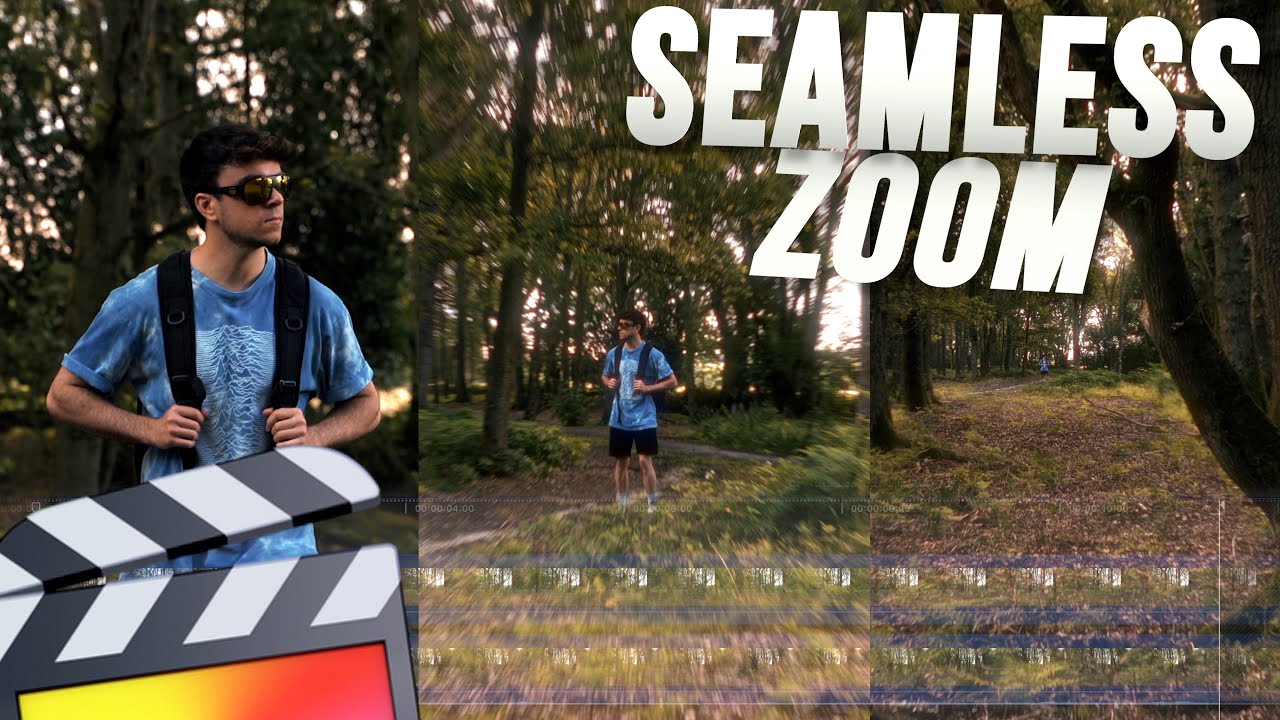
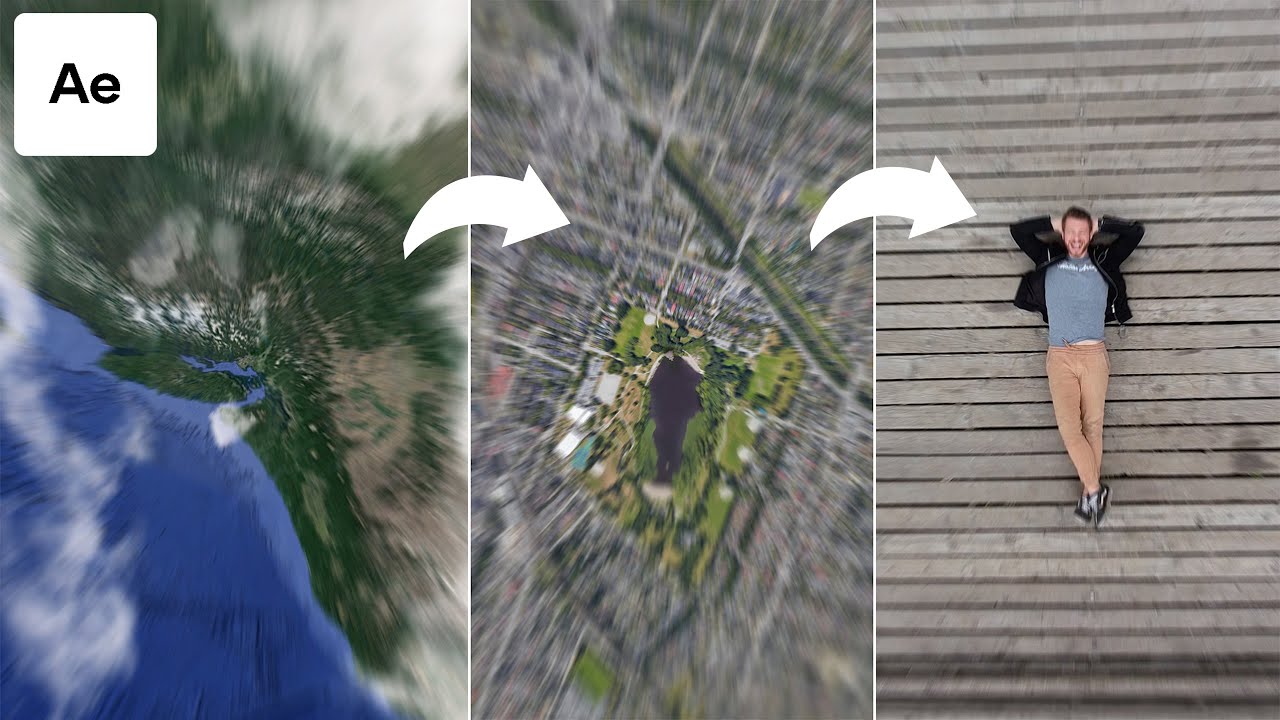
In this new upcoming tutorial by flomotion you will learn how to create a super zoom.
00:00 Intro
01:44 Perspective and Zoom
04:00 Envato
04:20 Superzoom
06:02 Collapse Transformation
06:50 Roto and Feather Tool
08:00 Compositing Footage
08:52 Drone shot
09:09 Roto Brush Tool
10:02 Freezing
11:52 Mocha Track
13:08 Create Tracking Data
13:25 Export Tracking Data
This tutorial will be all about placing yourself in another scene, therefore we are not going to film our background, but we will create the camera animation as well as the zoom with just two still images / photos. we will also learn how to shoot some footage with no green screen, that we can later on place in our fake background and make a nice composition out of it!
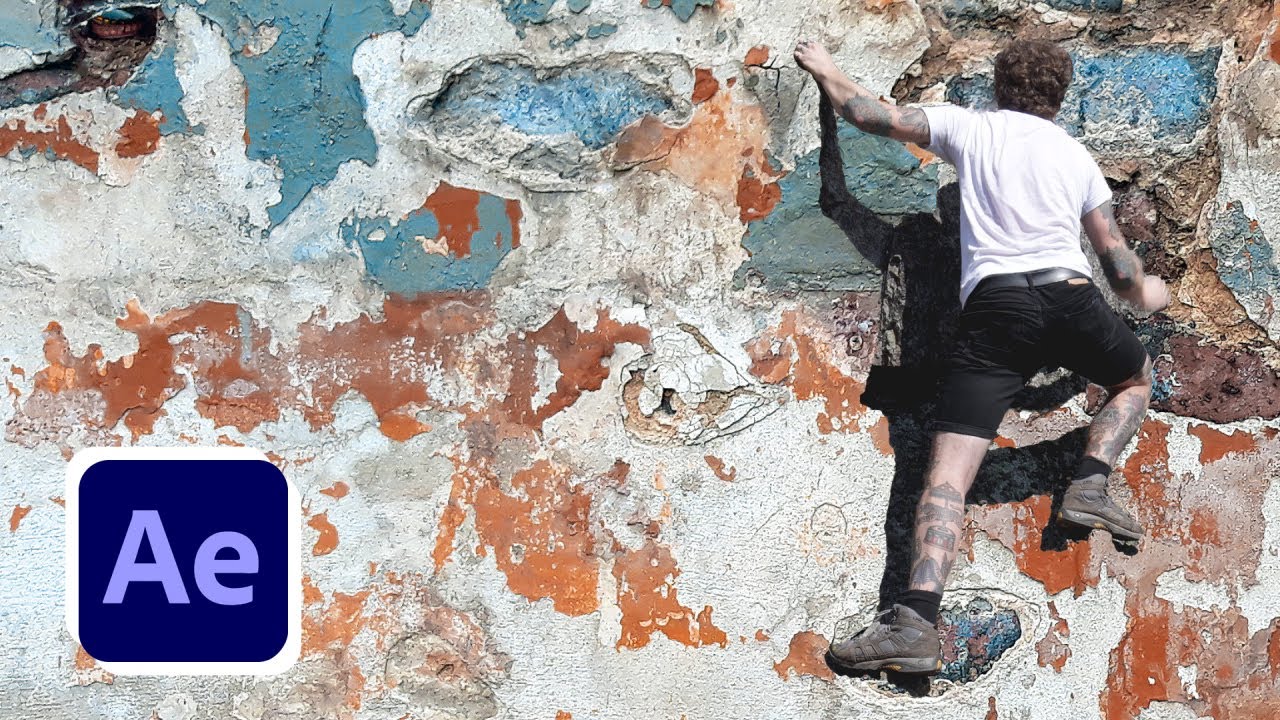
To bring this one step further I will show you how to place yourself in a moving shot, therefore you will learn about motion tracking within mocha for after effects.
As a bonus you will also learn all some nice compositing steps and how to integrate footage elements into your shot!
And as a second bonus I will also teach you how to use the roto brush tool.
And as always the lesson will be super easy to follow along for beginners and starters and it will have a lot of handy tips for professionals as well as advanced users
Stay tuned for some nice tips and tricks along the way!
ACTION VFX:
https://www.actionvfx.com/?ref=flomotion
-- You will find the explosions as well as many different vfx elements here.
VIDEO EQUIPMENT:
Camera:
Blackmagic Design Pocket Cinema Camera 4K: https://amzn.to/3hDCp5e
Lenses:
Panasonic Leica 8-18 mm F2.8-4.0: https://amzn.to/3fy0dWr
Panasonic Lumix G X Vario 12-35mm F2.8: https://amzn.to/30VGLPg
Monitor:
Feelworld FW 279 4k: https://amzn.to/2N8SpOH
Extra Stuff:
Metabones EF-MFT Speed Booster: https://amzn.to/3hEEldE
PHOTO EQUIPMENT
Camera:
Canon EOS R: https://amzn.to/3fv7rua
Lenses:
Canon RF 24-105mm F4: https://amzn.to/2BmNirG
Canon 50mm F1.8 STM: https://amzn.to/30SWgaE
Extra Stuff:
Canon EF - EOS R Adapter: https://amzn.to/2Bl1IIu
DJI Ronin Gimbal: https://amzn.to/2Bhu6eH
AUDIO EQUIPMENT:
Mic Shure SM7b: https://amzn.to/2UYjpVv
Mic Rode smartLav+: https://amzn.to/3df11xG
Interface Focusrite Scarlett: https://amzn.to/2YdDWHF
Headphones AKG K702: https://amzn.to/2YaLCKw
PC & HARDWARE:
HP ZBook 17: https://amzn.to/2CeBUyd
McBook Pro: https://amzn.to/2UXRN2D
Follow me for more tutorials:
Website:
https://www.flomotion.eu/
Instagram:
/ flomotion.eu
Facebook:
/
YouTube:
/ flomotioneu
#flomotion #motiontracking #superzoom #motiontracking
Повторяем попытку...
Доступные форматы для скачивания:
Скачать видео
-
Информация по загрузке: