An Option to Extend Inogeni (USB Passthrough) to the Table
Автор: Roland Bellwald
Загружено: 2022-04-29
Просмотров: 1144
Описание:
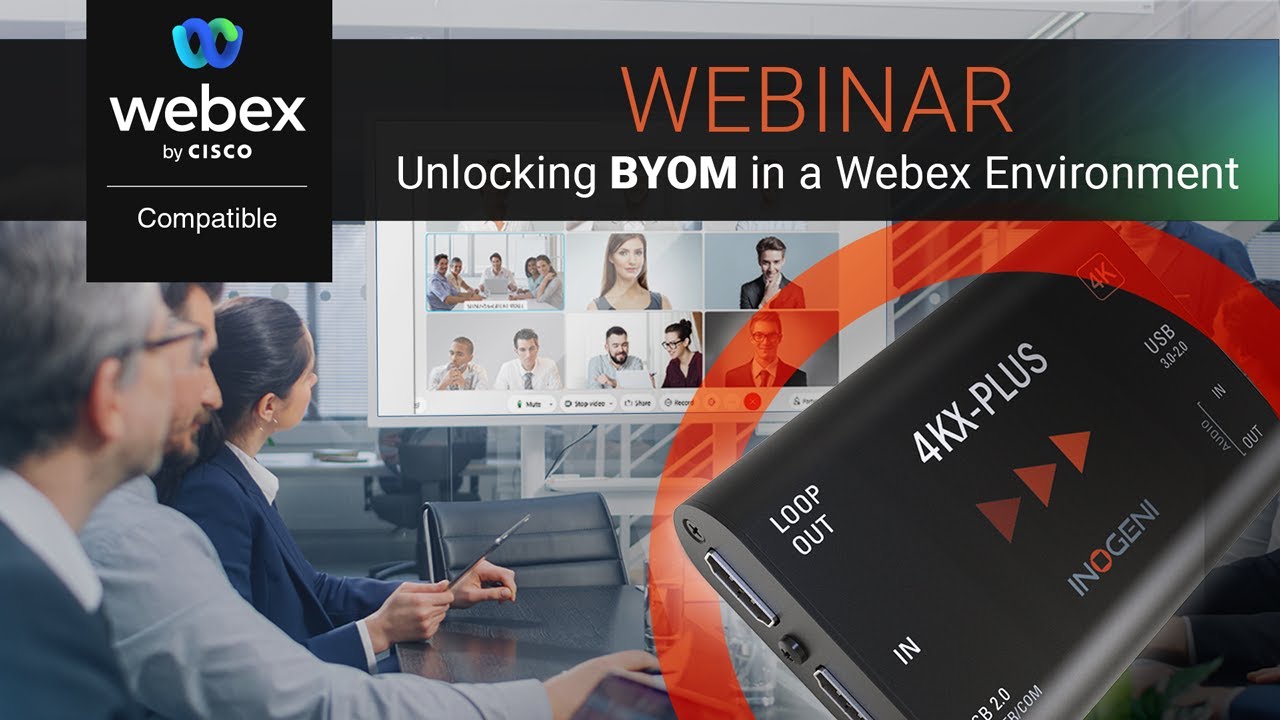
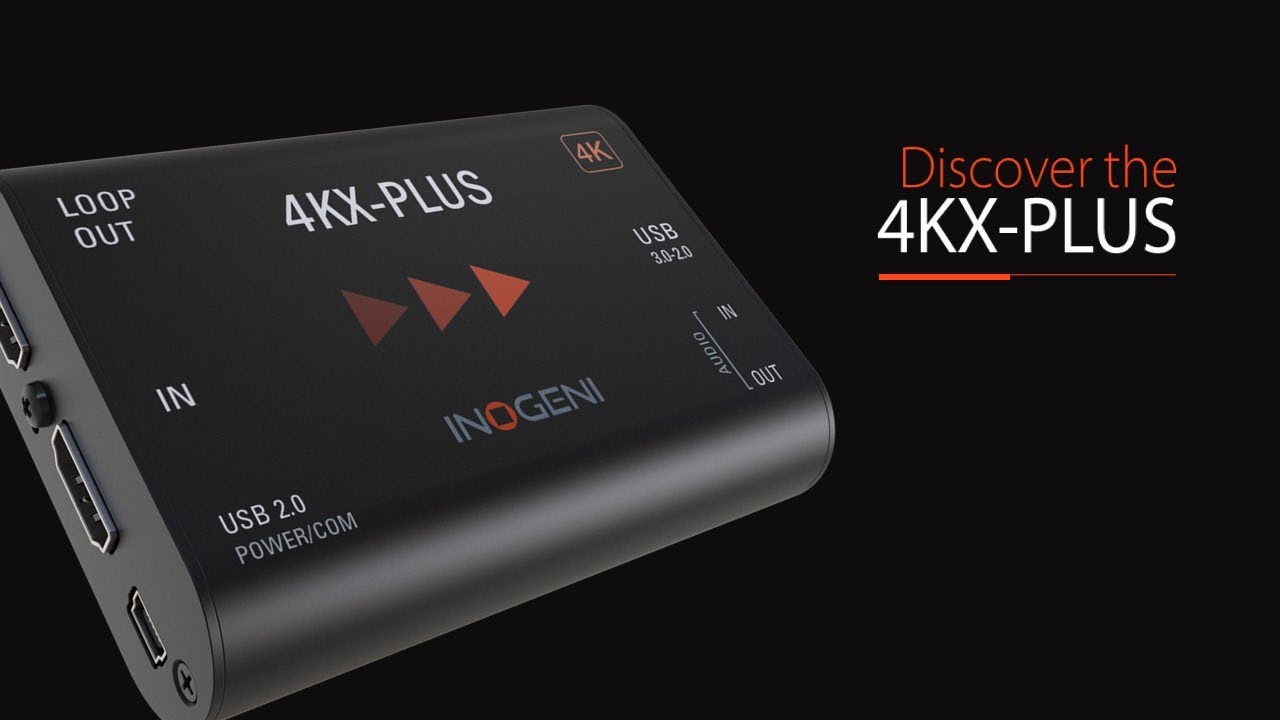
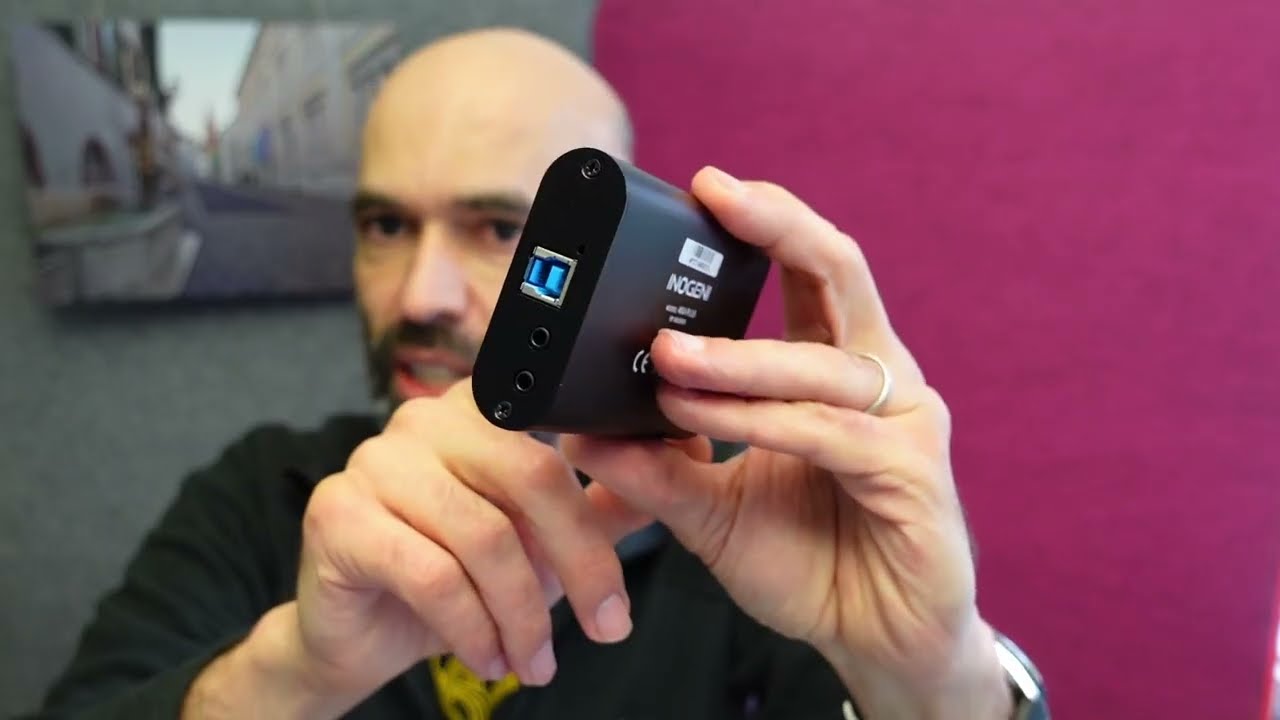
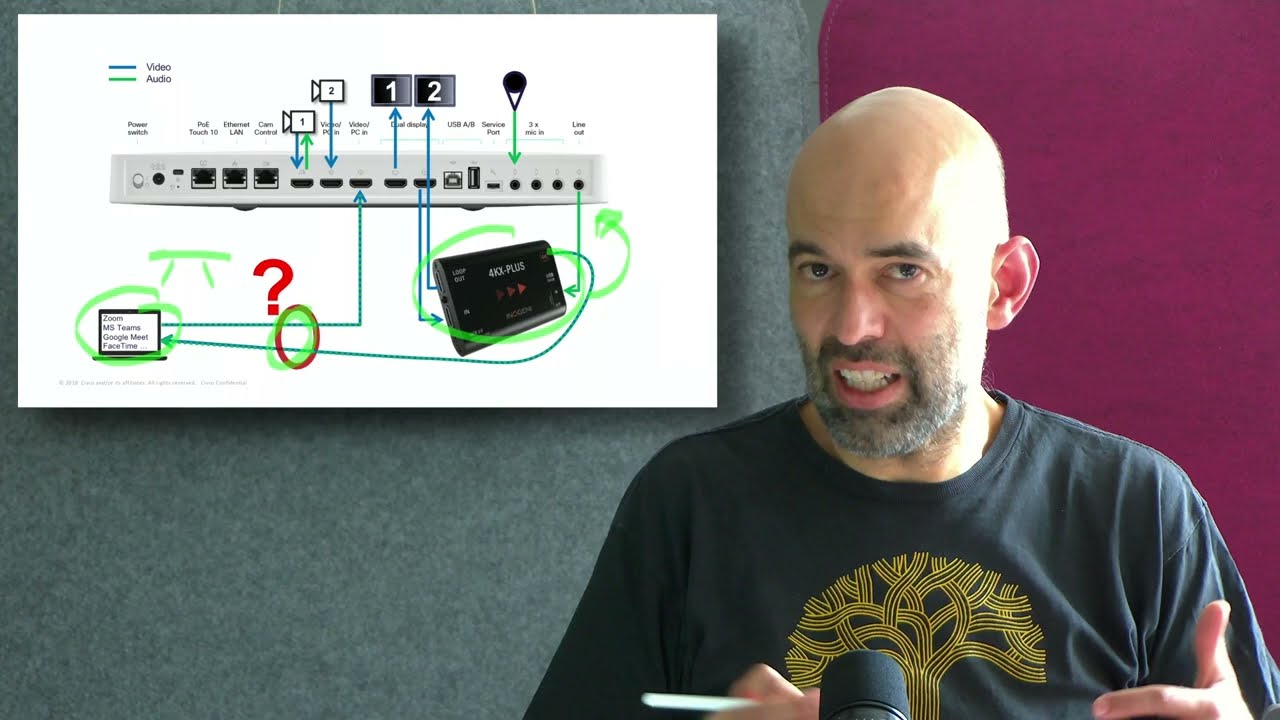
With Inogeni we have a solid and easy to use solution to enable Cisco video endpoints for USB Passthrough (using the camera and microphone via USB on your laptop). But I struggled to find a nice solution to get the camera and microphone signal from the Inogeni device to the table and in a single cable send the content share and audio back to the endpoint. In the following video I go through one possible solution, which has it's surprising drawbacks though:
0:00 Introduction
0:28 The Challenge
1:07 One Possible Solution, Logi Swytch
1:36 Demo with MS Teams App
4:53 Demo with Zoom App
7:02 Demo with GoogleMeet App
9:02 Demo with Webex App
11:14 MacOS: Driver Required (Display Link Manager)
11:33 Not working with Apple iOS Devices (iPad)
12:05 Extension with a single 5, 10 and 25m cable
12:48 Automatic Switchover from a local PC
13:56 Summary
Pro's and Con's of using Logi Swytch:
Single cable from the base station (close to the codec) to the extender (under the table)
Extension cable length of 5m, 10m and 25m available
Cable management options included
Driver required for MAC
Not working with iOS devices
Please also check the USB- Passthrough macro example here:
https://roomos.cisco.com/macros
What product did I use besides the Cisco parts:
Logi Swytch: https://www.logitech.com/en-ch/produc... or https://www.digitec.ch/de/s1/product/...
Inogeni: https://inogeni.com/product/converter...
A common alternative I've seen is also a docking station under the table or where the codec is and a simple USB-C cable to extend to the laptop.
Повторяем попытку...
Доступные форматы для скачивания:
Скачать видео
-
Информация по загрузке: